
Trusted WordPress Troubleshooting Services for Reliable Site Support and Maintenance
In the digital landscape, maintaining a WordPress site is crucial for businesses and individuals alike. WordPress troubleshooting services play a vital role in ensuring that websites run smoothly, minimizing downtime and enhancing user experience. This article delves into the significance of reliable troubleshooting services, common WordPress errors, and effective solutions to keep your site performing optimally. Readers will learn about the key factors to consider when selecting a service provider, how to diagnose and resolve plugin conflicts, and the benefits of regular site audits. By understanding these elements, you can make informed decisions to protect and enhance your WordPress site.
Significance of Trusted Troubleshooting Services
Trusted WordPress troubleshooting services are essential for maintaining the health and performance of your website. These services help minimize downtime, enhance security, and improve user experience. When a website encounters issues, it can lead to lost traffic and revenue, making reliable support crucial. By investing in professional troubleshooting, site owners can ensure that their platforms remain functional and secure, ultimately fostering user trust and satisfaction.
Key Factors to Consider When Selecting a Service Provider
Choosing the right WordPress troubleshooting service involves several critical factors. Here are some key considerations:
- Expertise and Experience: Look for providers with a proven track record in WordPress support and troubleshooting.
- Service Offerings: Ensure the provider offers a comprehensive range of services, including maintenance, security, and performance optimization.
- Response Times: Quick response times are vital for resolving issues promptly and minimizing downtime.
These factors can significantly impact the effectiveness of the troubleshooting services you receive.
What Are the Most Common WordPress Errors and How Can They Be Fixed?
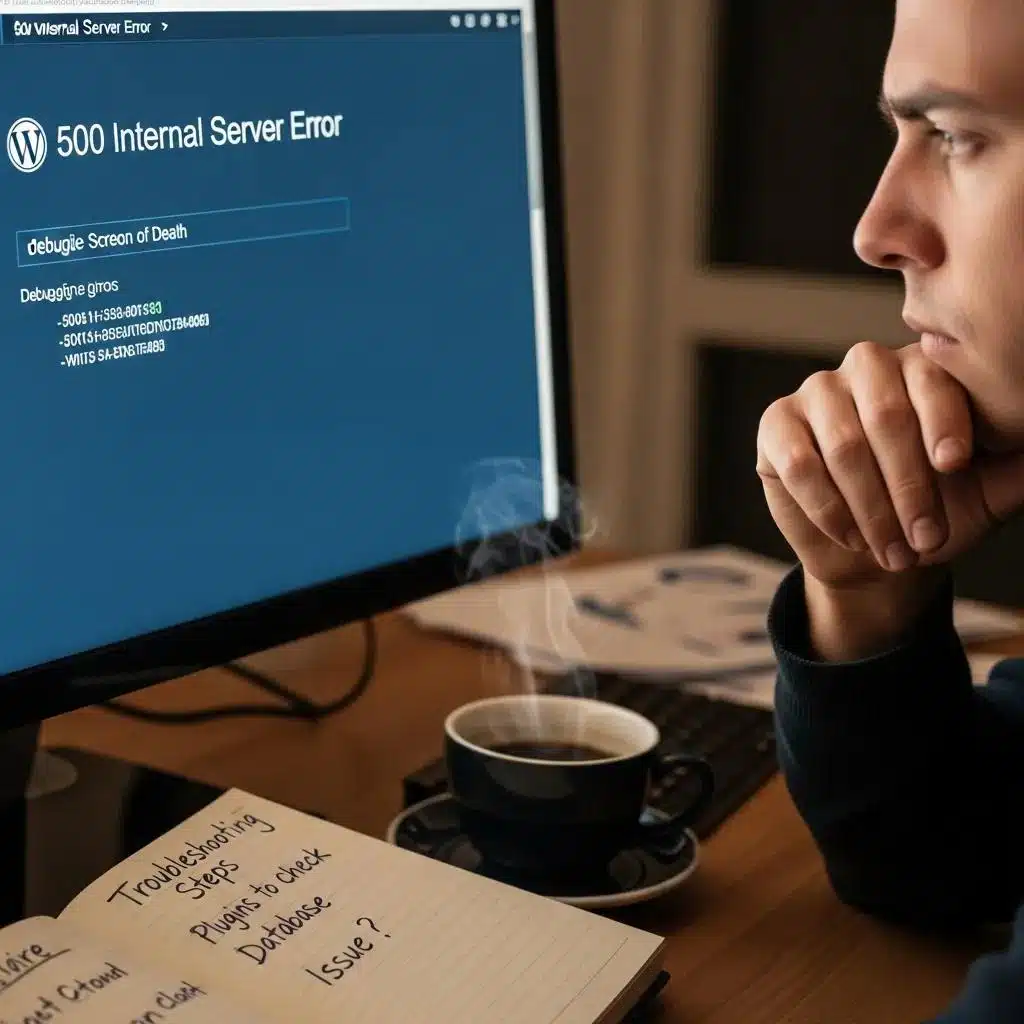
WordPress users often encounter various errors that can disrupt site functionality. Here are some of the most common issues and their solutions:
- White Screen of Death: This error can occur due to plugin conflicts or memory limit issues. To fix it, disable all plugins and reactivate them one by one to identify the culprit.
- 404 Errors: These errors indicate that a page cannot be found. They can be resolved by resetting permalinks in the WordPress settings.
- Database Connection Errors: This issue arises when WordPress cannot connect to the database. Check your wp-config.php file for correct database credentials and ensure the database server is running.
Understanding these common errors and their fixes can empower users to troubleshoot effectively.
How to Diagnose and Resolve WordPress Plugin Conflicts
Diagnosing and resolving plugin conflicts is a crucial skill for WordPress users. Here’s a step-by-step guide:
- Enable Debugging: Turn on debugging in the wp-config.php file to identify errors.
- Backup Your Site: Always create a backup before making changes to avoid data loss.
- Deactivate All Plugins: Temporarily disable all plugins to see if the issue persists. If the problem is resolved, reactivate plugins one at a time to find the conflicting one.
This systematic approach can help users quickly identify and resolve plugin-related issues.
What Causes WordPress Site Crashes and How to Repair Them Quickly
Site crashes can be alarming and detrimental to user experience. Common causes include:
- Plugin Conflicts: Incompatible plugins can lead to crashes. Regularly updating plugins can help prevent this.
- Theme Issues: A poorly coded theme can cause instability. Switching to a default theme can help identify if the theme is the issue.
- Database Connection Errors: These can occur due to server issues or incorrect credentials. Checking the database settings can often resolve the problem.
Quickly addressing these issues is essential for maintaining site availability.
How Do Expert WordPress Maintenance Services Enhance Site Performance?
Expert WordPress maintenance services play a significant role in enhancing site performance. They typically include:
- Regular Updates: Keeping WordPress core, themes, and plugins updated ensures security and performance.
- Security Monitoring: Continuous monitoring for vulnerabilities helps protect against attacks.
- Performance Optimization: Services often include caching solutions and database optimization to improve loading times.
Further research delves into the specific impact of optimization plugins on WordPress site performance, aligning with best practices for efficient website operation.
WordPress Optimization Plugins & Performance Testing
This thesis evaluates the effects of optimization on typical WordPress sites. The thesis focuses on performance testing WordPress optimization plugins to find out about their effects on typical WordPress websites, and how closely their methods align with best practices.
Evaluating WordPress optimization plugins and techniques, O Kuosmanen, 2025
By leveraging these services, site owners can ensure their websites run efficiently and securely.
What Are the Benefits of Regular WordPress Site Audits?
Conducting regular WordPress site audits offers numerous advantages:
- Identification of Technical Issues: Audits can uncover hidden problems that may affect site performance.
- Security Vulnerability Detection: Regular checks help identify and mitigate security risks.
- User Experience Enhancement: Audits can reveal areas for improvement, leading to a better user experience.
These benefits highlight the importance of proactive site management.
How Can AI-Assisted Tools Improve WordPress Bug Resolution?
AI-assisted tools are becoming increasingly popular in the realm of WordPress troubleshooting. They offer several advantages:
- Automated Troubleshooting: AI can quickly identify and suggest fixes for common issues, saving time.
- Predictive Maintenance: These tools can analyze patterns to predict potential problems before they occur.
- Enhanced User Experience: By streamlining the troubleshooting process, AI tools can improve overall site performance.
Integrating AI into troubleshooting practices can lead to more efficient site management.
Which Security Troubleshooting Steps Protect Your WordPress Site Effectively?

Implementing effective security measures is crucial for protecting WordPress sites. Key steps include:
- Use Strong Passwords: Ensure all user accounts have complex passwords to prevent unauthorized access.
- Keep Everything Updated: Regularly update WordPress core, themes, and plugins to patch vulnerabilities.
- Regular Backups: Schedule regular backups to ensure data can be restored in case of an attack.
These steps form a robust security framework for WordPress sites.
How to Identify and Fix WordPress Security Vulnerabilities
Identifying and fixing security vulnerabilities is essential for maintaining a secure WordPress site. Here are some effective strategies:
- Conduct Regular Security Audits: Regularly check for vulnerabilities and outdated software.
- Remove Unused Plugins: Deactivate and delete plugins that are no longer in use to reduce potential entry points for attackers.
- Implement a Web Application Firewall: A firewall can help block malicious traffic and protect against attacks.
The effectiveness of various tools in detecting these vulnerabilities has been a subject of empirical study, highlighting the importance of robust security scanning.
WordPress Security Scanner Plugins for Vulnerability Detection
This paper presents an empirical assessment of 11 WordPress security scanner plugins in the detection of known vulnerabilities in WordPress and its plugins. The methods for testing the efficacy of these popular plugins are outlined in the next section.
Plugins to detect vulnerable plugins: An empirical assessment of the security scanner plugins for wordpress, MF Zibran, 2021
By following these strategies, site owners can significantly enhance their site’s security posture.
What Are Best Practices for Ongoing WordPress Security Maintenance?
Maintaining ongoing security for WordPress sites involves several best practices:
- Regular Updates: Consistently update all components of your site to protect against vulnerabilities.
- Strong Authentication: Implement two-factor authentication for added security.
- Security Monitoring: Use monitoring tools to detect and respond to threats in real-time.
The broader field of WordPress maintenance also explores comprehensive strategies and automation tools to ensure faultless operation and cost-effectiveness for businesses.
WordPress Maintenance Strategies & Automation Tools
This thesis explores WordPress website maintenance strategies and tools to automate and supplement manual testing while trying to be cost-effective and have the WordPress websites perform with faultless operation. It also examines their effectiveness in real-world SME WordPress environments.
How small and medium-sized enterprises work on WordPress website maintenance and resource-efficient strategies and tools for automation, 2025
These practices are essential for ensuring long-term security and stability.
Why Choose Professional WordPress Technical Support for Site Repair?
Professional WordPress technical support offers several benefits for site repair:
- Expertise: Professionals have the knowledge and experience to diagnose and fix issues quickly.
- Response Times: They can provide immediate assistance, minimizing downtime.
- Comprehensive Services: Many providers offer a range of services, from troubleshooting to ongoing maintenance.
Choosing professional support can save time and ensure that your site remains operational.
How Do Custom Development Solutions Resolve Complex WordPress Issues?
Custom development solutions can effectively address complex WordPress issues. These solutions offer:
- Tailored Solutions: Custom development allows for specific fixes that off-the-shelf solutions may not address.
- In-Depth Troubleshooting: Developers can conduct thorough analyses to identify root causes of issues.
- Performance Optimization: Custom solutions can enhance site performance by optimizing code and functionality.
Investing in custom development can lead to more effective and sustainable solutions for complex problems.
What Makes Trusted WordPress Troubleshooting Services Stand Out?
Trusted WordPress troubleshooting services distinguish themselves through several key features:
- Expertise and Experience: Providers with a strong background in WordPress support can offer more effective solutions.
- Comprehensive Service Offerings: A wide range of services ensures that all aspects of site maintenance are covered.
- Proactive Monitoring: Services that include ongoing monitoring can prevent issues before they arise.
These characteristics are essential for ensuring reliable and effective WordPress support.
For those seeking assistance, WordPress support services can provide the expertise needed to resolve complex issues.
To ensure your site is running optimally, consider a WordPress audit to identify areas for improvement.
Many businesses are now leveraging AI website builder tools to streamline their online presence.
Effective search engine optimization is crucial for driving traffic to your WordPress site.
For tailored solutions, WordPress development services can provide custom functionality and design.
If you need reliable WordPress troubleshooting services, consider exploring your options to ensure your site remains in top condition.