
WordPress Website Health Check: 10 Powerful Tasks for Comprehensive Site Audit and Optimization
By David G., WP Support Lab
Maintaining a healthy WordPress website is crucial for optimal performance, security, and user experience. A comprehensive health check involves a series of tasks that ensure the site runs smoothly and efficiently. This article explores ten powerful tasks that form the backbone of a thorough WordPress website health check. Site owners will understand the importance of performance audits, security reviews, and content quality assessments, among other essential tasks. Addressing these areas significantly enhances site functionality and user satisfaction. This guide covers key aspects such as performance and speed audits, core and plugin updates, security reviews, SEO evaluations, and more. Each section provides actionable insights to help maintain a robust WordPress site.
Performance & Speed Audit
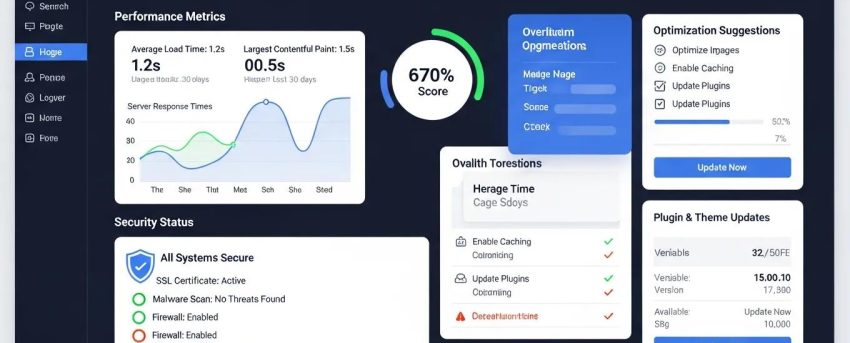
A performance and speed audit evaluates how quickly a website loads and responds to user interactions. This process is essential because faster websites provide better user experiences and improve search engine rankings. Tools like GTmetrix and Google PageSpeed Insights help identify bottlenecks in performance, such as large image files or inefficient scripts. By analyzing page load times and server response, administrators can pinpoint areas for improvement, ensuring that the site meets user expectations and performs optimally.
Tools for Performance Optimization
- GTmetrix: Analyzes page load times and provides actionable recommendations.
- Google PageSpeed Insights: Offers insights into how well the site performs on mobile and desktop devices.
- Pingdom: Monitors website uptime and performance, providing detailed reports.
These tools are invaluable for identifying specific issues that may be slowing down the site.
Further research emphasizes the importance of specialized tools and plugins in optimizing WordPress performance.
WordPress Optimization Techniques & Plugins
Since WordPress is the largest WCMS by market share, this thesis focuses on its optimization techniques, plugins, and best practices.
Evaluating WordPress optimization plugins and techniques, O Kuosmanen, 2025
[Image: WordPress site health check dashboard results]
Core & Plugin Updates
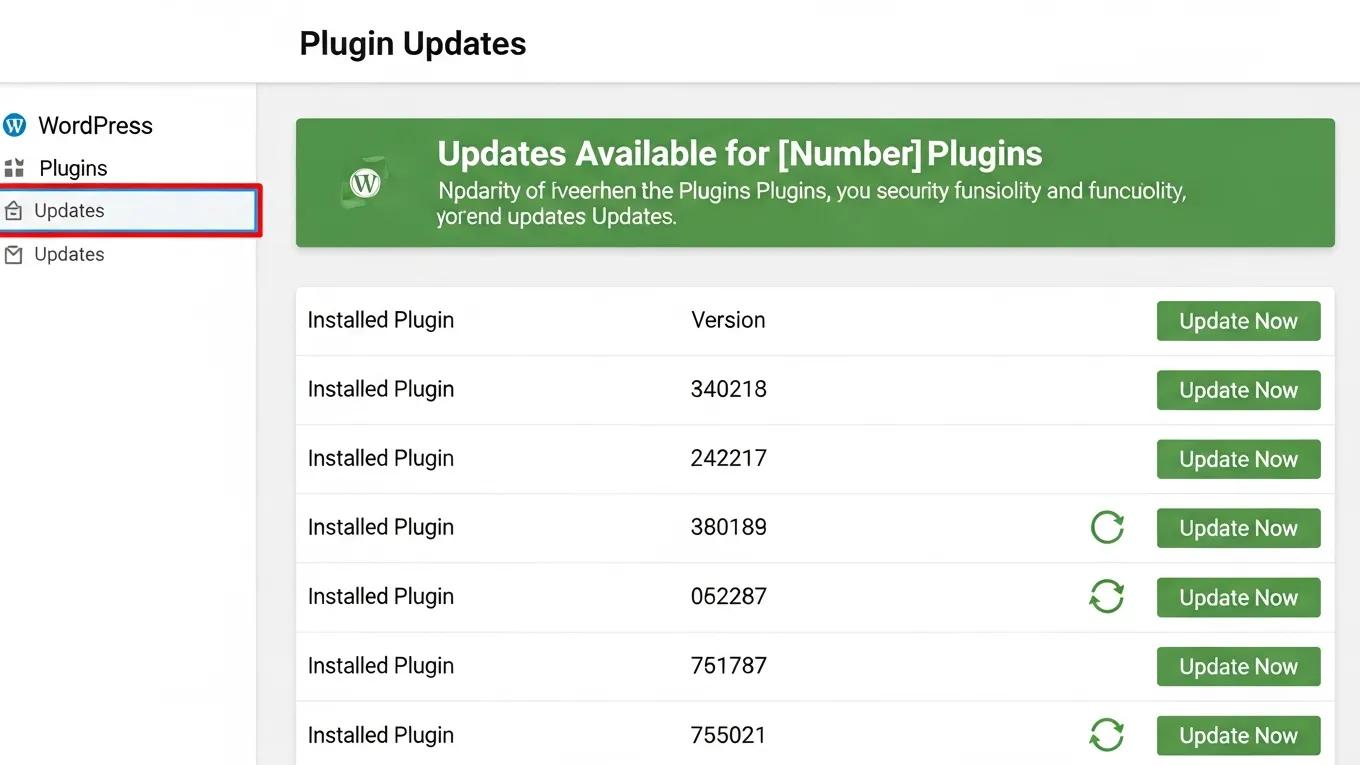
Regular updates to the WordPress core and plugins are critical for maintaining site health. Keeping software up to date ensures compatibility with the latest features and security patches. Outdated plugins can introduce vulnerabilities, making the site susceptible to attacks. It is essential to regularly check for updates and remove unsupported plugins to maintain a secure and efficient website.
Importance of Updates
- Security: Updates often include patches for known vulnerabilities, protecting the site from potential threats.
- Compatibility: Ensures that plugins and themes work seamlessly with the latest version of WordPress.
- Performance: New updates can improve site speed and functionality, enhancing the overall user experience.
[Image: WordPress plugin update management interface]
Security Review
Conducting a security review is vital for protecting a WordPress site from cyber threats. This process involves using tools like Wordfence to scan for vulnerabilities and weak passwords. Implementing two-factor authentication further enhances site security by adding an extra layer of protection.
The integration of advanced authentication methods, such as blockchain-based two-factor authentication, is increasingly being explored to bolster WordPress security.
Blockchain 2FA for WordPress Security
Goal: The present work aims to present how the use of a blockchain two-factor authentication solution 2FA on a page developed on WordPress can contribute to the information security regarding user authentication.
Blockchain Based MFA Solution: The use of hydro raindrop MFA for information security on WordPress websites, JAA Cardoso, 2019
Key Security Measures
- Regular Scans: Use security plugins to perform regular scans for malware and vulnerabilities.
- Strong Passwords: Ensure that all user accounts have strong, unique passwords to prevent unauthorized access.
- Two-Factor Authentication: Implement this feature to add an additional layer of security for user logins.
SEO & Technical Structure
Evaluating the SEO and technical structure of a site is essential for improving search engine visibility. This includes checking metadata, sitemaps, and ensuring proper internal linking. Fixing broken links and optimizing on-page elements can significantly enhance SEO performance.
SEO Best Practices
- Metadata Optimization: Ensure that all pages have unique and descriptive meta titles and descriptions.
- Sitemap Submission: Submit the sitemap to search engines to improve indexing.
- Internal Linking: Use internal links to guide users and search engines through content effectively.
Mobile & Cross-Browser Testing
Testing website functionality across various devices and browsers is crucial for ensuring a consistent user experience. This process helps identify issues that may arise on different platforms, such as broken layouts or non-functional buttons.
Testing Strategies
- Responsive Design Checks: Ensure that the site adapts well to different screen sizes.
- Cross-Browser Compatibility: Test the site on popular browsers like Chrome, Firefox, and Safari to identify any discrepancies.
- User Interaction Testing: Verify that all menus and buttons function correctly across devices.
Analytics & Goal Tracking
Setting up and reviewing analytics for a website is essential for understanding user behavior and measuring success. Verifying Google Analytics setup and reviewing user engagement metrics provide valuable insights into how visitors interact with the site.
Key Metrics to Monitor
- User Engagement: Track metrics such as bounce rates and session duration to gauge user interest.
- Goal Conversions: Set up goals in Google Analytics to measure specific actions, such as form submissions or product purchases.
- Traffic Sources: Analyze where traffic is coming from to optimize marketing efforts.
Backup & Restore System
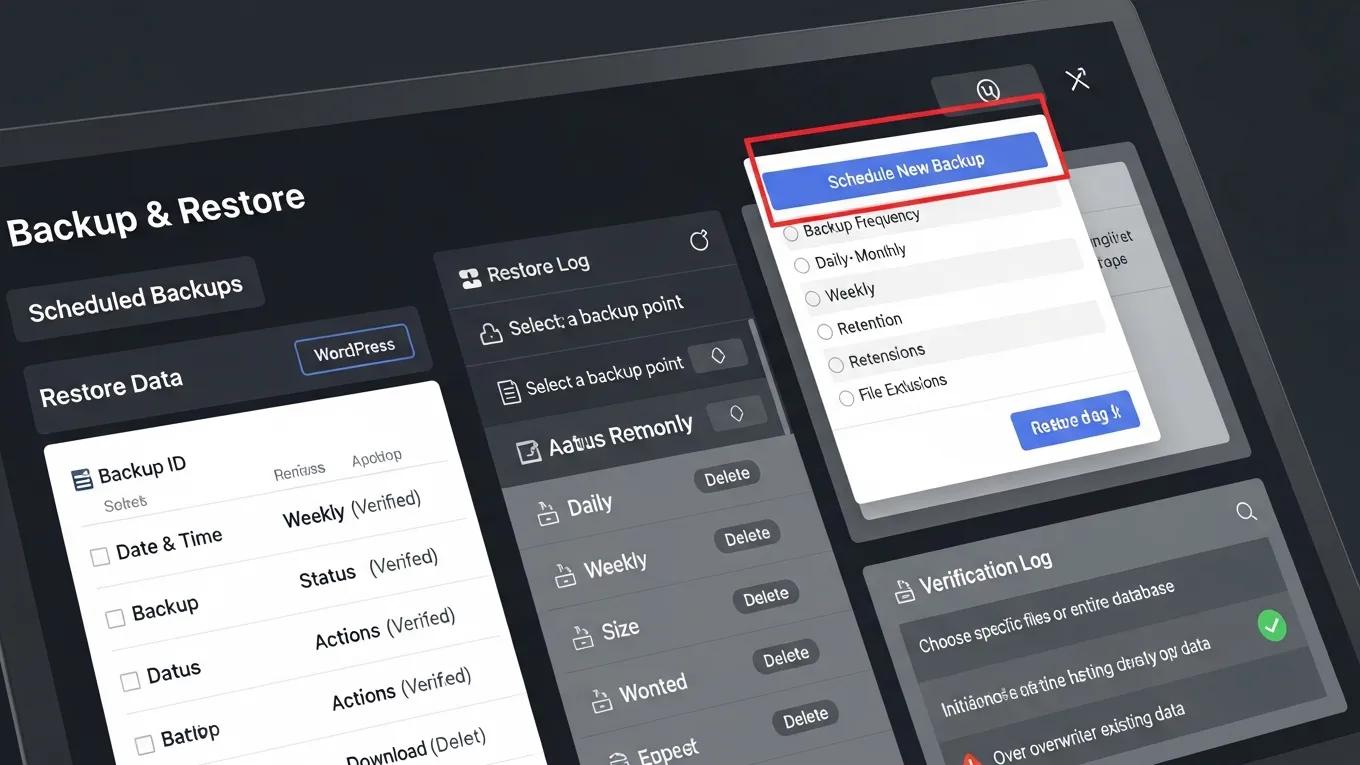
Having a reliable backup and restore system in place is crucial for data protection. Automating backups and storing them securely off-site safeguards the site against data loss due to crashes or attacks.
Backup Best Practices
- Automate Backups: Use plugins to schedule regular backups without manual intervention.
- Off-Site Storage: Store backups in a secure location, such as cloud storage, to prevent data loss.
- Test Restorations: Regularly test the backup restoration process to ensure it works when needed.
[Image: WordPress backup verification and restore interface]
User Experience (UX) Evaluation
Assessing the overall user experience of a website is vital for retaining visitors and encouraging conversions. Evaluating navigation clarity, accessibility compliance, and responsiveness helps identify areas for improvement.
UX Improvement Strategies
- Navigation Clarity: Ensure that menus are intuitive and easy to use.
- Accessibility Compliance: Check that the site meets accessibility standards to accommodate all users.
- Responsive Design: Verify that the site functions well on both desktop and mobile devices.
Content Quality Assessment
Reviewing the quality and relevance of website content is essential for maintaining user engagement. Checking for thin content pages and optimizing media content enhances the overall value of the site.
Content Optimization Tips
- Thin Content Review: Identify and improve pages with low word counts or minimal value.
- Internal Linking Patterns: Ensure that content is well-linked to guide users through related topics.
- Media Optimization: Optimize images and videos for faster loading times and better user experience.
Infrastructure Review
Evaluating the hosting environment and server configuration is crucial for ensuring optimal performance. Assessing PHP versions and server response times helps identify potential bottlenecks.
Infrastructure Assessment Steps
- PHP Version Check: Ensure that the site is running on a supported PHP version for better performance and security.
- Server Response Times: Monitor server response times to identify any delays in loading.
- Backup Systems Review: Evaluate backup systems to ensure they are effective and reliable.
To further enhance a WordPress site, consider exploring options for WordPress development. A well-developed site ensures optimal functionality and user experience.
For those seeking to improve their online presence, search engine optimization is essential. Optimizing a site can significantly increase its visibility and attract more visitors.
Maintaining a healthy WordPress website is crucial, and WordPress audit services help identify areas for improvement. Regular audits ensure the site remains efficient and secure.
Additionally, for building a website quickly and efficiently, consider using an AI website builder. These tools streamline the website creation process.
Database Health: The Hidden Performance Killer
The WordPress database is the backbone of any site, storing all content, settings, and user data. Over time, the database can accumulate unnecessary data that slows down queries and overall site performance. Regular database optimization is a critical but often overlooked component of a comprehensive WordPress health check.
Key database optimization tasks include:
- Removing Post Revisions: WordPress saves multiple revisions of posts and pages in the wp_posts table. While useful for content recovery, excessive revisions bloat the database and degrade performance. Cleaning out old revisions reduces table size and improves query speed.
- Clearing Expired Transients: Transients are temporary cached data stored in the wp_options table. Expired transients that are not cleared can accumulate, causing unnecessary database load. Removing these expired entries helps maintain database efficiency.
- Optimizing Database Tables: Running the SQL command OPTIMIZE TABLE on WordPress tables defragments and reclaims unused space, improving read/write speeds and reducing overhead.
- Removing Orphaned Postmeta and Usermeta Records: Sometimes metadata entries remain in the database after their associated posts or users are deleted. These orphaned records increase database size and slow queries. Identifying and deleting them is essential for database hygiene.
WP Support Lab automates these database maintenance tasks on a weekly schedule for managed clients, ensuring optimal database health without manual intervention. This proactive approach prevents performance degradation and supports a fast, responsive website experience.
Security Health Indicators to Monitor Monthly
Security is a continuous concern for WordPress sites, requiring regular monitoring of key indicators to detect vulnerabilities early and maintain a strong defense posture. Monthly security health checks focus on several critical areas:
- File Integrity Monitoring: Verifying WordPress core files using wp core verify-checksums ensures that no unauthorized changes or corruptions have occurred. This check detects malware injections or accidental file modifications.
- User Account Audits: Reviewing user accounts to identify and remove dormant or unnecessary administrator accounts reduces the attack surface and prevents unauthorized access.
- Login Attempt Log Review: Analyzing login attempts helps detect brute force attacks or suspicious login behavior, enabling timely response to potential threats.
- SSL Certificate Expiry Monitoring: Ensuring SSL certificates are valid and renewed before expiration maintains secure HTTPS connections and protects user data.
- Permission Checks on Critical Files: Confirming that .htaccess files have permissions set to 644 and wp-config.php to 600 prevents unauthorized file access and modification.
WP Support Lab compiles these findings into a detailed monthly security health report for clients, highlighting any issues and recommending remediation steps. This structured reporting supports informed decision-making and continuous security improvement.
Performance Benchmarking as Part of Health Checks
Performance benchmarking is an essential element of ongoing WordPress health checks, providing measurable data to track site speed and responsiveness over time. WP Support Lab incorporates several key metrics into its benchmarking process:
- Core Web Vitals Tracking: Metrics such as Largest Contentful Paint (LCP), Cumulative Layout Shift (CLS), and Interaction to Next Paint (INP) are monitored using Google Search Console and PageSpeed Insights. These indicators reflect real user experience and are critical for SEO and usability.
- Time to First Byte (TTFB) Benchmarking: Measuring the time the server takes to respond to the initial request helps identify server-side bottlenecks affecting page load speed.
- Server Response Time Monitoring: Continuous monitoring of server response times detects performance degradation due to hosting issues or traffic spikes.
WP Support Lab establishes performance baselines for each client site and sets alert thresholds. When metrics degrade beyond defined limits, the team is notified to investigate and remediate issues promptly, ensuring consistent site performance and user satisfaction.
WP Support Lab WordPress Health Check Services
WP Support Lab delivers comprehensive monthly WordPress health checks designed to maintain and enhance site security, performance, database integrity, and plugin compatibility. Each managed maintenance plan includes detailed reports that provide actionable insights and transparency into site health status. Proactive remediation is a core component of the service, addressing issues before they impact site functionality or user experience. By entrusting WordPress health management to WP Support Lab, site owners benefit from expert oversight, advanced tools, and a commitment to maintaining optimal website operation.







