

WooCommerce Product Page Optimization: 8 Proven Conversion Tactics
By David G., WP Support Lab
Optimizing WooCommerce product pages is essential for enhancing user experience and increasing conversion rates. This article delves into eight proven tactics that can significantly improve the effectiveness of your product pages. Readers will learn about the best layouts, image optimization techniques, effective call-to-action strategies, and the importance of page speed. Many online retailers struggle with low conversion rates due to poorly designed product pages. By implementing these strategies, you can create a more engaging shopping experience that drives sales. We will explore the best WooCommerce product page layouts, image optimization practices, call-to-action strategies, and the impact of page speed on user behavior.
What Are the Best WooCommerce Product Page Layouts for Higher Conversions?
Effective product page layouts are crucial for enhancing user engagement and driving conversions. A well-structured layout not only showcases products effectively but also guides users through the purchasing process. Key design elements such as product images, descriptions, and reviews play a significant role in influencing customer decisions. Research indicates that a clean, organized layout can lead to higher sales by making it easier for customers to find what they need. To further enhance your online presence, consider exploring options for search engine optimization, which can drive more traffic to your optimized product pages.
How Does Product Page Design Influence User Experience and Sales?
Product page design directly impacts user experience by facilitating easy navigation and information access. Elements like high-quality images, clear descriptions, and intuitive layouts enhance the shopping experience. Studies show that users are more likely to complete a purchase when they can easily find product information and visualize the item through compelling images. This seamless experience not only boosts user satisfaction but also increases the likelihood of repeat purchases.
Which WooCommerce Product Page Elements Drive Customer Engagement?
Several key elements drive customer engagement on WooCommerce product pages. These include:
- High-Quality Images: Clear, detailed images allow customers to visualize the product, increasing their confidence in the purchase.
- Compelling Descriptions: Well-written product descriptions that highlight features and benefits can persuade customers to buy.
- Customer Reviews: Displaying reviews and ratings builds trust and provides social proof, encouraging potential buyers to make a purchase.
By focusing on these elements, you can create a product page that not only attracts visitors but also converts them into customers.
How Can You Optimize WooCommerce Product Images for Speed and Conversion?
Optimizing product images is vital for improving loading speed and enhancing conversion rates. Slow-loading images can frustrate users and lead to higher bounce rates. Implementing image optimization techniques ensures that your product pages load quickly while maintaining visual quality. This balance is essential for retaining customer interest and encouraging purchases.
What Are the Best Practices for WooCommerce Product Image Optimization?
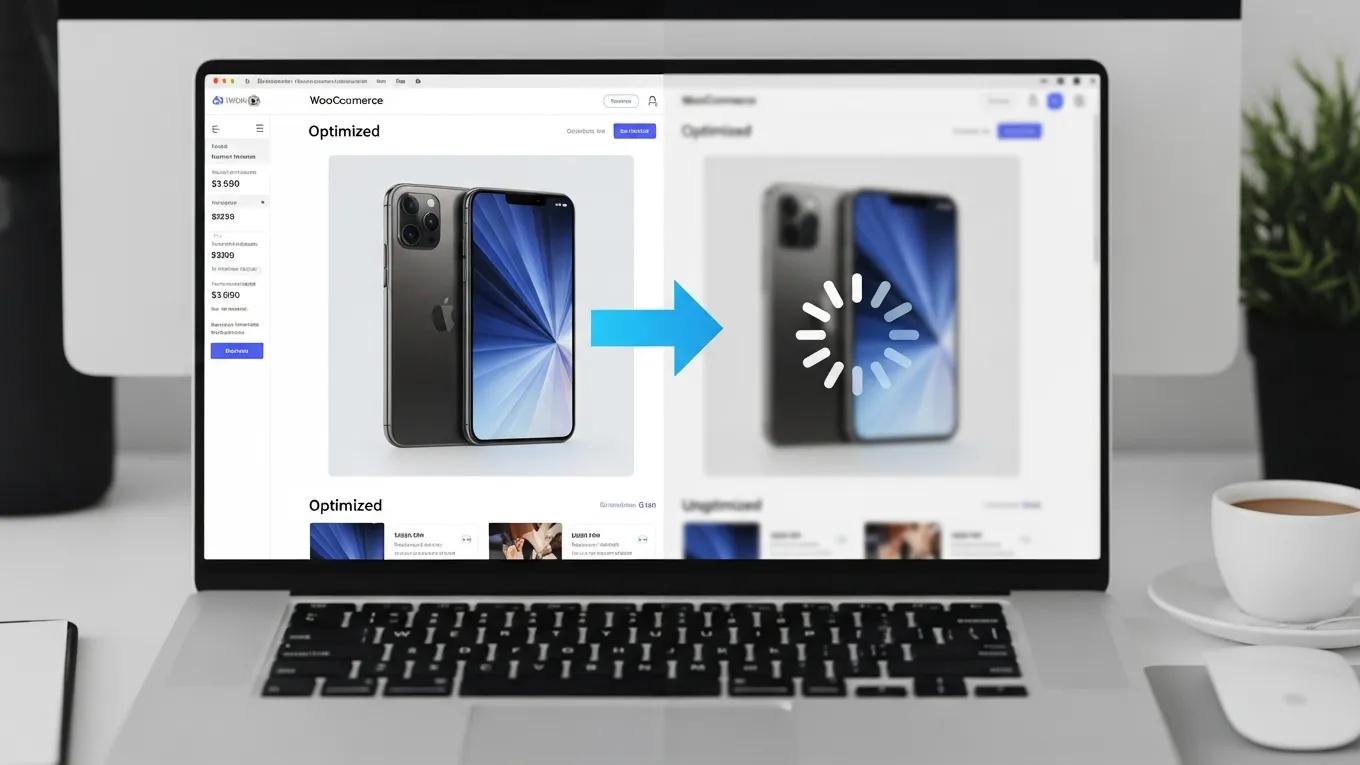
To optimize product images effectively, consider the following best practices:
- Image Compression: Use tools to compress images without sacrificing quality, reducing load times significantly.
- Appropriate Formats: Choose the right image formats, such as JPEG for photographs and PNG for graphics, to ensure optimal quality and speed.
- Lazy Loading: Implement lazy loading techniques to defer loading images until they are needed, improving initial page load times.
These practices not only enhance user experience but also contribute to better SEO performance.
How Does Image Speed Impact WooCommerce Product Page Performance?
The speed at which images load can significantly affect overall page performance. Research indicates that a one-second delay in loading time can lead to a 7% reduction in conversions. Fast-loading images improve user experience, keeping potential customers engaged and reducing bounce rates. Additionally, optimizing image speed can positively impact your site’s SEO, as search engines favor faster-loading pages.
What Call to Action Strategies Improve WooCommerce Product Page Conversion Rates?
Effective call-to-action (CTA) strategies are essential for guiding users toward making a purchase. The placement, design, and wording of CTAs can significantly influence conversion rates. By strategically positioning CTAs and ensuring they stand out, you can encourage users to take the desired action.
Where Should You Place CTAs for Maximum Impact on WooCommerce Pages?
Optimal placement of CTAs is crucial for maximizing their effectiveness. Consider the following strategies:
- Above the Fold: Place primary CTAs near the top of the page where they are immediately visible to users.
- After Product Descriptions: Position CTAs after detailed product descriptions to capture users’ interest when they are most engaged.
- In the Checkout Process: Include CTAs throughout the checkout process to guide users smoothly toward completing their purchase.
These placement strategies can significantly enhance the visibility and effectiveness of your CTAs.
Which CTA Text and Design Elements Boost WooCommerce Conversions?
The text and design of your CTAs play a vital role in their effectiveness. Use action-oriented language that creates a sense of urgency, such as “Buy Now” or “Limited Stock Available.” Additionally, ensure that CTAs are visually distinct from other elements on the page, using contrasting colors and larger fonts to draw attention. A/B testing different designs and texts can help identify the most effective combinations for your audience.
How Does WooCommerce Product Page Speed Optimization Affect User Behavior?
Page speed optimization is critical for enhancing user behavior on WooCommerce product pages. Faster loading times lead to improved user satisfaction and lower bounce rates. Research shows that users are more likely to abandon a site if it takes longer than three seconds to load. Therefore, optimizing your product pages for speed is essential for retaining customers and increasing conversions. For those needing assistance with their WordPress site, WordPress support services can provide expert help.
What Techniques Improve WooCommerce Product Page Loading Times?
Several techniques can enhance loading times on WooCommerce product pages:
- Image Optimization: Compress images and use appropriate formats to reduce load times.
- Caching Strategies: Implement caching to store frequently accessed data, speeding up page load times for returning visitors.
- Content Delivery Networks (CDNs): Utilize CDNs to distribute content across multiple servers, reducing latency and improving load times for users worldwide.
By applying these techniques, you can create a faster, more efficient shopping experience for your customers.
How Does Mobile UX Optimization Enhance WooCommerce Product Pages?
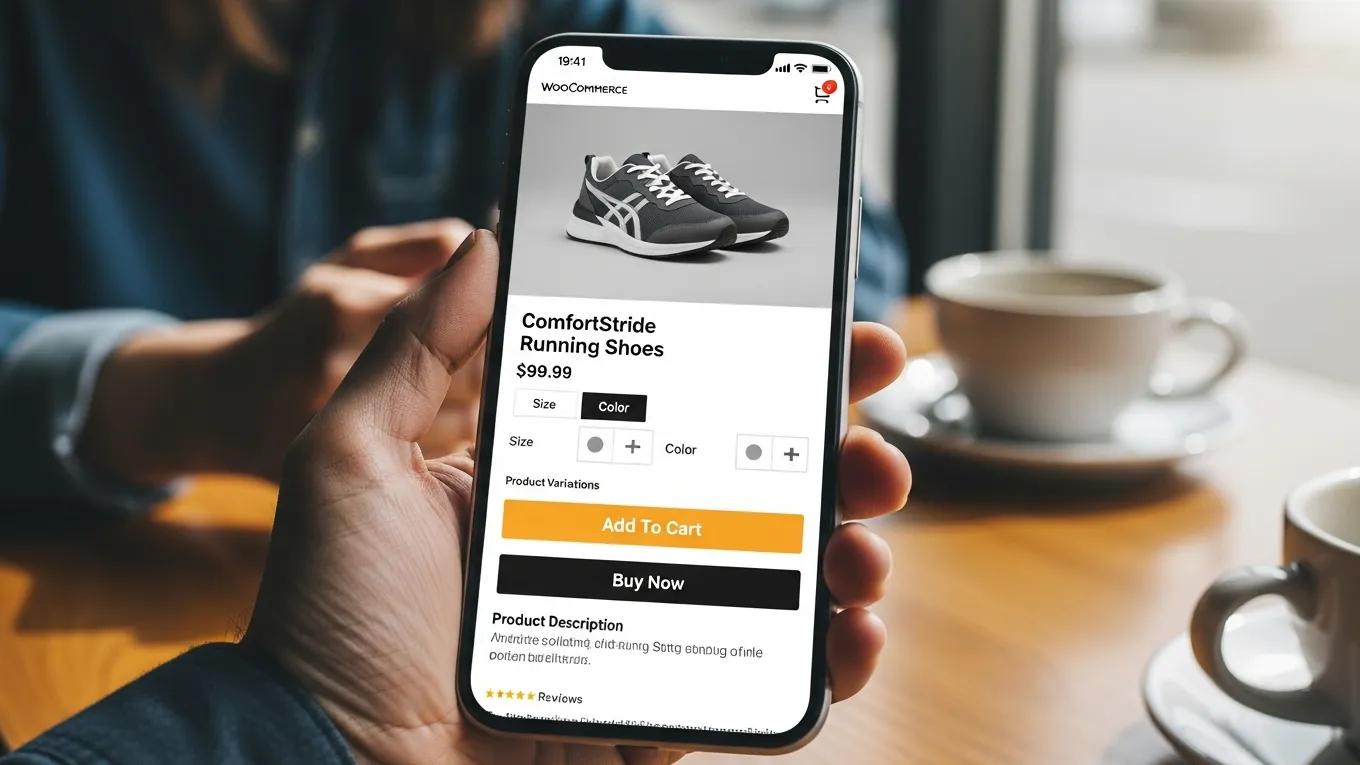
With the increasing use of mobile devices for online shopping, optimizing mobile user experience (UX) is crucial. Mobile optimization ensures that product pages are responsive and easy to navigate on smaller screens. A seamless mobile experience can significantly boost conversion rates, as users are more likely to complete purchases on well-optimized mobile sites.
A recent study further emphasizes how crucial these elements are for driving sales.
Website Usability & Mobile Optimization for E-commerce Conversions
Specifically, improvements in website usability and mobile optimization significantly enhance customer satisfaction, which in turn positively influences the sales conversion rate. The findings underscore the critical importance of optimizing website usability and mobile interfaces to boost customer satisfaction and drive higher sales conversions in the competitive e-commerce landscape of Indonesia.
The impact of website usability and mobile optimization on customer satisfaction and sales conversion rates in e-commerce businesses in Indonesia, F Nawir, 2024
What SEO Best Practices Should You Apply to WooCommerce Product Pages?
Implementing SEO best practices on your WooCommerce product pages is essential for improving visibility and attracting organic traffic. Effective SEO strategies can help your product pages rank higher in search engine results, driving more potential customers to your site.
How Do Keyword Strategies Improve WooCommerce Product Page Visibility?
Keyword strategies are fundamental to enhancing product page visibility. Conduct thorough keyword research to identify relevant terms that potential customers are searching for. Incorporate these keywords naturally into product titles, descriptions, and meta tags to improve search engine rankings. Additionally, long-tail keywords can help target specific customer queries, increasing the likelihood of conversions.
Which Structured Data Markups Boost WooCommerce Product Page SEO?
Structured data markups enhance SEO by providing search engines with additional context about your products. Implementing schema markup for product information, such as price, availability, and reviews, can improve how your pages appear in search results. This enhanced visibility can lead to higher click-through rates and increased traffic to your product pages. For those looking to build a website, consider using an AI website builder to streamline the process.
How Can Trust Signals and Reviews Increase WooCommerce Product Page Conversions?
Trust signals and customer reviews play a significant role in boosting conversions on WooCommerce product pages. By displaying trust signals, such as security badges and customer testimonials, you can build credibility and encourage potential buyers to make a purchase. Research shows that consumers are more likely to buy from sites that display positive reviews and trust indicators.
What Role Do Customer Reviews Play in WooCommerce Product Page Optimization?
Customer reviews are a powerful tool for product page optimization. They provide social proof, helping to alleviate concerns potential buyers may have about product quality. Positive reviews can significantly influence purchasing decisions, while negative reviews can deter customers. Encouraging satisfied customers to leave reviews can enhance your product pages’ credibility and attractiveness.
How Can You Effectively Display Trust Badges and Social Proof?
Displaying trust badges and social proof effectively can enhance customer confidence. Consider placing trust badges near CTAs or product descriptions to reassure customers about their purchase security. Additionally, showcasing customer testimonials prominently on product pages can further build trust and encourage conversions. By strategically integrating these elements, you can create a more persuasive shopping experience.
To ensure your WordPress site is running smoothly and efficiently, consider a WordPress audit. This can help identify areas for improvement and optimization.







