

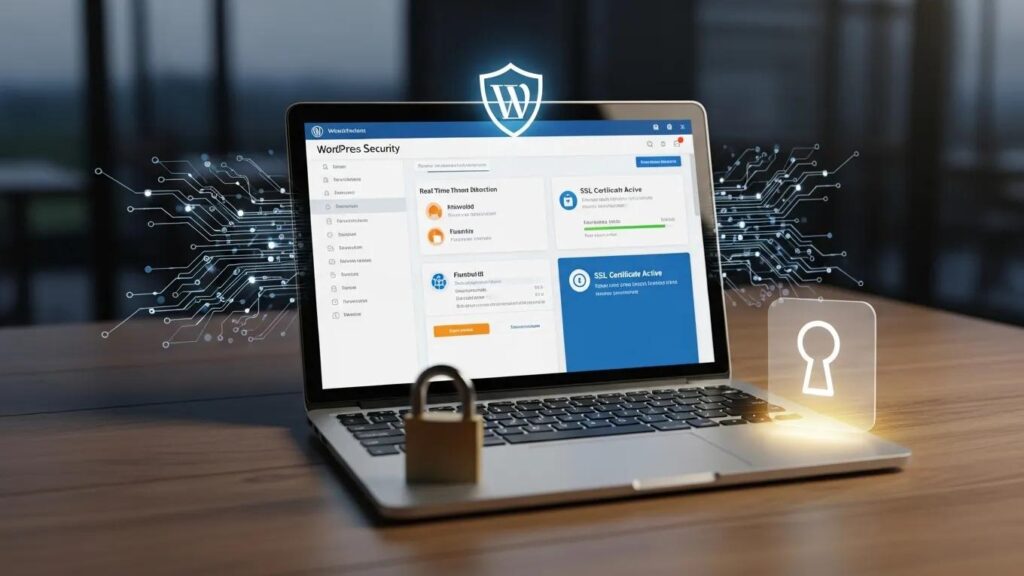
In the digital age, securing WordPress sites is paramount to safeguarding data and maintaining user trust. This comprehensive guide outlines 19 essential steps to enhance WordPress security, ensuring that sites remain protected against various cyber threats. As cyberattacks become increasingly sophisticated, understanding how to implement effective security measures is crucial for website owners. This article delves into best practices, from keeping software updated to implementing SSL encryption, providing actionable insights to fortify sites. By following these steps, site owners can significantly reduce the risk of breaches and ensure a safe online environment for visitors.
Keep Software Updated
Keeping WordPress core, themes, and plugins updated is one of the most critical steps in maintaining site security. Regular updates patch vulnerabilities that could be exploited by attackers. Outdated software is a common attack vector, making it essential for WordPress administrators to stay current with the latest versions. Automated updates can enhance security by ensuring that critical patches are not missed, thus reducing the risk of potential breaches.
Use Strong Admin Credentials
Creating strong admin usernames and passwords is vital for protecting WordPress sites. Avoid default usernames like ‘admin’ and opt for complex passwords that include a mix of uppercase and lowercase letters, numbers, and special characters. Experts advise using a password manager to generate and store secure passwords, making it easier to maintain strong credentials without the risk of forgetting them.
Implement Two-Factor Authentication (2FA)
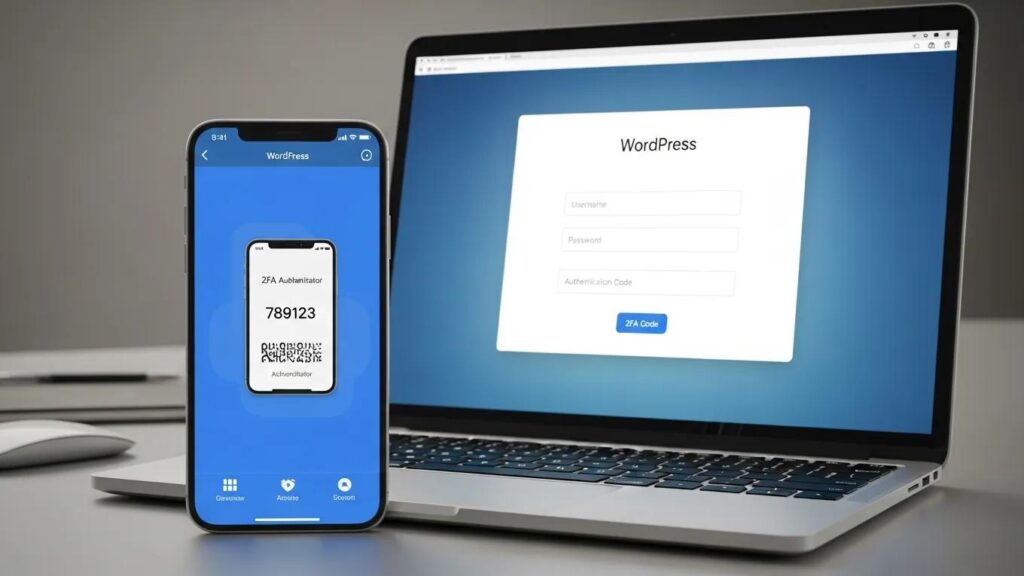
Two-factor authentication (2FA) adds an extra layer of security to the WordPress login process. By requiring a second verification step, such as a code sent to a mobile device, 2FA significantly reduces the risk of unauthorized access. This additional measure can be implemented via various plugins, providing a straightforward way to enhance site security.
Further research explores advanced methods for 2FA, such as blockchain-based solutions, to enhance user authentication security on WordPress sites.
Blockchain 2FA for WordPress User Authentication Security
The present work aims to present how the use of a blockchain two-factor authentication solution 2FA on a page developed on WordPress can contribute to the information security regarding user authentication.
Blockchain Based MFA Solution: The use of hydro raindrop MFA for information security on WordPress websites, JAA Cardoso, 2019
Limit Login Attempts
To prevent brute force attacks, it is essential to limit the number of login attempts on WordPress sites. Restricting failed login attempts can block IP addresses after multiple failures, making it more difficult for attackers to gain access. Utilizing plugins that enforce these limits can help protect sites from unauthorized access attempts.
Change the Default Login URL
Changing the default login URL can deter automated attacks targeting WordPress sites. By obscuring the login page, it becomes less visible to potential attackers. This can be easily accomplished through plugins, enhancing overall site security by reducing the likelihood of brute force attacks.
Deploy a Web Application Firewall (WAF)
A Web Application Firewall (WAF) is an essential tool for protecting WordPress sites from malicious traffic. WAFs filter out harmful requests and block common attack vectors, providing an additional layer of security. Integrating a WAF with existing security measures can significantly enhance site defenses against cyber threats.
Install a Comprehensive Security Plugin
Using a comprehensive security plugin is crucial for effective WordPress security. Plugins like Wordfence or Sucuri offer essential features such as malware scanning, firewall protection, and real-time threat detection. Regular scanning for vulnerabilities ensures that sites remain secure against emerging threats.
Regularly Back Up Your Site
Regular backups are vital for ensuring data safety in case of a security breach. Automating backups can help maintain up-to-date copies of sites, which should be stored offsite for recovery. Testing backups regularly ensures their integrity, allowing for a swift recovery in the event of data loss.
Remove Unused Software
Inactive plugins and themes can pose significant security risks. Regular audits of installed software help identify and remove unused components that could be exploited by attackers. Keeping only necessary plugins and themes minimizes the site’s attack surface, enhancing overall security.
Audit User Roles
Reviewing user permissions is essential for maintaining site security. Ensure that only necessary access is granted to users, regularly reviewing accounts to remove old or inactive users. This practice helps prevent unauthorized access and reduces the risk of internal threats.
Choose Secure Hosting
The choice of hosting provider can significantly impact site security. Select hosts that implement strong security measures, such as malware scanning and regular updates. Managed WordPress hosting options often provide enhanced security features, making them a worthwhile consideration for site owners.
Block Spam Bots
Implementing strategies to block spam submissions is crucial for maintaining site integrity. Use tools to block known threats and implement CAPTCHA on forms to deter automated submissions. Regularly updating spam filters can help keep sites free from unwanted content and potential security risks.
Protect Forms with reCAPTCHA
Using reCAPTCHA on forms can effectively secure WordPress sites against bot submissions. This simple yet powerful tool enhances user trust while preventing spam and malicious entries. Implementing reCAPTCHA is straightforward and can significantly improve site security posture.
Monitor Activity Logs
Tracking site activity is essential for identifying suspicious behavior early. Monitoring changes and logins can help detect potential security breaches before they escalate. Utilizing plugins for activity monitoring provides valuable insights into user actions and site changes.
Harden Your Site with Additional Measures
Implementing additional security measures can further harden WordPress sites. Secure file permissions, change database prefixes, and utilize security plugins for hardening can all contribute to a more robust security posture. These practices help protect sites from various attack vectors.
Conduct Regular Security Audits
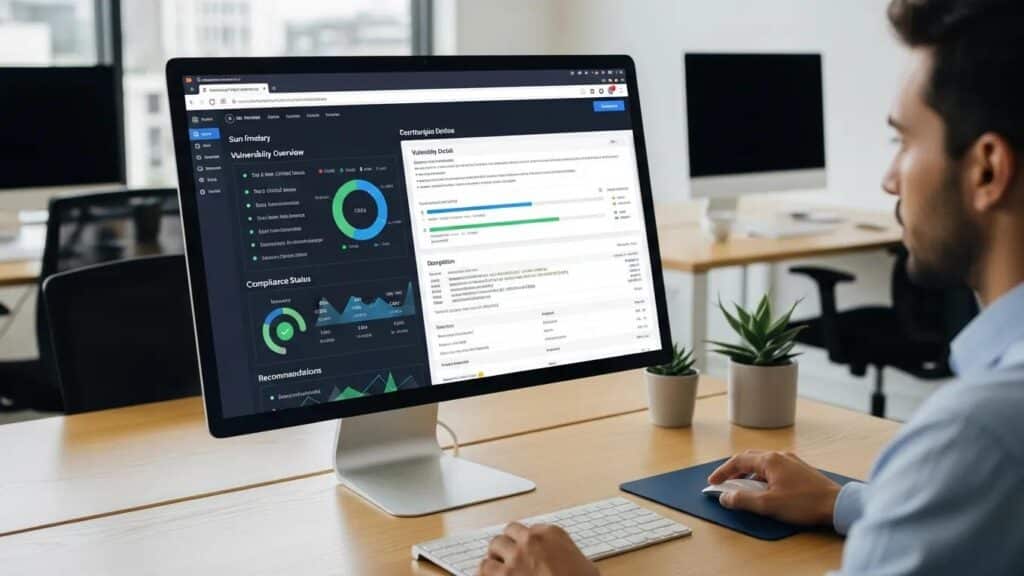
Regular security audits are vital for evaluating site security posture. Identifying vulnerabilities and documenting findings can help implement necessary improvements. Consider using professional services if needed to ensure a thorough assessment of site security.
Educate Users on Security Best Practices
User education plays a crucial role in maintaining site security. Ensure that all users understand security measures and provide training on recognizing threats. Encouraging strong password practices and awareness of phishing attempts can significantly reduce the risk of security breaches.
Implement SSL Encryption
Implementing SSL encryption is essential for securing data transmission between sites and users. SSL certificates not only protect sensitive information but also build user trust and improve SEO rankings. Ensuring that sites are SSL-encrypted is a fundamental step in safeguarding user data.
Stay Informed About Security Threats
Keeping up with the latest security threats is crucial for maintaining secure WordPress sites. Follow security blogs and news sources to stay informed about emerging threats and vulnerabilities. Joining WordPress security communities can also provide valuable insights and support in adapting to new challenges.
| Security Measure | Description | Benefit |
|---|---|---|
| Software Updates | Regularly update WordPress core, themes, and plugins | Patches vulnerabilities |
| Strong Credentials | Use complex passwords and unique usernames | Reduces unauthorized access |
| Two-Factor Authentication | Adds a second verification step | Enhances login security |
This table summarizes key security measures and their benefits, highlighting the importance of a multi-faceted approach to WordPress security.
By implementing these 19 essential steps, site owners can significantly enhance the security of their WordPress sites. Each measure contributes to a comprehensive security strategy that protects data and maintains user trust. Prioritizing these practices will help create a safer online environment for visitors.
To further enhance WordPress sites, WP Support Lab recommends leveraging the expertise of WordPress development services. These services can provide tailored solutions to optimize site performance and security.
For those seeking assistance with their WordPress sites, WordPress support is readily available. Expert support can help resolve issues and ensure sites run smoothly.
Effective search engine optimization is crucial for increasing site visibility. Optimizing sites can drive more traffic and improve online presence.
Regularly auditing WordPress sites is essential for identifying and addressing potential security vulnerabilities. A WordPress audit can help ensure sites remain secure and up-to-date.
If looking to build a new website, consider using an AI website builder. These tools can streamline the website creation process and help get online quickly.
For more information and resources, visit WordPress Support Lab, where a wealth of information is available to help manage and secure WordPress sites effectively.
Advanced Security Monitoring and Incident Response
In today’s threat landscape, real-time security monitoring is indispensable for WordPress sites. Advanced monitoring tools continuously scan for suspicious activity, enabling immediate detection of potential threats. Automated malware scanning schedules can be configured to run daily, ensuring that malicious code is identified promptly, while on-demand scans provide flexibility for urgent checks after updates or suspicious events.
Security log analysis and anomaly detection play a critical role in identifying unusual patterns such as repeated failed login attempts, unauthorized file changes, or unexpected user behavior. These insights allow for proactive threat mitigation before damage occurs.
When an incident is detected, a structured response procedure is essential. This includes isolating the affected site to prevent further compromise, performing a clean restore from verified backups, and applying post-incident hardening measures to close exploited vulnerabilities. Such a methodical approach minimizes downtime and data loss.
WP Support Lab offers 24/7 security monitoring services that leverage cutting-edge technology and expert analysis to detect and neutralize threats before they impact site reputation or financial stability. This continuous vigilance ensures that WordPress infrastructures remain resilient against evolving cyber threats, providing peace of mind to site owners and agencies alike.
Security Compliance for WordPress Sites
Compliance with security regulations is a critical aspect of WordPress site management, particularly for businesses handling sensitive user data. The General Data Protection Regulation (GDPR) mandates strict data protection requirements, including explicit consent management, clear data retention policies, and timely breach notification protocols. WordPress sites must implement mechanisms to obtain and document user consent, manage personal data responsibly, and notify affected parties promptly in the event of a data breach.
For WooCommerce stores and other e-commerce platforms, Payment Card Industry Data Security Standard (PCI-DSS) compliance is essential. This involves secure handling of payment data, enforcing SSL/TLS encryption for all transactions, and implementing network segmentation to isolate payment processing systems from other site components. Adhering to these standards reduces the risk of payment fraud and protects customer financial information.
WP Support Lab assists businesses in navigating these complex compliance requirements without compromising site performance. Through tailored security configurations, compliance audits, and ongoing support, WP Support Lab ensures that WordPress sites meet regulatory standards while maintaining optimal user experience and operational efficiency.
WP Support Lab WordPress Site Security Services
WP Support Lab provides comprehensive WordPress site security services designed to safeguard websites at every stage. From initial hardening assessments that identify and remediate vulnerabilities to continuous monitoring that detects threats in real time, WP Support Lab delivers a robust security framework tailored to each client’s needs.
In the event of a security incident, WP Support Lab offers expert emergency malware removal and thorough post-incident recovery services, restoring sites to full functionality swiftly and securely. This end-to-end approach empowers site owners and agencies with the confidence that their WordPress infrastructure is protected around the clock, enabling them to focus on growth and innovation without security concerns.