Comprehensive WordPress Site Audit 2026: Essential Checklist and Best Practices
By David G., WP Support Lab
Conducting a thorough WordPress site audit is crucial for maintaining optimal performance, security, and search engine visibility. As websites evolve, regular audits help identify issues that could hinder user experience and site effectiveness. This article serves as a comprehensive guide to the essential checklist and best practices for a WordPress site audit in 2026. Readers will learn about the critical components of a site audit, including technical performance, security assessments, SEO reviews, and content quality evaluations. By addressing these areas, website owners can ensure their sites remain competitive and user-friendly. The following sections will delve into the essential checklist for a WordPress site audit, best practices for conducting audits, and key steps in a WordPress audit checklist.
Essential Checklist for WordPress Site Audit
A comprehensive WordPress site audit involves several key components that ensure the site operates efficiently and securely. This checklist covers the essential areas to focus on during an audit, including technical performance, mobile responsiveness, security, SEO, content quality, infrastructure, and ongoing monitoring.
Technical Performance & Speed
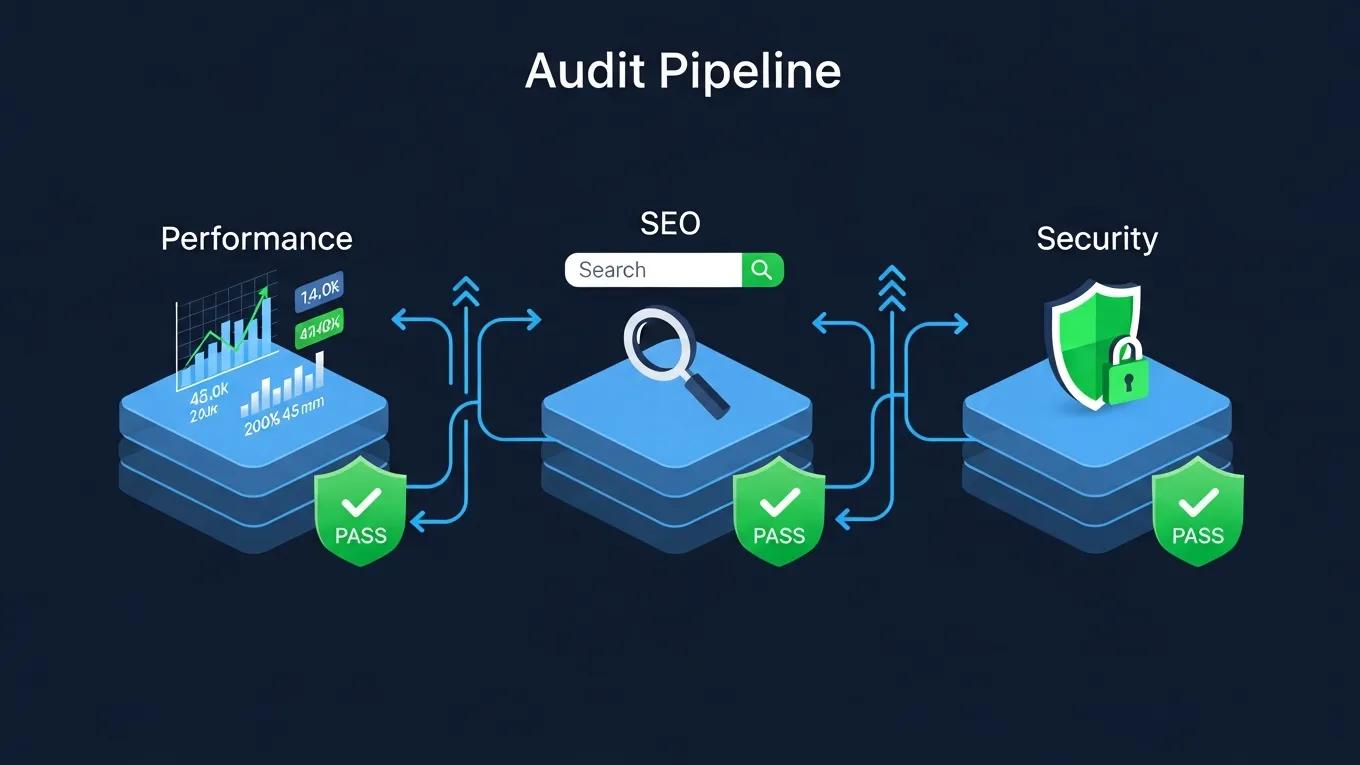
Technical performance and speed are critical factors that influence user experience and search engine rankings. Analyzing site speed involves using performance tools like Google PageSpeed Insights and GTmetrix to identify slow-loading elements. These tools provide insights into various performance metrics, such as load time, time to first byte, and overall page speed scores. By addressing identified issues, such as optimizing images and leveraging browser caching, website owners can significantly enhance their site’s performance.
Mobile Responsiveness & User Experience (UX)
With the increasing use of mobile devices, evaluating mobile responsiveness and user experience is essential. Responsive design principles ensure that websites adapt seamlessly to different screen sizes and devices. Testing across various devices and browsers helps identify usability issues that may affect user engagement. A well-optimized mobile experience not only improves user satisfaction but also positively impacts search engine rankings.
Security Assessment
Conducting a security assessment is vital for protecting a WordPress site from potential threats. This involves identifying vulnerabilities and implementing best security practices. Utilizing security tools like Wordfence and Sucuri can help detect malware, monitor for suspicious activity, and enforce strong password policies. Regularly updating plugins, themes, and the WordPress core is also crucial for maintaining a secure environment.
SEO Review
An SEO review focuses on analyzing the site’s search engine optimization practices and performance. This includes evaluating on-page elements such as meta tags, headings, and keyword usage. Tools like SEMrush can provide insights into keyword rankings, backlinks, and overall SEO health. By identifying common SEO issues, such as broken links and duplicate content, website owners can implement strategies to improve their site’s visibility in search results.
Content Quality Assessment
Reviewing the quality and relevance of content is essential for maintaining user engagement and search engine rankings. This assessment involves identifying thin content, ensuring that all pages provide valuable information to users. Content evaluation methods may include analyzing user engagement metrics, such as bounce rates and time on page. By enhancing content quality, website owners can improve user satisfaction and retention.
Infrastructure Review
Evaluating the hosting and technical setup is crucial for ensuring optimal site performance. This review includes assessing the hosting environment’s suitability, server configurations, and resource allocation. A reliable hosting provider can significantly impact site speed and uptime. By ensuring that the technical infrastructure is robust, website owners can prevent performance issues and downtime.
Ongoing Monitoring
Setting up continuous monitoring practices is essential for maintaining a healthy WordPress site. Regular checks for performance, security, and SEO can help identify issues before they escalate. Utilizing monitoring tools can automate this process, providing alerts for any significant changes or potential threats. Establishing a routine for ongoing monitoring ensures that the site remains in optimal condition.
Best Practices for Conducting a WordPress Site Audit
To effectively conduct a WordPress site audit, following best practices can enhance the audit process. These guidelines include determining the frequency of audits, employing non-invasive processes, and ensuring actionable insights are derived from the audit findings. Regular audits help maintain site health and adapt to changing web standards.
What Are the Key Steps in a WordPress Audit Checklist?
A detailed WordPress audit checklist includes several key steps that guide website owners through the auditing process. These steps encompass technical performance checks, security assessments, SEO evaluations, and content quality reviews. By following this checklist, website owners can systematically address potential issues and improve their site’s overall performance.
How to Conduct a Site Performance Audit for WordPress?
Conducting a site performance audit involves analyzing various performance metrics to identify areas for improvement. Key performance indicators include load times, server response times, and overall user experience. Utilizing tools like Google PageSpeed Insights can provide actionable recommendations for optimizing site speed and performance.
Which Security Audit Tools Are Best for WordPress Sites?
Several security audit tools are highly recommended for WordPress sites. These include:
- Wordfence: Offers comprehensive security features, including firewall protection and malware scanning.
- Sucuri: Provides website security monitoring and malware removal services.
- iThemes Security: Focuses on strengthening WordPress security through various protective measures.
These tools help identify vulnerabilities and enhance the overall security posture of WordPress sites.
How to Perform an Effective SEO Audit for WordPress Sites?
Performing an effective SEO audit involves evaluating on-page and off-page SEO factors. Key steps include analyzing keyword usage, checking for broken links, and assessing meta tags. Tools like SEMrush can assist in identifying areas for improvement and tracking keyword performance over time.
For those seeking a comprehensive solution to manage their WordPress SEO, an all-in-one plugin like Rank Math can be invaluable for 2026 audits.
Rank Math: Best WordPress SEO Plugin for 2026 Audits
Rank Math is an S-tier all-in-one WordPress SEO plugin that handles everything from on-page optimization to schema markup, redirects, and analytics integration. Also see my optimize your blog posts for SEO.
Rank Math Review: The Best WordPress SEO Plugin in 2026! Period., G Tiwari, 2026
What Are Common SEO Issues Found in WordPress Audits?
Common SEO issues found in WordPress audits include:
- Broken Links: Links that lead to non-existent pages can harm user experience and SEO.
- Duplicate Content: Multiple pages with similar content can confuse search engines and dilute rankings.
- Missing Meta Tags: Incomplete or missing meta descriptions and title tags can negatively impact click-through rates.
Addressing these issues is crucial for maintaining a healthy SEO profile.
How to Use SEO Audit Tools to Improve WordPress Rankings?
Using SEO audit tools effectively can lead to improved WordPress rankings. These tools provide insights into keyword performance, backlink profiles, and site health. By implementing the recommendations provided by these tools, website owners can enhance their SEO strategies and improve visibility in search results.
What Does a WordPress Website Health Check Include in 2026?
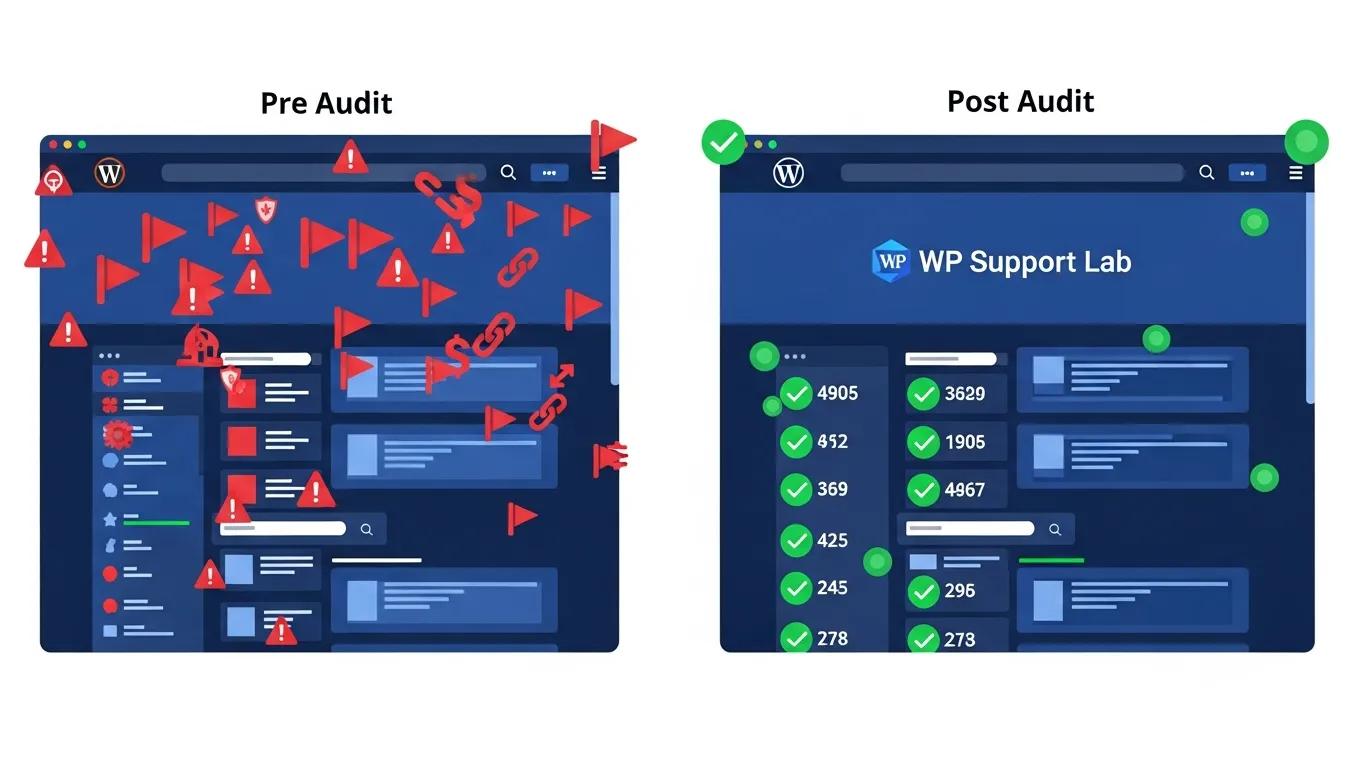
A WordPress website health check in 2026 includes a comprehensive review of performance, security, SEO, and content quality. This holistic approach ensures that all aspects of the site are functioning optimally and meeting current web standards. Regular health checks help identify potential issues before they impact user experience.
How to Integrate Performance, Security, and SEO Audits for Complete Health Checks?
Integrating performance, security, and SEO audits creates a comprehensive health check for WordPress sites. This approach ensures that all critical areas are evaluated simultaneously, providing a holistic view of site health. By addressing performance, security, and SEO in tandem, website owners can enhance overall site effectiveness.
What Are the Latest 2026 Standards for WordPress Site Audits?
The latest standards for WordPress site audits in 2026 emphasize the importance of user experience, mobile optimization, and security. Adhering to these standards ensures that websites remain competitive and meet the expectations of modern users. Regular updates to auditing practices are essential for keeping pace with evolving web technologies.
Which AI Tools Enhance WordPress Site Audits in 2026?
AI tools are increasingly being utilized to enhance WordPress site audits. These tools can automate various aspects of the auditing process, providing insights and recommendations based on data analysis. Some recommended AI tools include:
- Wordfence: Offers comprehensive security features, including firewall protection and malware scanning.
- Sucuri: Provides website security monitoring and malware removal services.
- iThemes Security: Focuses on strengthening WordPress security through various protective measures.
How Do AI-Powered Tools Improve Audit Accuracy and Efficiency?
AI-powered tools improve audit accuracy and efficiency by leveraging data analysis and machine learning algorithms. These tools can quickly identify patterns and anomalies that may be overlooked in manual audits. By automating routine tasks, website owners can focus on implementing strategic improvements based on the insights provided.
What Are Recommended AI Tools for Continuous WordPress Monitoring?
For continuous WordPress monitoring, several AI tools are recommended:
- UptimeRobot: Monitors website uptime and performance.
- Google Analytics: Provides insights into user behavior and site performance.
- Pingdom: Offers real-time monitoring of site speed and performance metrics.
These tools help ensure that WordPress sites remain healthy and responsive to user needs.