


Top 7 WordPress Security Plugins: Essential Tools to Protect Your Site
By David G., WP Support Lab
In the digital age, securing WordPress sites is paramount to safeguarding data and maintaining user trust. With cyber threats on the rise, utilizing effective security plugins is essential for any website owner. This article explores the top seven WordPress security plugins that provide robust protection against malware, unauthorized access, and other vulnerabilities. Readers will learn about the features and benefits of each plugin, as well as best practices for implementing them effectively. By understanding these tools, site owners can significantly enhance their sites’ security posture and mitigate potential risks. The coverage includes malware scanning plugins, firewall enhancements, login security measures, and more to ensure WordPress sites remain safe and secure.
What Are the Best WordPress Security Plugins for Malware Scanning?
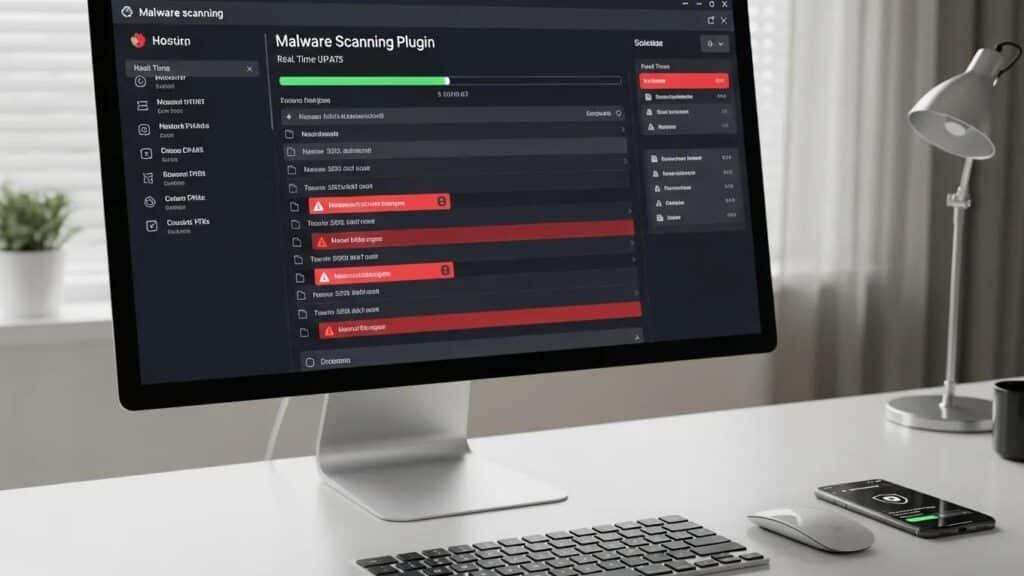
When it comes to protecting WordPress sites from malware, several plugins stand out for their effectiveness and user-friendly features. Here are some of the best options available:
- Wordfence Security: This comprehensive plugin offers real-time threat defense, malware scanning, and a firewall to block malicious traffic.
- Sucuri Security: Known for its robust malware scanning capabilities, Sucuri also provides security hardening and post-hack security actions.
- MalCare Security: This plugin features a one-click malware removal option and daily malware scans, ensuring sites remain clean and secure.
These plugins not only detect malware but also provide essential tools for remediation, making them invaluable for any WordPress site owner.
How Do Malware Scanner Plugins Detect and Remove Threats?
Malware scanner plugins utilize various methodologies to identify and eliminate threats on WordPress sites. The primary techniques include:
- Signature-based Detection: This method involves comparing files against a database of known malware signatures. If a match is found, the plugin flags the file as malicious.
- File Integrity Monitoring: This technique checks for unauthorized changes to files, alerting users to potential breaches.
- Real-time Scanning: Many plugins offer real-time scanning capabilities, continuously monitoring the site for suspicious activity and malware.
These methodologies work together to provide comprehensive protection, ensuring that threats are detected and addressed promptly.
Which Plugins Offer Advanced AI-Driven Malware Detection?
As technology evolves, some WordPress security plugins have begun incorporating artificial intelligence to enhance their malware detection capabilities. These plugins analyze patterns and behaviors to identify potential threats more effectively. Notable options include:
- Malwarebytes: This plugin uses AI to detect and block malware before it can cause harm, adapting to new threats as they emerge.
- iThemes Security: With its advanced algorithms, this plugin can identify unusual patterns that may indicate a security breach.
By leveraging AI, these plugins offer a proactive approach to malware detection, significantly improving site security.
How Do WordPress Firewall Plugins Enhance Site Protection?
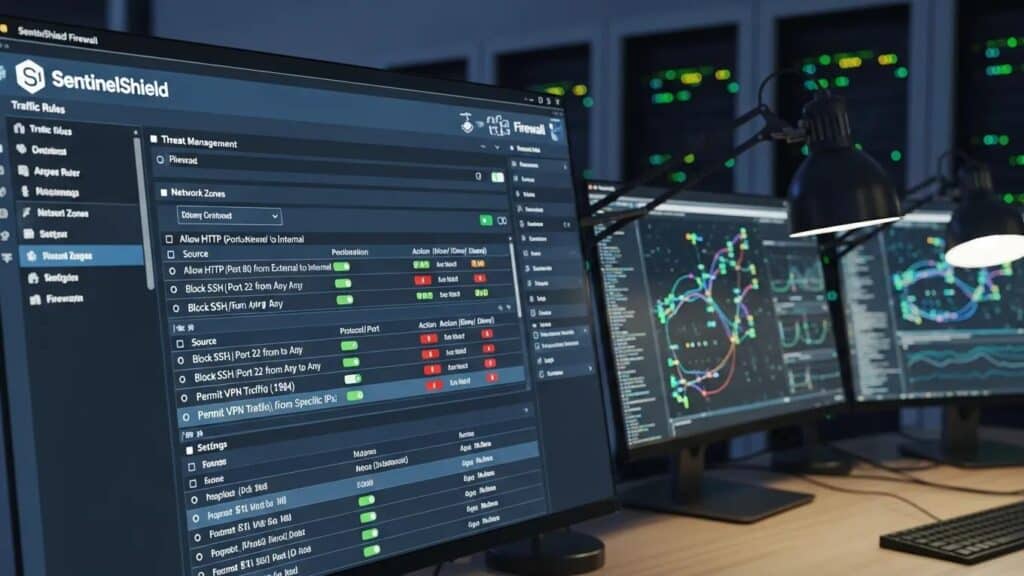
WordPress firewall plugins serve as a barrier between sites and potential threats, filtering out malicious traffic before it reaches the website. They enhance protection through several key features:
- Web Application Firewall (WAF): This feature blocks harmful requests and filters out malicious traffic, preventing attacks before they can reach the site.
- IP Blacklisting: Firewall plugins can block specific IP addresses known for malicious activity, reducing the risk of attacks.
- Traffic Monitoring: Many firewalls provide real-time monitoring of incoming traffic, allowing site owners to identify and respond to threats quickly.
Further research emphasizes the critical role of Web Application Firewalls (WAFs) in fortifying WordPress security.
Enhancing WordPress Security with WAFs
to bolster the security of WordPress website. A variety of security, including web application firewalls (WAFs) and intrusion detection systems, can be implemented to enhance the protection of WordPress websites but also provides a cost-effective and reliable solution.
Enhancing Security of WordPress Websites built on Virtual Machine Using Cloud Computing Technology, 2024
By implementing a firewall plugin, WordPress administrators can significantly bolster their sites’ defenses against a variety of cyber threats.
What Features Define Effective Firewall Plugins for WordPress?
When selecting a firewall plugin for WordPress sites, consider the following essential features:
- Comprehensive Threat Protection: Look for plugins that offer protection against a wide range of threats, including SQL injection, cross-site scripting, and brute force attacks.
- User-Friendly Interface: An intuitive interface makes it easier to configure settings and monitor site security.
- Regular Updates: Effective firewall plugins are regularly updated to address new vulnerabilities and threats.
These features ensure that firewall plugins provide robust protection while remaining easy to use.
How to Configure Firewall Plugins for Maximum Security?
Configuring firewall plugins correctly is crucial for maximizing their effectiveness. Here are some best practices:
- Enable All Security Features: Ensure that all available security features are activated to provide comprehensive protection.
- Regularly Update the Plugin: Keep firewall plugins updated to benefit from the latest security enhancements and threat definitions.
- Monitor Traffic Logs: Regularly review traffic logs to identify any suspicious activity and adjust settings as necessary.
By following these guidelines, security professionals can optimize firewall plugin performance and enhance site security.
What Are the Best Practices for WordPress Login Security?
Securing WordPress login pages is a critical step in protecting sites from unauthorized access. Here are some best practices to consider:
- Use Strong Passwords: Ensure that all user accounts have strong, unique passwords to reduce the risk of brute force attacks.
- Implement Two-Factor Authentication (2FA): Adding an extra layer of security through 2FA can significantly enhance login protection.
- Limit Login Attempts: Restricting the number of login attempts can help prevent unauthorized access attempts.
These practices create a more secure login environment, reducing the likelihood of breaches.
How Does Two-Factor Authentication Improve Login Protection?
Two-factor authentication (2FA) enhances login security by requiring users to provide two forms of identification before accessing their accounts. This typically involves something the user knows (like a password) and something they have (like a mobile device). The benefits of 2FA include:
- Increased Security: Even if a password is compromised, the second factor prevents unauthorized access.
- User Awareness: Users are more aware of their login attempts, as they must verify each login with a second factor.
- Reduced Risk of Account Takeover: 2FA significantly lowers the chances of account takeovers, providing peace of mind for site owners.
The practical implementation of 2FA has been a subject of study, particularly concerning its performance impact on WordPress environments.
WordPress 2FA Plugin Performance Evaluation
of implementing security features like 2FA on WordPress. This paper evaluates the performance of three popular Two-Factor Authentication plugins in WordPress for resource-constrained environments, analyzing the response time of a WordPress installation with each of the plugins.
A Performance Evaluation of Two-Factor Authentication Plugins in WordPress for Resource-Constrained Environments, 2025
Implementing 2FA is a straightforward yet effective way to bolster site security.
Beyond traditional 2FA methods, innovative solutions like blockchain-based multi-factor authentication are emerging to further strengthen user authentication on WordPress sites.
Blockchain MFA Plugin for WordPress Security
The present work aims to present how the use of a blockchain two-factor authentication solution 2FA on a page developed on WordPress can contribute to the information security regarding user authentication. A field research was carried out in relation to the implementation of the multi-factor authentication plugin Hydro Raindrop MFA, which uses blockchain technology offered by The Hydrogen Technology Corporation and the Project Hydro platform over the Ethereum network.
Blockchain Based MFA Solution: The use of hydro raindrop MFA for information security on WordPress websites, JAA Cardoso, 2019
Which Plugins Provide Brute Force Attack Prevention?
Brute force attacks are a common threat to WordPress sites, where attackers attempt to guess passwords through repeated login attempts. Several plugins offer effective brute force attack prevention:
- Limit Login Attempts Reloaded: This plugin limits the number of login attempts from a single IP address, effectively blocking potential attackers.
- Wordfence Security: In addition to its other features, Wordfence includes built-in protection against brute force attacks.
- iThemes Security: This plugin offers options to ban users after a specified number of failed login attempts.
By utilizing these plugins, WordPress administrators can significantly reduce the risk of brute force attacks on their sites.
How to Perform a WordPress Security Audit Using Plugins?
Conducting a security audit is essential for identifying vulnerabilities in WordPress sites. Here’s how to perform an effective audit using plugins:
- Install a Security Audit Plugin: Choose a reputable security audit plugin that can scan sites for vulnerabilities.
- Run a Full Scan: Execute a comprehensive scan to identify any security issues, including outdated plugins and themes.
- Review and Address Findings: Carefully review the audit results and take action to resolve any identified vulnerabilities.
Regular security audits help maintain site integrity and protect against potential threats.
What Tools Help Identify Vulnerabilities in WordPress Sites?
Several tools can assist in identifying vulnerabilities within WordPress sites. These include:
- WPScan: A popular security scanner that checks for known vulnerabilities in WordPress installations, themes, and plugins.
- Sucuri SiteCheck: This tool scans sites for malware, blacklisting status, and other security issues.
- Netsparker: An advanced web application security scanner that identifies vulnerabilities and provides detailed reports.
Utilizing these tools can help security professionals proactively manage site security and address vulnerabilities before they are exploited.
How to Use Vulnerability Scanners to Strengthen Site Security?
Using vulnerability scanners effectively can significantly enhance site security. Here are some steps to follow:
- Select a Reliable Scanner: Choose a reputable vulnerability scanner that fits needs and budget.
- Schedule Regular Scans: Set up a schedule for regular scans to ensure ongoing security monitoring.
- Act on Recommendations: After each scan, review the findings and implement recommended actions to address any vulnerabilities.
By integrating vulnerability scanners into security strategies, site owners can maintain a proactive approach to site protection.
To ensure WordPress sites are fully optimized, consider a comprehensive WordPress audit. This will help identify areas for improvement and ensure sites are running at their best.
For those looking to enhance their online presence, search engine optimization (SEO) is crucial. Optimizing sites for search engines can significantly increase traffic and visibility.
If assistance is needed with WordPress sites, consider professional WordPress support. Expert support can help resolve issues quickly and efficiently.







