

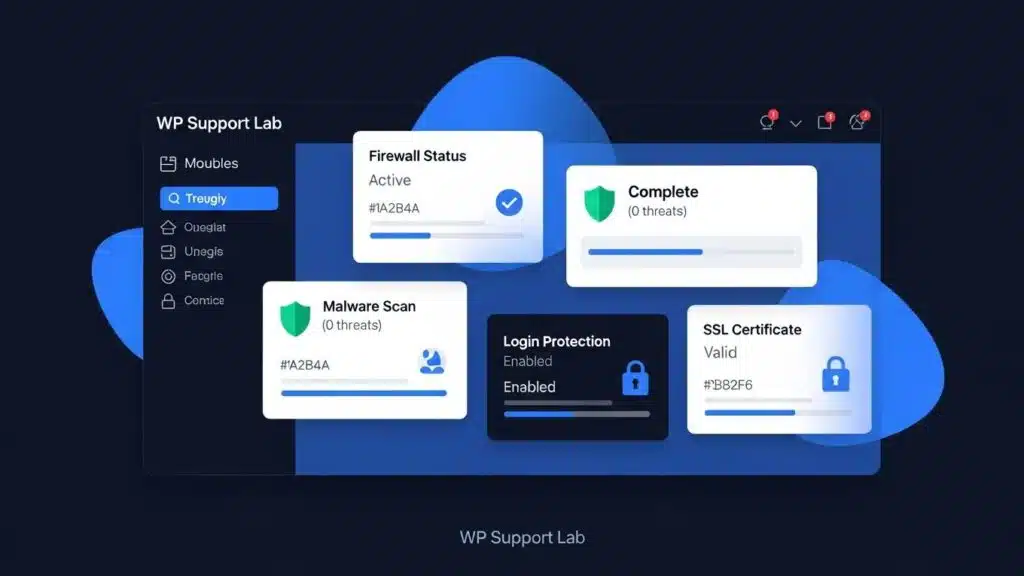
As the digital landscape evolves, ensuring the security of WordPress sites becomes increasingly critical. In 2026, website owners must navigate a myriad of threats, from malware to data breaches, making it essential to implement robust security measures. This article will explore the best practices and essential plugins for WordPress security, providing readers with actionable strategies to safeguard their websites. By understanding the vulnerabilities that threaten WordPress sites and the tools available to combat them, users can create a secure online presence. We will cover essential security plugins, effective protection strategies, common vulnerabilities, methods for regular vulnerability scans, and best practices for malware detection and removal.
Further emphasizing the importance of comprehensive security, one resource highlights the breadth of strategies required for robust WordPress protection.
Pro WordPress Security: Best Practices & Threat Mitigation
performance and security, this book is your go-to resource for mastering all aspects of WordPress. In the dedicated security chapter, I’ll teach you best practices for securing your WordPress website, covering everything from basic hardening techniques to advanced threat mitigation strategies.
Pro WordPress: mastering the techniques for building, securing and scaling websites, 2024
Essential Security Plugins
To fortify WordPress sites against potential threats, utilizing the right security plugins is paramount. These plugins offer various features, including malware scanning, firewall protection, and login security enhancements. Some of the best WordPress security plugins for 2026 include:
- Wordfence Security: This comprehensive plugin provides a web application firewall (WAF), malware scanner, and real-time threat defense. It is designed to protect against brute force attacks by limiting login attempts and blocking malicious IP addresses. Wordfence also offers detailed security reports and live traffic monitoring, enabling administrators to track suspicious activity in real time.
- Sucuri Security: Known for its robust malware detection and removal capabilities, Sucuri also offers a cloud-based website firewall that filters out malicious traffic before it reaches the server. Its security activity auditing features monitor file integrity, user actions, and core WordPress files, alerting administrators to unauthorized changes or suspicious behavior.
- iThemes Security Pro: This plugin focuses on strengthening user credentials and preventing unauthorized access. It includes features like two-factor authentication (2FA), password expiration policies, and database backups. Additionally, it offers file change detection and brute force protection by limiting login attempts and blocking suspicious IPs.
The effectiveness of such tools is further supported by research analyzing modern security plugins, including specific evaluations of solutions like Sucuri.
Modern WordPress Security Plugins Analysis
In recent years, websites using WordPress have been a popular target for cyberattacks, leading many users to turn to security plugins to help them deal with security threats. This paper presents an analysis of modern security plugins for WordPress, with the Sucuri plugin to test its effectiveness and obtain results.
Analysis of modern security plugins for wordpress, A Aleksieva-Petrova, 2024
These plugins not only enhance security but also provide peace of mind for website owners, ensuring their sites remain safe from evolving threats.
Effective Protection Strategies
Implementing effective protection strategies is crucial for maintaining WordPress security. Here are some key strategies to consider:
- Regular Updates: Keeping WordPress core, themes, and plugins updated is vital to patch vulnerabilities. Updates often include security patches that address newly discovered exploits. Site owners should implement automated update systems or schedule regular maintenance windows to ensure timely application of these updates.
- Strong Authentication Methods: Utilizing strong passwords and enabling two-factor authentication can significantly reduce the risk of unauthorized access. Passwords should be complex, unique, and changed periodically. Two-factor authentication adds an additional verification step, typically involving a mobile app or hardware token, which greatly enhances login security.
- Regular Security Audits: Conducting periodic security audits helps identify potential vulnerabilities and ensures that security measures are up to date. Audits should include reviewing user roles and permissions, checking for outdated software, analyzing access logs, and scanning for malware or suspicious files.
By adopting these strategies, website owners can create a robust defense against cyber threats.
Common Vulnerabilities to Watch For
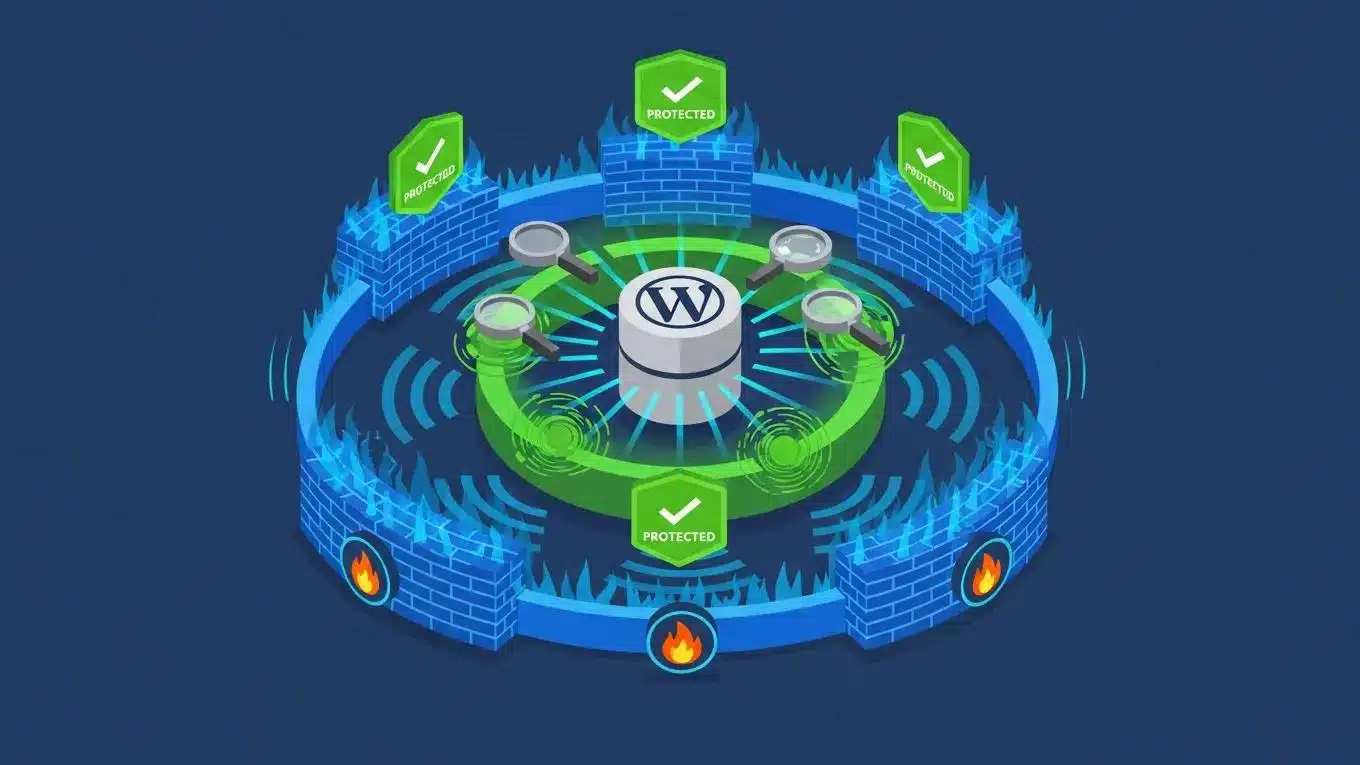
Understanding common vulnerabilities is essential for proactive security measures. Some prevalent vulnerabilities in WordPress sites include:
- Outdated Plugins: Many attacks exploit outdated plugins that have not been updated to address known security flaws. These plugins can contain unpatched vulnerabilities that attackers use to gain unauthorized access or inject malicious code.
- Weak Login Credentials: Simple passwords make it easy for attackers to gain access through brute force methods. Attackers often use automated tools to guess passwords, so weak or reused passwords significantly increase risk.
- Compromised Themes: Themes that are not regularly updated or sourced from unreliable providers can introduce vulnerabilities. Malicious themes may contain backdoors or insecure code that attackers exploit.
Awareness of these vulnerabilities allows website owners to take preventive measures to secure their sites effectively.
Methods for Regular Vulnerability Scans and Updates
Regular vulnerability scans and updates are critical components of a comprehensive security strategy. Here are some effective methods:
- Automated Scanning Tools: Utilizing automated tools can help identify vulnerabilities quickly and efficiently, allowing for timely remediation. These tools scan for outdated software, known malware signatures, and configuration weaknesses.
- Manual Audits: Conducting manual audits periodically ensures that no vulnerabilities are overlooked and that security measures are functioning as intended. This includes reviewing server configurations, file permissions, and user access controls.
- Rapid Patch Application: Applying patches and updates as soon as they are released minimizes the window of opportunity for attackers. Site owners should monitor security advisories and subscribe to update notifications from plugin and theme developers.
The concept of proactive defense is further explored in academic work proposing automated systems for auditing and monitoring WordPress sites to address common vulnerabilities.
Automated WordPress Security Auditing & Monitoring
The thesis addressed common security issues on WordPress sites, and proposed an automated security auditing and monitoring system to enhance the management of WordPress site security and provide proactive protection against emerging threats. The theoretical part covered topics such as WordPress vulnerabilities, security best practices, and existing security tools.
Automated security auditing and monitoring system for WordPress sites, 2025
These methods ensure that WordPress sites remain secure against emerging threats.
What Are Effective Methods for WordPress Malware Detection and Removal?
Detecting and removing malware is crucial for maintaining a secure WordPress site. Effective methods include:
- Signs of Infection: Look for unusual site behavior, such as unexpected redirects, slow loading times, or changes in content, which may indicate a malware infection. Other signs include spammy links appearing on the site or warnings from search engines.
- Comprehensive Malware Scans: Regularly running malware scans using security plugins can help identify and remove malicious code. These scans analyze files, database entries, and server logs for suspicious patterns.
- File Modification Checks: Monitoring file changes can help detect unauthorized modifications that may signal a security breach. File integrity monitoring tools compare current files against known clean versions to identify tampering.
Implementing these methods can help website owners quickly address malware issues and restore site integrity.
How to Identify Signs of Malware Infection on WordPress Sites?
Identifying signs of malware infection is essential for prompt action. Key indicators include:
- Browser Warnings: Users may receive warnings from their browsers when attempting to access infected sites, such as alerts about phishing or malware.
- Unexpected Redirects: If visitors are redirected to unfamiliar or suspicious sites, it may indicate a malware infection designed to hijack traffic.
- Unknown Admin Accounts: The presence of unauthorized admin accounts can signal a security breach, allowing attackers to maintain control over the site.
Recognizing these signs early can help mitigate the impact of malware on WordPress sites.
What Are the Best Practices for Safe Malware Removal?
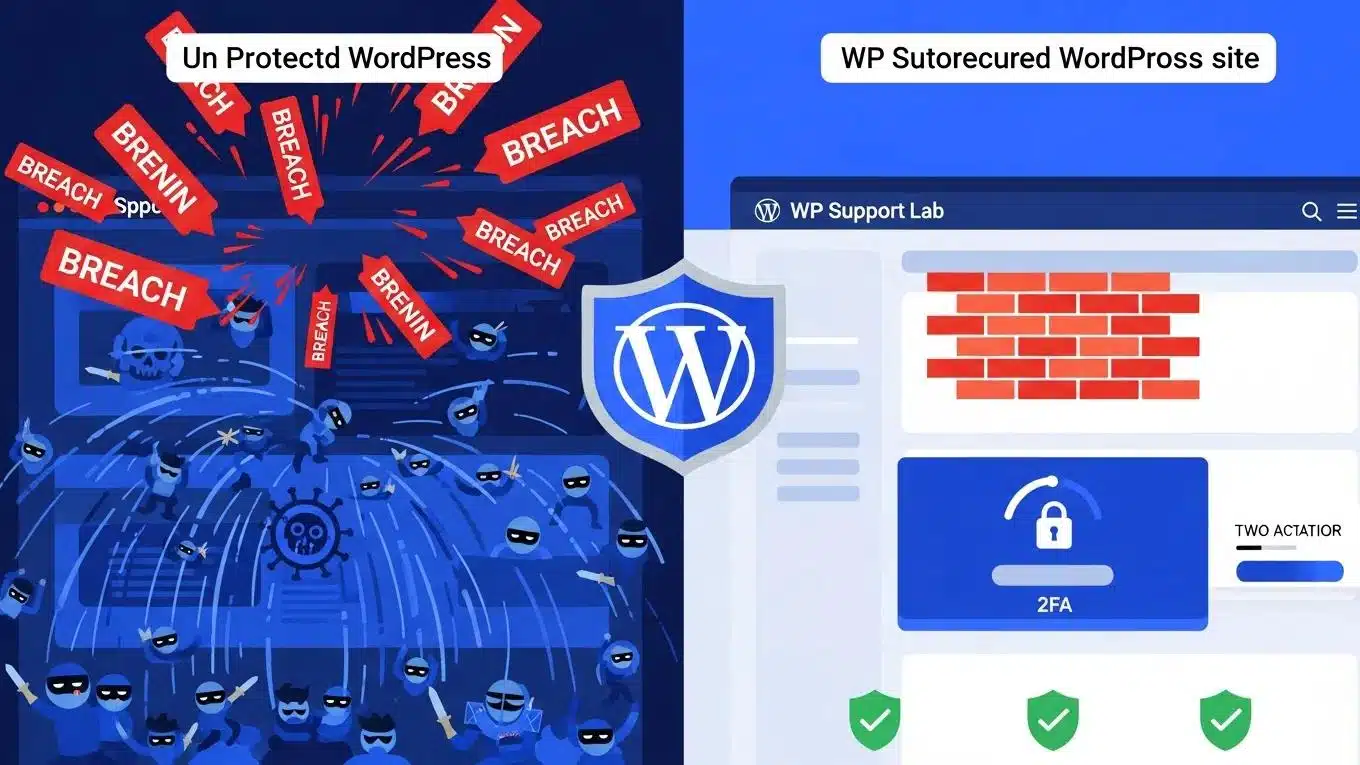
When malware is detected, following best practices for removal is crucial. These practices include:
- Immediate Action Steps: Disconnect the site from the internet to prevent further damage and protect user data. This containment step helps stop the spread of malware and limits exposure.
- Cleaning Malware: Use security plugins to scan and remove malware, ensuring that all infected files are addressed. Manual removal may be necessary for complex infections, including cleaning database entries and restoring clean backups.
- Requesting Google Review: After cleaning the site, request a review from Google to remove any warnings associated with the site. This helps restore user trust and search engine rankings.
These steps help ensure that the site is thoroughly cleaned and secure before going live again.
How to Set Up WordPress Firewalls and Login Protection in 2026?
Setting up firewalls and login protection is essential for enhancing WordPress security. Key steps include:
- Choosing a WAF: Selecting a web application firewall (WAF) can help filter out malicious traffic before it reaches the site. Cloud-based WAFs offer scalability and protection against distributed denial-of-service (DDoS) attacks.
- Configuring Firewall Settings: Properly configuring firewall settings ensures that only legitimate traffic is allowed, reducing the risk of attacks. This includes setting rules for IP blocking, rate limiting, and protocol filtering.
- Implementing Strong Authentication: Enforcing strong authentication measures, such as two-factor authentication, adds an additional layer of security. This reduces the risk of credential theft and unauthorized access.
These measures significantly enhance the security posture of WordPress sites.
What Firewall Configurations Best Prevent Brute Force Attacks?
To effectively prevent brute force attacks, consider the following configurations:
- Blocking Malicious Traffic: Set rules to block IP addresses that exhibit suspicious behavior, such as repeated failed login attempts. This can be automated through firewall or security plugin settings.
- Monitoring Firewall Logs: Regularly review firewall logs to identify and respond to potential threats proactively. Analyzing patterns helps refine firewall rules and improve defense mechanisms.
Implementing these configurations can help safeguard WordPress sites from brute force attacks.
How to Enhance Login Security with Two-Factor Authentication?
Enhancing login security with two-factor authentication (2FA) is a critical step. Here’s how to implement it:
- Choosing a 2FA Plugin: Select a reliable 2FA plugin that integrates seamlessly with WordPress. Popular options support multiple authentication methods, including authenticator apps, SMS codes, and hardware tokens.
- User Setup Instructions: Provide clear instructions for users on how to set up 2FA, ensuring they understand the process. This includes enrolling devices and managing backup codes.
By implementing 2FA, website owners can significantly reduce the risk of unauthorized access.
WordPress-Specific Threat Vectors in 2026
WordPress sites face unique threat vectors in 2026 that require targeted mitigation strategies. These include:
- Nulled Plugins and Themes: Using pirated or nulled plugins and themes introduces backdoors and malicious code, compromising site security. Site owners should avoid unauthorized software and only use trusted sources.
- Credential Stuffing Attacks: Attackers use automated tools to test stolen username and password combinations across multiple sites. Weak or reused credentials increase vulnerability to these attacks.
- XML-RPC Exploits: The XML-RPC interface, used for remote publishing and communication, can be exploited for brute force attacks and DDoS amplification. Disabling or restricting XML-RPC access reduces this risk.
- Supply Chain Attacks: Compromise of third-party plugins, themes, or hosting providers can introduce vulnerabilities indirectly. Site owners should monitor dependencies and apply updates promptly.
Understanding these threat vectors enables WordPress administrators to implement focused defenses and reduce exposure to emerging risks.
Implementing a Comprehensive WordPress Security Stack
To achieve robust protection, site owners should implement a layered security stack combining multiple tools and techniques. Key components include:
- Web Application Firewall (WAF): Filters incoming traffic to block malicious requests and prevent attacks such as SQL injection and cross-site scripting (XSS).
- Two-Factor Authentication (2FA): Adds an additional verification step during login, significantly reducing the risk of credential compromise.
- File Integrity Monitoring: Continuously monitors core files, plugins, and themes for unauthorized changes, alerting administrators to potential breaches.
- Login Rate Limiting: Restricts the number of login attempts from a single IP address to prevent brute force attacks.
Combining these elements creates a defense-in-depth approach that addresses multiple attack vectors and enhances overall site security.
WP Support Lab’s 24/7 Security Monitoring and Incident Response
WP Support Lab offers a comprehensive security monitoring service designed to provide continuous protection for WordPress sites. Key features include:
- 24/7 Threat Detection: Real-time monitoring of site activity, firewall events, and malware scans to identify suspicious behavior immediately.
- Incident Response: Rapid response to security incidents, including malware removal, vulnerability patching, and restoration of compromised sites.
- Proactive Alerts: Notifications to site owners and administrators about potential threats, outdated software, and configuration issues.
- Security Reporting: Detailed reports on security status, incidents handled, and recommendations for ongoing protection.
This service ensures that WordPress administrators have expert support to maintain a secure environment and respond swiftly to emerging threats.
To further enhance your WordPress experience, consider exploring WordPress support options for expert assistance and guidance.
For those looking to build a website, consider using an AI-assisted web design team to streamline the process.
Additionally, conducting a WordPress audit can help identify areas for improvement and ensure optimal performance.