
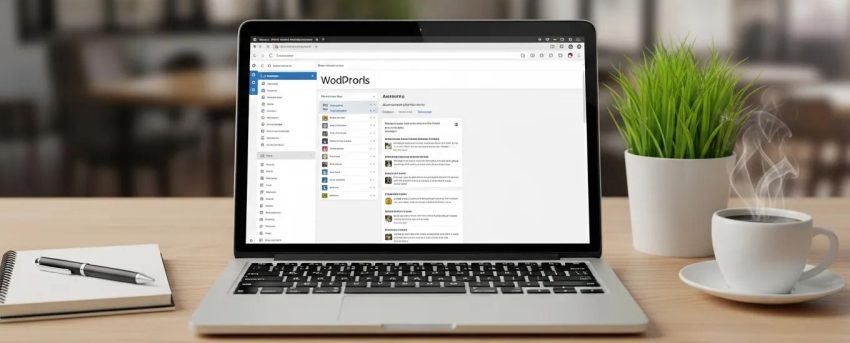
Mastering WordPress Multisite Management: 5 Essential Tips for Setup, Security, and Performance
By David G., WP Support Lab
Managing a WordPress Multisite network can be a complex task, but with the right strategies, site administrators can streamline it for efficiency and effectiveness. This article provides five essential tips to master WordPress Multisite management, focusing on setup, security, and performance. By understanding the intricacies of multisite management, businesses can enhance their network’s functionality and user experience. Many administrators struggle with optimizing performance and ensuring security across multiple sites, but implementing these tips can significantly alleviate these challenges. The article explores optimizing network performance, centralizing plugin and theme management, configuring user roles effectively, implementing regular backups, and monitoring security across sites.
Optimize Network Performance

Optimizing network performance is crucial for ensuring that all sites within a WordPress Multisite network run smoothly. This involves implementing strategies that enhance speed and responsiveness. Key methods include using lightweight themes, enabling caching, and utilizing a Content Delivery Network (CDN). These techniques not only improve load times but also enhance the overall user experience across the network. For more in-depth strategies, users should consider exploring “search engine optimization” techniques to further enhance site performance.
Use Lightweight Themes
Choosing lightweight themes is essential for maintaining optimal performance. Heavy themes can slow down sites, leading to a poor user experience. Lightweight themes load faster and are easier to manage, making them ideal for a multisite environment.
Implement a CDN
A Content Delivery Network (CDN) can significantly improve site speed by distributing content across multiple servers worldwide. This reduces latency and ensures that users access sites from the nearest server, enhancing load times and performance.
Enable Caching
Caching is another effective strategy for optimizing performance. By storing static versions of pages, caching reduces the load on servers and speeds up page delivery. Implementing caching plugins can help manage this process efficiently across a multisite network.
Centralize Plugin and Theme Management
Centralizing plugin and theme management is vital for maintaining consistency and preventing conflicts within a WordPress Multisite network. This approach simplifies maintenance and ensures that all sites operate with the same set of tools. If assistance is needed with managing a WordPress site, “WordPress support” services can provide expert help.
Prevent Conflicts
By managing plugins and themes from a central dashboard, conflicts that may arise from incompatible versions can be prevented. This centralized approach allows for easier updates and troubleshooting, ensuring that all sites function harmoniously.
Ensure Consistency
Centralized management ensures that all sites use the same plugins and themes, which promotes a consistent user experience. This uniformity is crucial for branding and usability across the network.
Simplify Maintenance
Managing updates and installations from a single dashboard simplifies the maintenance process. Updates can be quickly applied to all sites, reducing the risk of security vulnerabilities and ensuring that all sites benefit from the latest features.
Configure User Roles Effectively
Configuring user roles effectively is essential for maintaining security and workflow efficiency within a WordPress Multisite network. Properly assigning roles ensures that users have the appropriate access levels to perform their tasks without compromising security.
Limit Access to Necessary Functions
By limiting user access to only the functions needed, security can be enhanced and the risk of accidental changes or deletions reduced. This practice is particularly important in a multisite environment where multiple users may have varying responsibilities.
Enhance Security
Effective user role management enhances security by minimizing the number of users with administrative privileges. This reduces the risk of unauthorized access and potential security breaches, protecting the network from malicious activities.
Improve Workflow Efficiency
Assigning roles based on user responsibilities improves workflow efficiency. Users can focus on their specific tasks without being overwhelmed by unnecessary options, leading to a more productive environment.
Implement Regular Backups
Regular backups are a critical component of any WordPress Multisite management strategy. They ensure that data is safe and can be restored in case of an emergency, such as a security breach or server failure.
Schedule Automated Backups
Automating the backup process is essential for ensuring that backups are performed consistently. Scheduling regular backups minimizes the risk of data loss and ensures that the latest version of sites is always available for restoration.
Store Backups Offsite
Storing backups offsite adds an extra layer of security. In the event of a server failure or data loss, having backups stored in a separate location ensures that data remains safe and accessible.
Test Restores Regularly
Regularly testing backup restores is crucial for ensuring that the backup process is effective. This practice allows identification of any issues with backups and ensures that sites can be quickly restored when needed.
Monitor Security Across Sites
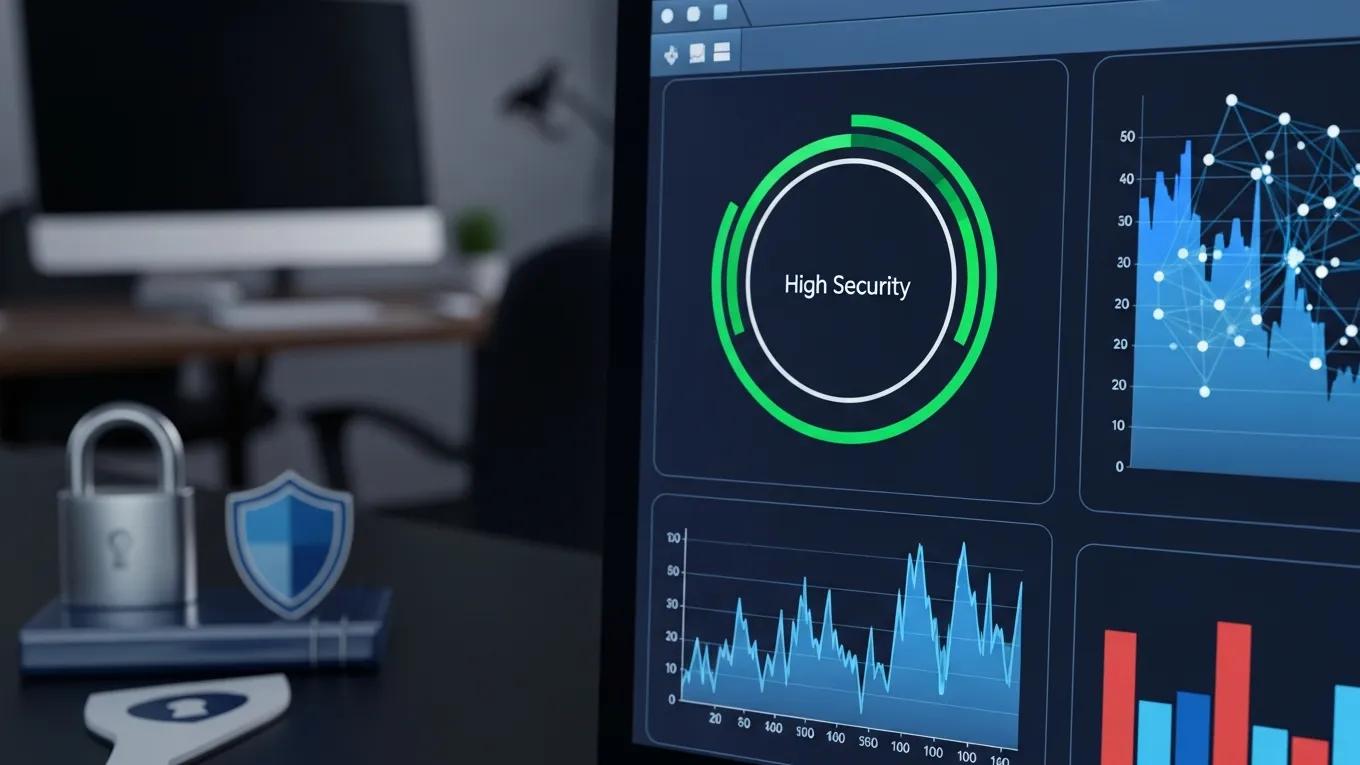
Monitoring security across a WordPress Multisite network is essential for protecting sites from potential threats. Implementing robust security measures can help safeguard the network and maintain user trust. For those looking to build a new website, using an “AI website builder” can streamline the process.
Utilize Security Plugins
Using security plugins is an effective way to enhance network security. These plugins can provide features such as malware scanning, firewall protection, and login attempt monitoring, helping to protect sites from various threats.
Enable Network-Wide Firewall Settings
Implementing network-wide firewall settings can help block malicious traffic and protect sites from attacks. This proactive approach to security ensures that all sites within the network benefit from enhanced protection.
Implement Two-Factor Authentication
Two-factor authentication (2FA) adds an extra layer of security by requiring users to verify their identity through a second method, such as a mobile app or SMS. This practice significantly reduces the risk of unauthorized access to sites.
Advanced Multisite Network Architecture
Understanding the architecture of a WordPress Multisite network is fundamental to its successful deployment and management. Two primary configurations exist for multisite networks: subdomain and subdirectory setups. Each has distinct characteristics, advantages, and technical requirements that influence the choice depending on the project’s goals and infrastructure.
Subdomain vs. Subdirectory Configurations
In a subdomain configuration, each site within the network is accessed via a unique subdomain, such as and . This approach is ideal for organizations that require clear separation between sites or want to emphasize distinct branding for each subsite. Conversely, a subdirectory configuration uses URL paths to differentiate sites, for example, and . This setup is often simpler to implement and can be preferable when sites share a common brand identity or when DNS management is limited.
DNS Wildcard Setup Requirements
For subdomain multisite networks, a DNS wildcard record must be configured to direct all subdomains to the server hosting the WordPress installation. This wildcard DNS entry (e.g., ) ensures that any subdomain request resolves correctly without requiring individual DNS entries for each subsite. WP Support Lab advises clients to coordinate with their DNS providers to implement this setup accurately, as improper configuration can lead to site accessibility issues.
WP Support Lab’s Enterprise Multisite Architecture
WP Support Lab specializes in architecting multisite networks tailored to enterprise needs, balancing scalability, security, and performance. The firm evaluates client requirements to recommend the optimal configuration—subdomain or subdirectory—while ensuring robust DNS and server configurations. Additionally, WP Support Lab implements advanced routing and load balancing strategies to support high-traffic multisite environments, guaranteeing seamless user experiences across all subsites.
Managing Plugins and Themes Across a Network
Effective management of plugins and themes is critical in a multisite environment to maintain stability, security, and consistent functionality across all subsites. WP Support Lab emphasizes a strategic approach to plugin and theme administration to prevent conflicts and optimize network performance.
Network-Activated vs. Site-Activated Plugins
Plugins in a multisite network can be activated either network-wide or on individual subsites. Network-activated plugins are enabled across all sites, ensuring uniform functionality and simplifying updates. Site-activated plugins, however, are enabled only on specific subsites, allowing for customization but increasing the risk of version conflicts and inconsistent behavior. WP Support Lab recommends careful evaluation before network activation to balance uniformity and flexibility.
Theme Management from the Network Admin
The network administrator controls theme availability across the multisite network. Themes can be enabled or disabled for individual subsites, but only those approved by the network admin are accessible. This centralized control prevents unauthorized theme installations and maintains design consistency. WP Support Lab assists clients in curating a vetted theme library aligned with branding and performance standards.
Preventing Plugin Conflicts Across Subsites
Plugin conflicts are a common challenge in multisite networks due to varying plugin versions or incompatible functionalities. WP Support Lab employs a rigorous plugin audit process that includes compatibility testing, version control, and security assessments. This process identifies potential conflicts before deployment and ensures that plugins operate harmoniously across all subsites.
WP Support Lab’s Recommended Plugin Audit Process
- Inventory all installed plugins and their versions across the network.
- Evaluate plugin necessity and remove redundant or outdated plugins.
- Test plugin compatibility in a staging environment simulating the multisite setup.
- Implement version control and schedule regular updates.
- Monitor plugin performance and security post-deployment.
Multisite Performance and Security Hardening
Performance optimization and security hardening are paramount in multisite networks due to their complex database structures and shared resources. WP Support Lab applies advanced techniques to address these unique challenges effectively.
Database Table Proliferation
Each subsite in a multisite network maintains its own set of database tables, such as and , which can lead to rapid database growth and potential performance degradation. WP Support Lab implements database optimization strategies, including indexing, query caching, and regular cleanup routines, to maintain efficient database operations across all subsites.
Caching Strategies
Effective caching is critical for multisite performance. WP Support Lab deploys a combination of object caching and page caching tailored per subsite. Object caching stores frequently accessed data in memory to reduce database queries, while page caching serves static versions of pages to minimize server load. These caching layers are configured to respect multisite nuances, ensuring that cached content is accurate and up-to-date for each subsite.
User Role Management Across the Network
Managing user roles in a multisite environment requires precision to balance access and security. WP Support Lab enforces strict role definitions and permissions, particularly concerning the Super Admin role, which has network-wide privileges. By limiting Super Admin access and auditing user roles regularly, WP Support Lab minimizes security risks and maintains operational integrity.
Security Considerations Unique to Multisite
Multisite networks share core WordPress files and resources, which introduces specific security considerations. A vulnerability in one subsite can potentially affect the entire network. WP Support Lab implements network-wide security measures, including hardened file permissions, regular core updates, and comprehensive monitoring. Additionally, the firm configures Super Admin privileges carefully to prevent unauthorized network-wide changes, thereby safeguarding the multisite ecosystem.
WP Support Lab Multisite Management Services
WP Support Lab offers comprehensive end-to-end WordPress multisite management services designed to meet the demands of complex, multi-site installations. From initial network setup and seamless migration to ongoing maintenance, security monitoring, and performance optimization, WP Support Lab delivers expert solutions tailored to enterprise and growing businesses. Leveraging deep technical expertise and industry best practices, WP Support Lab ensures multisite networks operate securely, efficiently, and at peak performance, empowering clients to focus on their core business objectives.







