

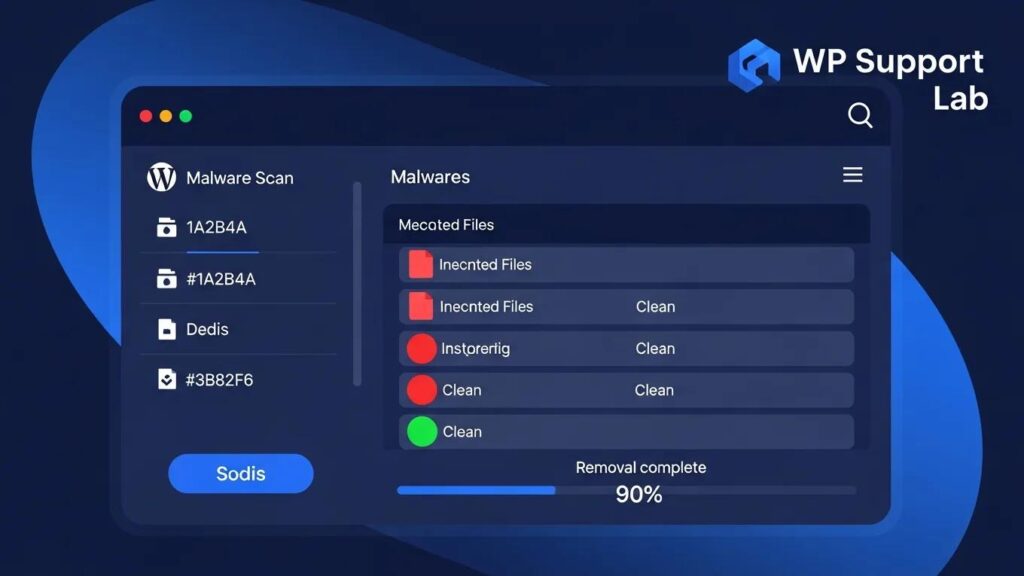
In the ever-evolving landscape of cybersecurity, WordPress sites remain prime targets for malware attacks. Understanding how to detect, clean, and protect your site from these threats is crucial for maintaining your online presence. This comprehensive guide will delve into the essential strategies for identifying malware, the steps necessary for cleaning infected sites, and the protective measures you can implement to safeguard your WordPress environment. As cyber threats become increasingly sophisticated, knowing how to respond effectively can save you time, money, and stress. We will explore the signs of malware infection, common symptoms of a hacked site, and the best practices for ongoing security.
Detecting Malware
Detecting malware on your WordPress site is the first step in safeguarding your digital assets. Malware can manifest in various ways, often leading to significant disruptions in site functionality and user experience. Key indicators of infection include unexpected redirects, Google Search Console warnings, unfamiliar admin accounts, modified files, slow performance, and spam content. Utilizing diagnostic tools such as security plugins can help identify these issues early.
How Can You Identify Signs of Malware Infection on Your WordPress Site?
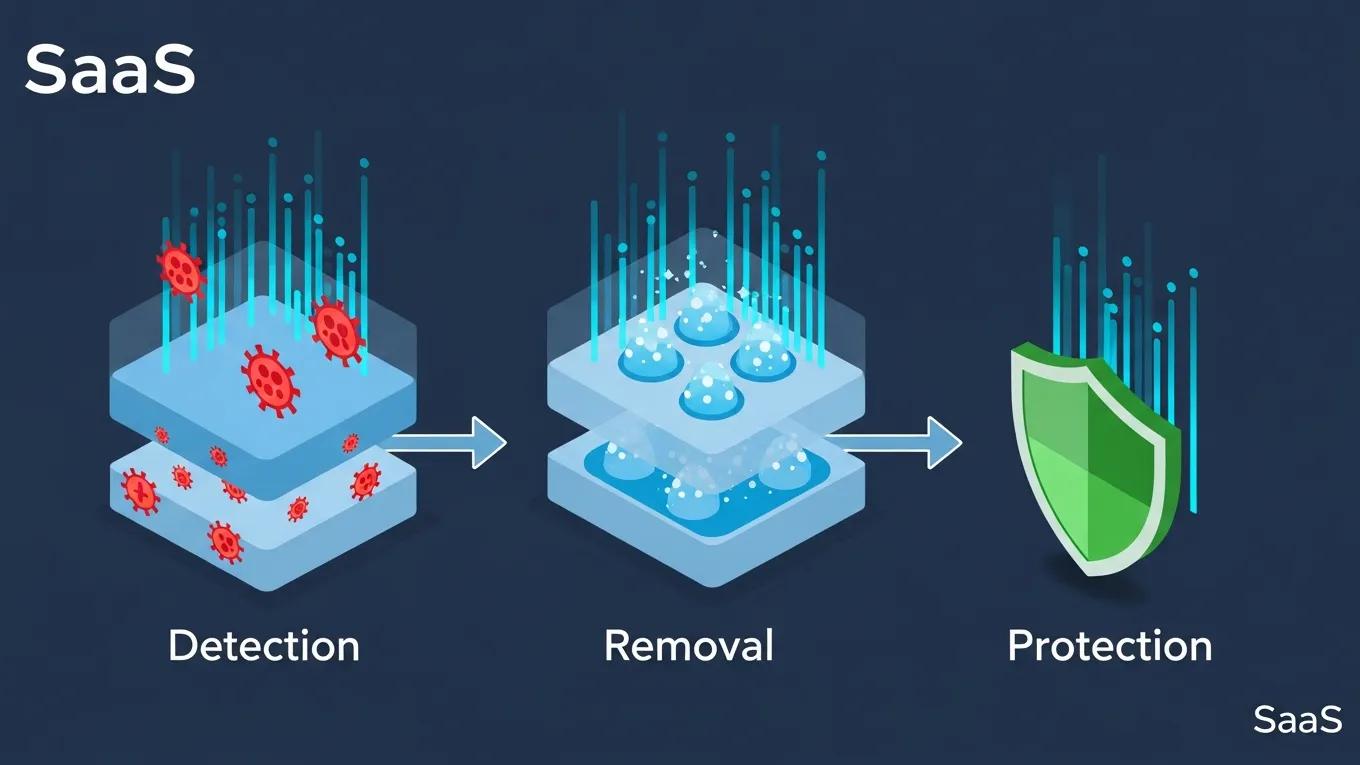
Identifying signs of malware infection is critical for timely intervention. Common indicators include:
- Browser or Google Warnings: Alerts from browsers or Google about potential security risks.
- Unexpected Redirects: Users being redirected to unfamiliar sites.
- Unknown Admin Accounts: Discovery of unauthorized user accounts in your admin panel.
- Modified Files: Changes to core files or themes that you did not initiate.
- Slow Performance: A noticeable decrease in site speed.
- Spam Content: Unsolicited content appearing on your site.
These signs should prompt immediate action to investigate and mitigate potential threats.
Cleaning Infected WordPress Sites
Once malware is detected, cleaning the infected site is paramount. This process involves several critical steps to ensure that all malicious elements are removed and the site is restored to its original state.
What Are the Step-by-Step Methods to Clean a Hacked WordPress Site?
Cleaning a hacked WordPress site requires a systematic approach:
- Take Your Site Offline: Prevent further damage by temporarily disabling your site.
- Create a Full Backup: Ensure you have a complete backup of your site before making changes.
- Run a Comprehensive Malware Scan: Use security plugins to identify and remove malware.
- Remove Malicious Code: Delete any infected files, plugins, or themes.
- Replace with Fresh Copies: Download fresh versions of WordPress core files, plugins, and themes from official sources.
- Close the Vulnerability: Identify and fix the security loopholes that allowed the infection.
Following these steps can help restore your site and prevent future attacks.
Implementing Protective Measures
Preventing future malware infections is as important as cleaning an infected site. Implementing robust security measures can significantly reduce the risk of future attacks.
What Preventive Measures Can You Implement to Avoid Future Malware Infections?
To enhance your site’s security, consider the following measures:
- Keep Everything Updated: Regularly update WordPress core, plugins, and themes to patch vulnerabilities.
- Install a Web Application Firewall: A firewall can help block malicious traffic before it reaches your site.
- Enable File Integrity Monitoring: This feature alerts you to unauthorized changes in your files.
- Automated Backups: Regular backups ensure you can quickly restore your site in case of an attack.
- Strong Authentication: Use strong passwords and two-factor authentication to secure admin access.
These proactive steps can help fortify your site against potential threats.
Professional Help
In some cases, the complexity of a malware infection may necessitate professional assistance. Understanding when to seek help can save you time and resources.
When Should You Consider Professional Help for Malware Removal?
Consider professional services for complex infections that are difficult to resolve on your own. Emergency malware removal typically costs between $500 and $2,000, depending on the severity of the infection and the extent of the damage. Additionally, ongoing maintenance plans can provide more cost-effective long-term protection, ensuring your site remains secure against future threats.
For comprehensive protection and swift recovery from severe incidents, specialized recovery playbooks and ransomware protection are indispensable.
WordPress Malware Recovery & Ransomware Protection
Recovery playbooks provide step-by-step guidance for multiple scenarios, enabling quick and efficient restoration of services. This protection guards against ransomware attacks that encrypt data and demand payment, ensuring business continuity and data integrity.
Why a Cybersecurity Leader Chose WordPress: The Malwarebytes Case Study, 2025
Which Malware Types Affect WordPress in 2026?
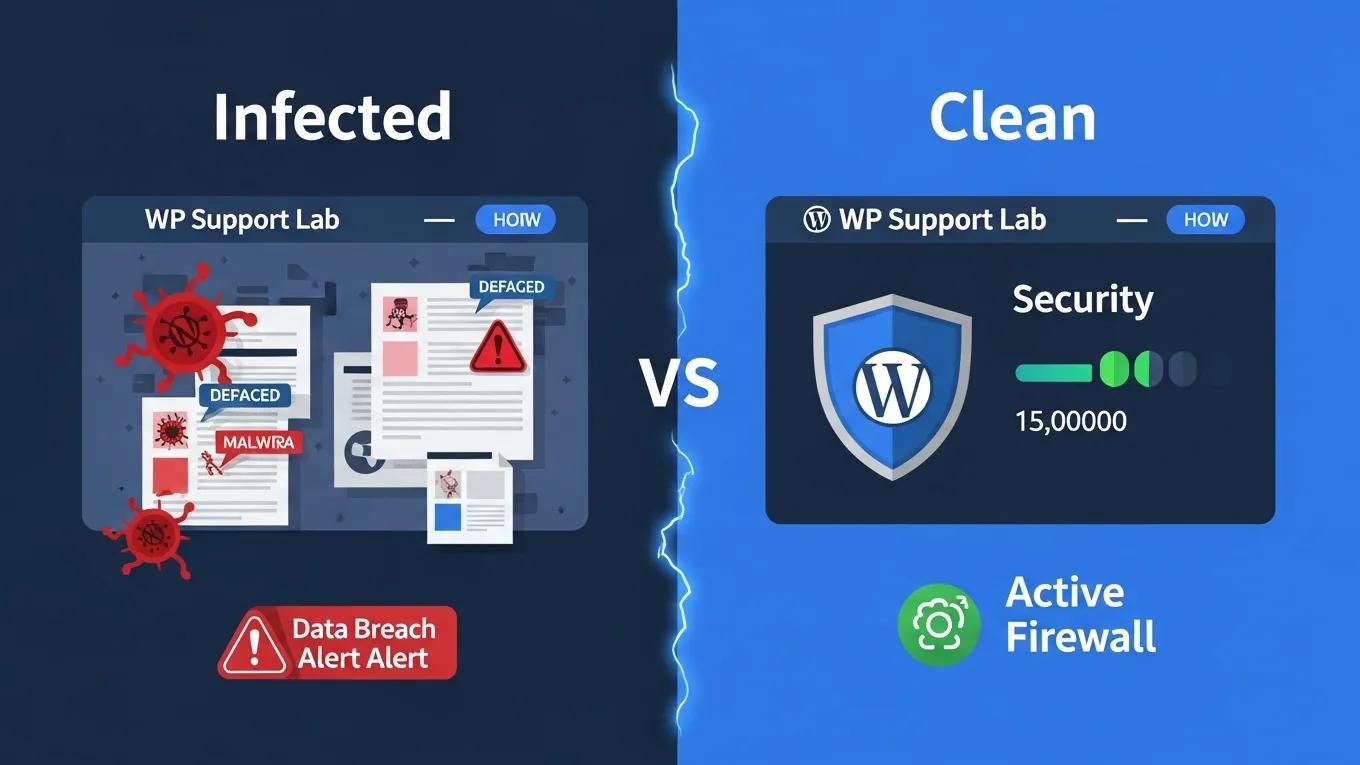
As cyber threats evolve, so do the types of malware targeting WordPress sites. Understanding these threats is essential for effective prevention and response.
What Are Common Symptoms of a Hacked WordPress Site?
Common symptoms indicating a hacked WordPress site include:
- Browser Warnings: Alerts from browsers about potential security risks.
- Unexpected Redirects: Users being redirected to unfamiliar or malicious sites.
- Modified Files: Unauthorized changes to core files or themes.
- Slow Performance: A noticeable decrease in site speed.
- Spam Content: Unsolicited content appearing on your site.
Recognizing these symptoms early can help mitigate damage and restore your site quickly.
Which Malware Types Affect WordPress in 2026?
In 2026, several types of malware are particularly concerning for WordPress users:
- Redirect Malware: This type redirects users to malicious sites, often for phishing or ad fraud.
- Backdoor Access: Malware that creates hidden access points for attackers, allowing them to control your site remotely.
- File Modifications: Unauthorized changes to files that can compromise site integrity.
- Database Injections: Attacks that manipulate your database to steal sensitive information or inject malicious content.
Understanding these threats can help you implement more effective security measures.
How to Use Malware Removal Tools for WordPress Effectively?
Using malware removal tools effectively is crucial for maintaining site security. These tools can automate the detection and cleaning process, making it easier to manage potential threats.
What Are the Differences Between Manual and Automated Malware Removal?
When it comes to malware removal, there are two primary approaches: manual and automated.
- Control vs. Efficiency: Manual removal offers greater control but is time-consuming, while automated tools provide efficiency but may miss some threats.
- Time Consumption: Manual methods require significant time investment, whereas automated tools can quickly scan and clean.
- Effectiveness: Automated tools are effective for routine scans, but manual methods may be necessary for complex infections.
Choosing the right approach depends on the severity of the infection and your technical expertise.
Which WordPress Security Plugins Are Best for Malware Prevention in 2026?
Selecting the right security plugins is essential for protecting your WordPress site from malware.
What Features Should You Look for in WordPress Malware Scanner Plugins?
When evaluating malware scanner plugins, consider the following features:
- Malware Scanning and Removal: The ability to detect and eliminate malware effectively.
- Web Application Firewall: A firewall that blocks malicious traffic before it reaches your site.
- Real-Time Threat Detection: Continuous monitoring for potential threats.
These features can significantly enhance your site’s security posture.
Beyond basic features, a robust defense strategy often involves advanced layered security, especially for containerized environments.
WordPress Container Security & Layered Defense
There are two main risks that containerised WordPress on AWS has; vulnerable container images and application-layer attacks. Such implementation is organised as the layered defence, which incorporates continuous scanning of the Amazon ECR/Inspector images with additional AWS WAF and EventBridge/Lambda automation. SQLinjection (SQLi) and cross-site-scripting (XSS) tests resulted in 100% blocking of SQLi payloads, and 90.95 percent mitigation of XSS with its managed and internal WordPress-specific rules (/wp-login.php, xmlrpc.php).
Enhancing Security of WordPress Containers on AWS: A Multitool Vulnerability Analysis, 2026
How Do Firewall and Backup Plugins Enhance WordPress Security?
How to Perform Regular WordPress Security Audits and Monitoring?
Regular security audits and monitoring are vital for maintaining a secure WordPress environment.
- Schedule Regular Audits: Conduct audits to identify vulnerabilities and ensure compliance with security best practices.
- Use Security Plugins: Leverage security plugins to automate monitoring and alert you to potential threats.
- Monitor File Changes: Keep track of changes to core files and plugins to detect unauthorized modifications.
Implementing these practices can help you stay ahead of potential security threats.
To effectively combat evolving threats, automated security monitoring and auditing systems are crucial for real-time vigilance and data integrity.
Automated WordPress Security Monitoring & Auditing
the security of WordPress websites by focusing on automation and real-time monitoring. This gives attackers a way to read, change, or delete database content or even take over the site, highlighting the critical need for robust security measures.
Automated security auditing and monitoring system for WordPress sites, 2025
What Are Best Practices for Secure WordPress Development and Maintenance?
What Preventive Measures Can You Implement to Avoid Future Malware Infections?
To avoid future malware infections, consider these best practices:
- Keep Everything Updated: Regularly update WordPress core, plugins, and themes to patch vulnerabilities.
- Use Strong Passwords: Implement strong password policies for all user accounts.
- Conduct Regular Security Audits: Schedule audits to identify and address potential vulnerabilities.
By following these best practices, you can significantly reduce the risk of malware infections and enhance your site’s overall security.
To further enhance your WordPress site, consider leveraging professional WordPress development services.
For those seeking to enhance their online visibility, search engine optimization is crucial.
Additionally, it’s important to ensure your website is functioning optimally, which is where WordPress support comes in.