
WordPress Maintenance Checklist: Complete Guide 2026 for Reliable Site Performance and Security
By David G., WP Support Lab
Maintaining a WordPress site is crucial for ensuring optimal performance and security. As technology evolves, so do the best practices for keeping sites running smoothly. This comprehensive guide provides a detailed WordPress maintenance checklist for 2026, covering essential tasks, best practices, and recommended tools. Many site owners struggle with the complexities of regular maintenance, which can lead to security vulnerabilities and performance issues. By following this checklist, administrators can proactively address these challenges and keep sites secure and efficient. The guide explores daily, weekly, monthly, and quarterly maintenance tasks, best practices, and tools that can simplify maintenance efforts.
Essential Maintenance Tasks

To ensure WordPress sites remain healthy, it is essential to perform regular maintenance tasks. These tasks can be categorized into daily, weekly, monthly, and quarterly activities, each serving a specific purpose in maintaining site performance and security.
Daily Maintenance Tasks:
Daily maintenance tasks are vital for monitoring site health and security. These tasks help catch potential issues before they escalate.
- Uptime Monitoring: Regularly check if the site is live and accessible to users. Use monitoring tools to receive alerts if the site goes down.
- Security Scanning: Conduct daily scans for malware and vulnerabilities to protect the site from potential threats.
- Content Updates: Review and update any new content or comments to keep the site engaging and relevant.
Weekly Maintenance Tasks:
Weekly tasks focus on ensuring that the site remains updated and backed up.
- Backup the Site: Create a complete backup of the site, including files and databases, to prevent data loss.
- Update Core, Themes & Plugins: Regularly check for updates to WordPress core, themes, and plugins to ensure the latest features and security patches are applied.
- Review User Activity: Monitor user accounts and activity to ensure there are no unauthorized changes or logins.
Monthly Maintenance Tasks:
Monthly maintenance tasks help assess site performance and make necessary adjustments.
- Performance Monitoring: Analyze the site’s speed and performance metrics to identify areas for improvement.
- SEO Review: Conduct an SEO audit to ensure the site is optimized for search engines and to identify any issues that may affect rankings.
- Database Optimization: Clean up the database by removing unnecessary data, such as spam comments and post revisions, to improve performance.
Quarterly Maintenance Tasks:
Quarterly tasks involve more in-depth assessments and planning for the site’s future.
- Full Site Audit: Perform a comprehensive audit of the site, checking for broken links, outdated content, and overall functionality.
- Test Backups: Regularly test the backup restoration process to ensure that the site can be recovered in case of an emergency.
- Review Security Measures: Evaluate security protocols and update them as necessary to address new threats.
Best Practices
Implementing best practices in WordPress maintenance routines can significantly enhance site security and performance. Here are some key strategies to consider:
- Establish a Backup Strategy: Regularly back up the site using reliable backup solutions to prevent data loss.
- Implement Security Monitoring: Use security plugins to monitor the site for vulnerabilities and receive alerts for suspicious activity.
- Test Updates in a Staging Environment: Before applying updates to the live site, test them in a staging environment to avoid potential conflicts.
Recommended Tools
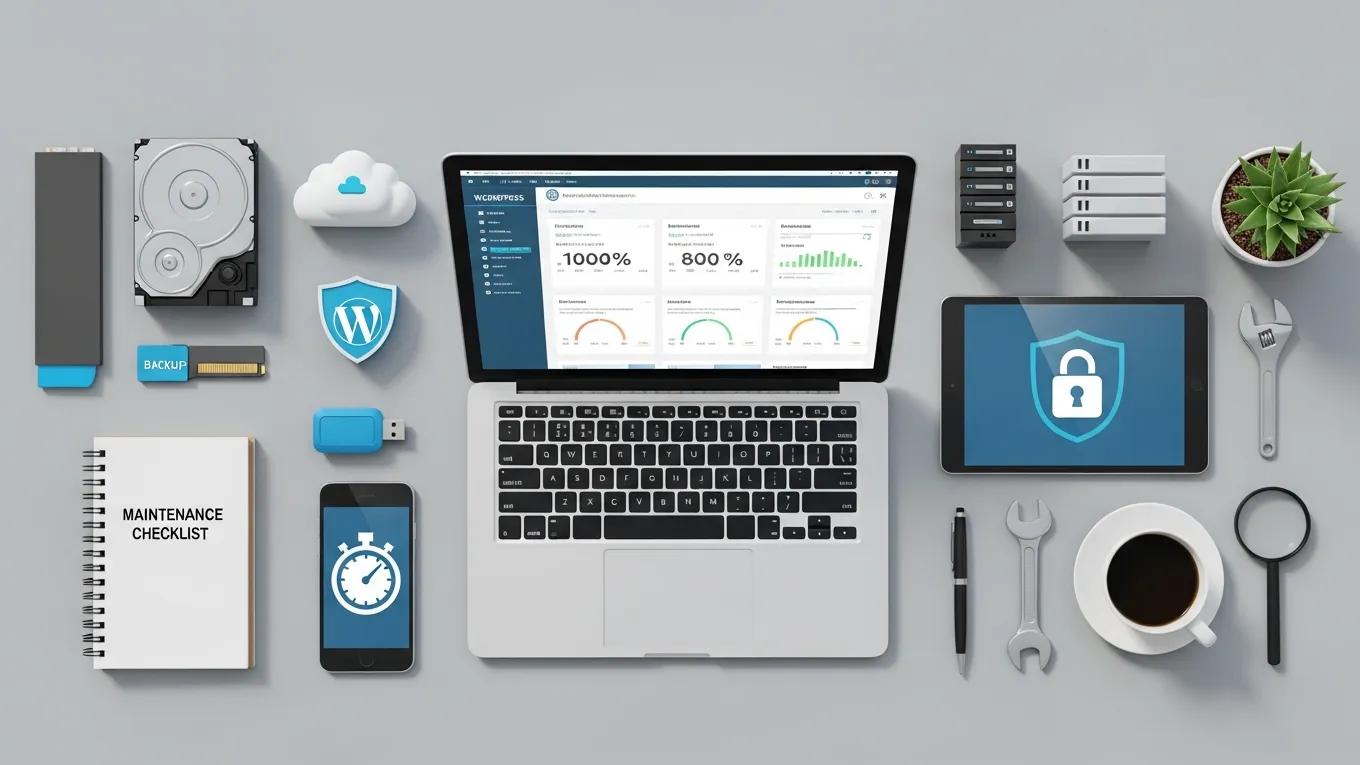
Utilizing the right tools can streamline WordPress maintenance tasks. Here are some recommended tools for various maintenance activities:
- Backup Tools: Solutions like UpdraftPlus and BackupBuddy offer reliable backup options for sites.
- Security Plugins: Plugins such as Wordfence and Sucuri provide comprehensive security monitoring and protection.
- Performance Tools: Tools like GTmetrix and Pingdom help analyze site speed and performance metrics.
- SEO Tools: Yoast SEO and SEMrush can assist in optimizing sites for search engines.
What Are the Essential WordPress Maintenance Tasks for 2026?
Essential WordPress maintenance tasks for 2026 include regular updates, backups, security checks, and performance monitoring. These tasks ensure that sites remain secure, functional, and optimized for user experience.
How Often Should WordPress Backups and Updates Be Performed?
WordPress backups should be performed at least weekly, while updates to the core, themes, and plugins should be checked and applied as soon as they are available. This proactive approach minimizes the risk of data loss and security vulnerabilities.
Which Security Checks Are Critical to Protect WordPress Sites?
Critical security checks include regular malware scans, monitoring for unauthorized logins, and ensuring that all software is up to date. Implementing strong passwords and two-factor authentication can further enhance site security.
Further research emphasizes the importance of a layered defense strategy to combat sophisticated application-layer attacks like SQL injection and cross-site scripting.
Enhancing WordPress Security: Vulnerability Analysis & Layered Defense
There are two main risks that containerised WordPress on AWS has; vulnerable container images and application-layer attacks. Such implementation is organised as the layered defence, which incorporates continuous scanning of the Amazon ECR/Inspector images with additional AWS WAF and EventBridge/Lambda automation. SQLinjection (SQLi) and cross-site-scripting (XSS) tests resulted in 100% blocking of SQLi payloads, and 90.95 percent mitigation of XSS with its managed and internal WordPress-specific rules (/wp-login.php, xmlrpc.php).
Enhancing Security of WordPress Containers on AWS: A Multitool Vulnerability Analysis, 2026
How to Implement Effective WordPress Backup Solutions in 2026?
To implement effective backup solutions, site owners should choose a reliable backup plugin that offers automated backups and cloud storage options. Scheduling regular backups and ensuring easy restoration capabilities are essential.
What Are the Best Backup Plugins and Scheduling Practices?
Some of the best backup plugins include UpdraftPlus, BackupBuddy, and Duplicator. Scheduling backups during low-traffic hours minimizes disruption and ensures multiple backup points for added security.
How to Safely Restore a WordPress Site from Backups?
To safely restore a WordPress site from backups, follow these steps:
- Access the Backup: Locate backup files in the chosen backup solution.
- Deactivate Plugins: Temporarily deactivate all plugins to prevent conflicts during restoration.
- Restore Files: Upload the backup files to the server, replacing existing files.
- Test the Site: After restoration, thoroughly test the site to ensure everything functions correctly.
What Does a Comprehensive WordPress Security Checklist Include?
A comprehensive WordPress security checklist includes:
- Regular updates for WordPress core, themes, and plugins
- Strong password policies and two-factor authentication
- Regular malware scans and security monitoring
- Backup solutions and restoration plans
How to Perform Malware Scans and Firewall Configurations?
To perform malware scans, use security plugins that offer scanning features. Configure firewalls to block malicious traffic and monitor for suspicious activity. Regularly review security settings to adapt to new threats.
Why Are Regular Plugin and Theme Updates Vital for Security?
Regular updates for plugins and themes are vital for security because they often include patches for vulnerabilities. Failing to update can leave sites exposed to attacks that exploit these weaknesses.
How to Optimize WordPress Performance for Faster Loading Times?
To optimize WordPress performance, consider the following strategies:
- Use Caching Solutions: Implement caching plugins to reduce server load and improve loading times.
- Optimize Images: Compress images to reduce file size without sacrificing quality.
- Minimize HTTP Requests: Limit the number of elements on pages to decrease loading times.
Which Caching and CDN Solutions Improve Site Speed?
Caching solutions like WP Super Cache and W3 Total Cache can significantly improve site speed. Additionally, using a Content Delivery Network (CDN) like Cloudflare or StackPath can enhance loading times by distributing content across multiple servers.
How to Optimize Images and Database for Better Performance?
To optimize images, use formats like WebP and compress images before uploading. For database optimization, regularly clean up unnecessary data, such as post revisions and spam comments, to improve performance.
What Are the Best WordPress Site Monitoring Tools and Practices?
The best WordPress site monitoring tools include UptimeRobot and Pingdom, which provide real-time monitoring and alerts for downtime. Implementing these tools helps quickly address issues that may affect user experience.
How to Set Up Real-Time Monitoring for Uptime and Security?
To set up real-time monitoring, choose a monitoring service that offers uptime checks and security alerts. Configure notifications to receive immediate updates on any issues that arise.
Which Automation Tools Help Streamline Maintenance Tasks?
Automation tools like ManageWP and MainWP can help streamline maintenance tasks by allowing management of multiple sites from a single dashboard. These tools can automate backups, updates, and performance checks.
How to Conduct WordPress Site Audits and Troubleshooting in 2026?
Conducting a WordPress site audit involves reviewing site performance, security, and SEO. Use tools like Google Search Console and GTmetrix to identify issues and implement solutions.
What Are the Key Audit Steps to Identify Site Issues?
Key audit steps include:
- Performance Analysis: Check loading times and responsiveness.
- Security Review: Assess security measures and identify vulnerabilities.
- SEO Evaluation: Analyze on-page SEO factors and identify areas for improvement.
How to Resolve Common WordPress Maintenance Problems?
Common WordPress maintenance problems can often be resolved by:
- Clearing Cache: If changes are not visible, clearing the cache can help.
- Deactivating Plugins: If the site is slow or unresponsive, deactivating plugins can identify conflicts.
- Restoring Backups: If issues persist, restoring from a backup can revert the site to a previous state.
Different backup solutions offer distinct features and benefits, making it essential to choose the right one for specific needs.
This comparison highlights the importance of selecting a backup solution that aligns with specific requirements for effective WordPress maintenance. To further enhance websites, consider exploring options for WordPress development, ensuring sites are tailored to meet evolving needs.







