

WordPress E-commerce Tips: 6 Proven Strategies to Optimize and Grow Your WooCommerce Store
By David G., WP Support Lab
In the competitive landscape of online retail, optimizing your WooCommerce store is essential for success. This article delves into six proven strategies that can significantly enhance your WordPress e-commerce experience. Readers will learn about critical aspects such as store speed, checkout processes, inventory management, targeted marketing, user experience design, and performance monitoring. Many store owners struggle with low conversion rates and high cart abandonment, but by implementing these strategies, you can create a more efficient and user-friendly shopping environment. We will explore each strategy in detail, providing actionable insights to help you optimize your WooCommerce store effectively.
Further emphasizing the comprehensive nature of WooCommerce optimization, one source highlights the importance of addressing various aspects of store performance to boost sales and revenue.
WooCommerce Store Optimization: Performance, Sales & Revenue
Each chapter will cover a new section of WooCommerce and of your store’s performance in terms of sales and revenue.
Mastering WooCommerce: Build, customize, and launch a complete e-commerce website with WooCommerce from scratch, 2024
Optimize Store Speed
Store speed is a crucial factor that directly impacts user experience and conversion rates. A fast-loading WooCommerce store not only enhances customer satisfaction but also improves search engine rankings. Techniques such as caching, image optimization, and minimizing HTTP requests can significantly reduce loading times. For instance, utilizing a content delivery network (CDN) can distribute your content globally, ensuring faster access for users regardless of their location.
Indeed, the critical role of website performance and page load time in e-commerce success is a well-documented area of study, offering specific recommendations for improvement.
E-commerce Website Optimization: Performance & Page Load Time
recommendations about how to improve your website performance and page load time. to analyze and optimize an e-commerce store.
Analyzing & optimizing a small-scale e-commerce website: case company: Kipfashion, 2020
Caching Techniques
Implementing caching techniques can drastically improve your store’s speed. By storing static versions of your pages, caching reduces the load on your server and speeds up page delivery. Popular caching plugins like WP Super Cache and W3 Total Cache can help you achieve this.
Image Optimization
Images often account for a significant portion of a webpage’s load time. Optimizing images by compressing them without losing quality can lead to faster loading times. Tools like Smush and ShortPixel can automate this process, ensuring your images are web-ready.
Simplify the Checkout Process

A streamlined checkout process is vital for reducing cart abandonment rates. By minimizing the number of fields and steps required to complete a purchase, you can enhance the user experience. Implementing guest checkout options and displaying trust signals, such as security badges, can further encourage customers to finalize their purchases.
The importance of optimizing for conversion rates, particularly through thoughtful design and user experience, is a recurring theme in e-commerce research.
Interactive Design for E-commerce Conversion Rate Optimization
conversion rates (CR) in e-commerce websites. It investigates the phenomena in a series of phases using an e-commerce. factors responsible for low conversion rate and a number of
The impact of interactive design as a conversion rate optimisation tool for e-commerce, 2019
Minimize Checkout Fields
Reducing the number of fields in your checkout form can significantly decrease friction. Only ask for essential information, and consider using autofill options to speed up the process.
Guest Checkout Options
Allowing customers to check out without creating an account can lead to higher conversion rates. Many users prefer the convenience of a quick purchase, so offering a guest checkout option can be beneficial.
Implement Effective Inventory Management
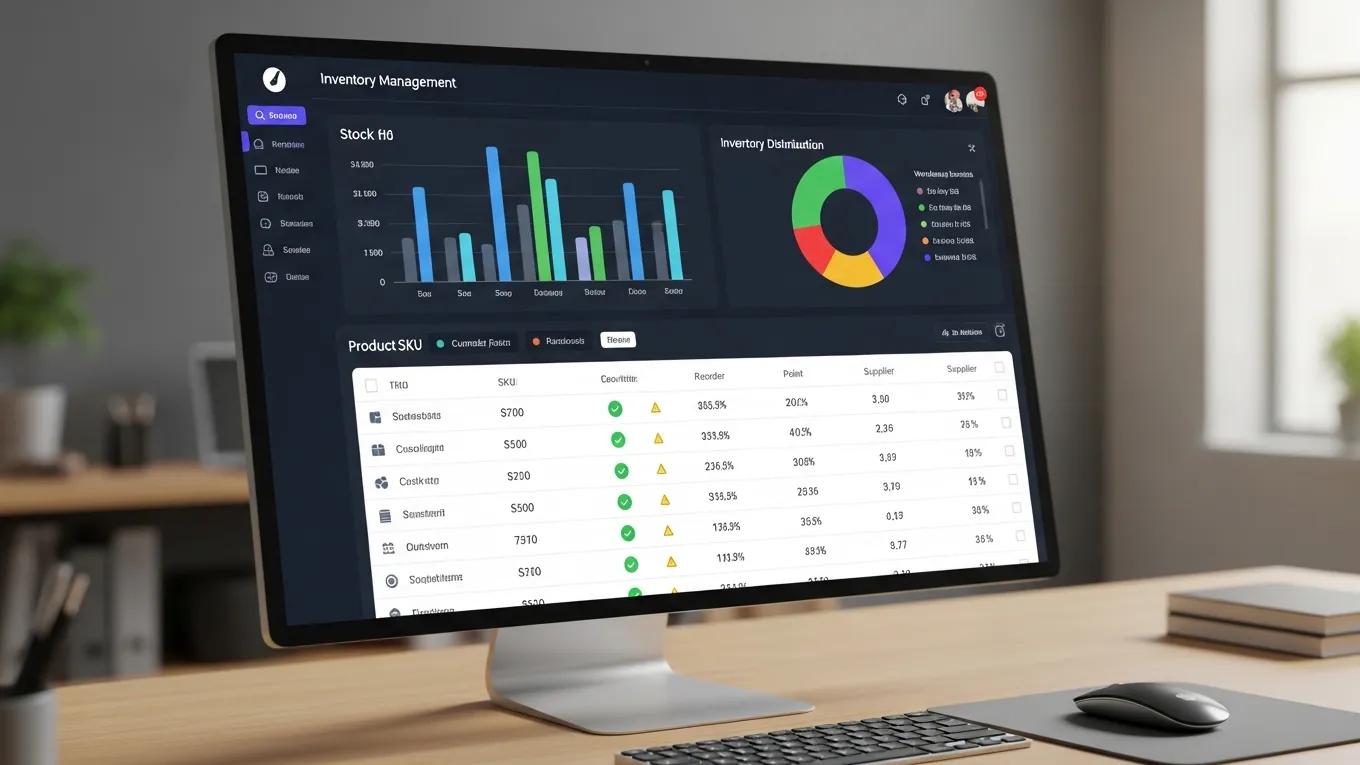
Effective inventory management is crucial for maintaining stock levels and ensuring customer satisfaction. Regularly optimizing your database and utilizing inventory management tools can help prevent stockouts and overstock situations.
Regular Database Optimization
Regularly optimizing your WooCommerce database can improve performance and speed. This includes cleaning up old orders, spam comments, and transient options that can clutter your database.
Inventory Management Tools
Using inventory management tools can streamline your operations. Plugins like WooCommerce Stock Manager allow you to manage stock levels efficiently, ensuring you always have the right products available for your customers.
Utilize Targeted Marketing Techniques
Targeted marketing techniques can significantly enhance customer engagement and retention. By leveraging email marketing campaigns, social media advertising, and SEO strategies, you can attract and retain customers more effectively.
Email Marketing Campaigns
Email marketing remains one of the most effective ways to reach your audience. By segmenting your email list and sending personalized offers, you can increase open rates and conversions.
Social Media Advertising
Utilizing social media platforms for advertising can help you reach a broader audience. Targeted ads on platforms like Facebook and Instagram allow you to connect with potential customers based on their interests and behaviors.
Enhance User Experience with Design
The design of your WooCommerce store plays a significant role in user experience. A well-designed store should be visually appealing, easy to navigate, and responsive across devices.
Responsive Design Importance
With an increasing number of users shopping on mobile devices, having a responsive design is essential. Ensure your store adapts seamlessly to different screen sizes, providing a consistent experience for all users.
High-Quality Images
Using high-quality images can enhance the visual appeal of your products. Invest in professional photography or use high-resolution images to showcase your products effectively.
Monitor and Analyze Performance
Regularly monitoring and analyzing your store’s performance is crucial for identifying areas for improvement. Utilizing tools like Google Analytics can provide valuable insights into user behavior and sales trends.
Using Google Analytics
Google Analytics allows you to track key performance indicators (KPIs) such as traffic sources, conversion rates, and user demographics. By analyzing this data, you can make informed decisions to optimize your store further.
Identifying Areas for Improvement
Regular audits of your store’s performance can help you identify areas that need attention. Look for trends in cart abandonment, page load times, and user engagement to pinpoint where improvements can be made.
Different optimization strategies deliver distinct benefits through specific mechanisms.
This comparison demonstrates how various strategies can enhance your WooCommerce store’s performance and user experience.
To further enhance your online presence, consider leveraging an AI website builder for efficient site creation. By implementing these six strategies, you can optimize your WooCommerce store for better performance and increased sales. Each strategy addresses critical aspects of e-commerce, ensuring that your store not only attracts visitors but also converts them into loyal customers. With a focus on speed, user experience, and effective marketing, your WooCommerce store can thrive in the competitive online marketplace.
For ongoing assistance and maintenance, consider exploring WordPress support services to keep your site running smoothly.







