

WordPress Backup Solutions: Complete Protection Guide 2026
By David G., WP Support Lab
In the digital age, safeguarding websites is paramount, especially for WordPress users. This guide delves into the essential WordPress backup solutions available in 2026, ensuring sites remain secure against data loss. Readers will learn about various backup types, the best plugins and services, and effective strategies for disaster recovery. As cyber threats and data loss incidents continue to rise, understanding how to protect WordPress sites is crucial. This article covers the essential types of backups, the best plugins and services, cloud storage options, scheduling best practices, and security considerations for WordPress backups.
What Are the Essential Types of WordPress Backups in 2026?
Understanding the different types of WordPress backups is vital for effective data protection. In 2026, the primary backup types include manual, automatic, and incremental backups. Each type serves a unique purpose and offers distinct advantages, making it essential for site owners to choose the right one for their needs.
How Do Manual, Automatic, and Incremental Backups Differ?
Manual backups require users to initiate the backup process, often involving downloading files and databases directly from the server. This method provides control but can be time-consuming and prone to human error. Automatic backups, on the other hand, are scheduled to run at predetermined intervals, ensuring that data is consistently backed up without user intervention. Incremental backups are increasingly important as they only save changes made since the last backup, significantly reducing storage space and time required for the backup process. Each type has its pros and cons, making it crucial for users to assess their specific needs when choosing a backup strategy.
Why Are Incremental Backups Increasingly Important for WordPress Sites?
Incremental backups are becoming essential for WordPress sites due to their efficiency and reduced resource consumption. By only backing up changes made since the last backup, they minimize the amount of data stored and the time taken to complete the backup process. This efficiency is particularly beneficial for larger sites with frequent updates, as it ensures that backups do not disrupt site performance. Additionally, incremental backups can enhance recovery times, allowing for quicker restoration in the event of data loss.
Which Are the Best WordPress Backup Plugins and Services?
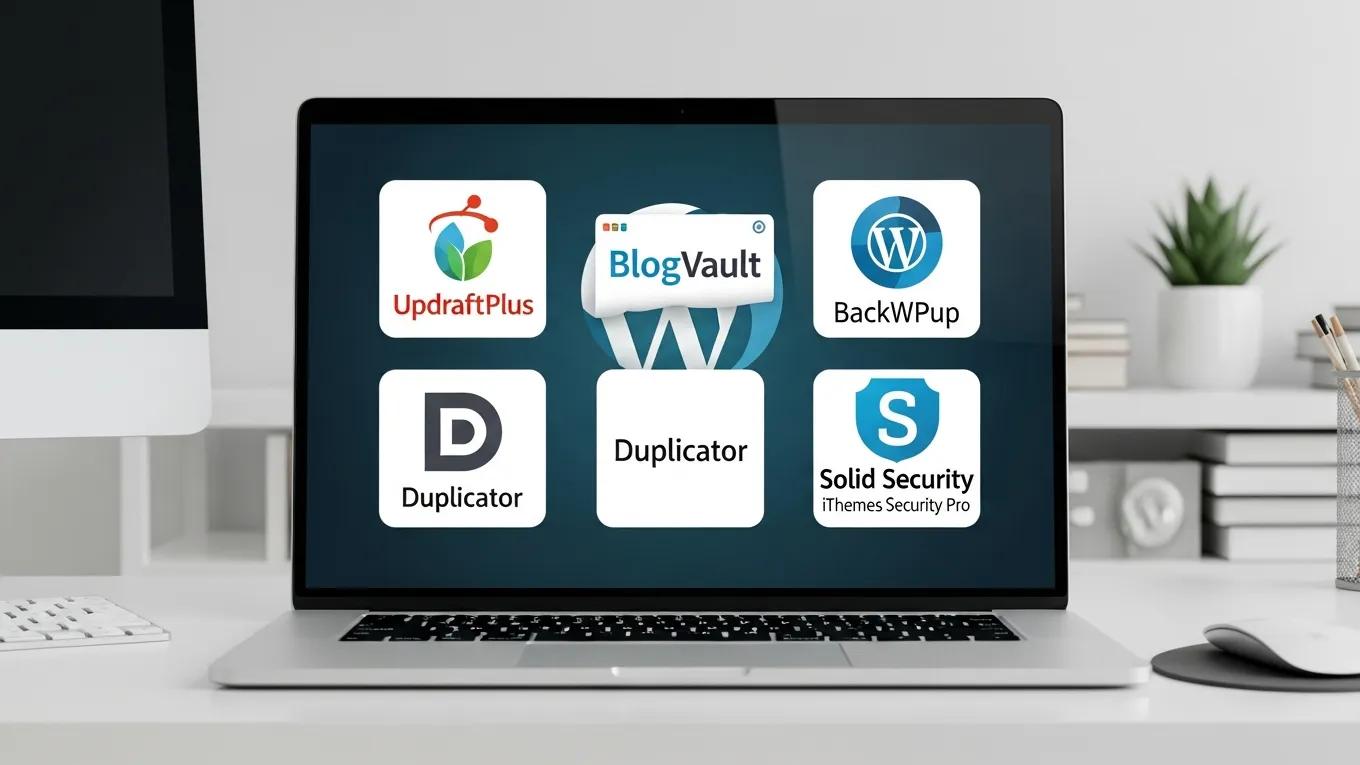
Choosing the right backup plugin or service is crucial for ensuring the safety of WordPress sites. In 2026, several plugins stand out for their features, reliability, and user satisfaction.
What Features Should You Look for in WordPress Backup Plugins?
When selecting a backup plugin, consider the following essential features:
- Automated Backups: Look for plugins that offer scheduling options to automate the backup process.
- Offsite Storage Options: Ensure the plugin can store backups in secure offsite locations, such as cloud storage.
- User-Friendly Interface: A straightforward interface can simplify the backup process, making it accessible for all users.
These features enhance the overall effectiveness of backup solutions, ensuring that data is secure and easily recoverable.
How Do Popular Plugins Like UpdraftPlus and BlogVault Compare?
To illustrate the differences between popular backup plugins, here’s a comparison of UpdraftPlus and BlogVault:
Both plugins offer robust features, but the choice may depend on specific needs such as budget, ease of use, and additional functionalities.
How Can You Use Cloud Storage for WordPress Backup and Restore?
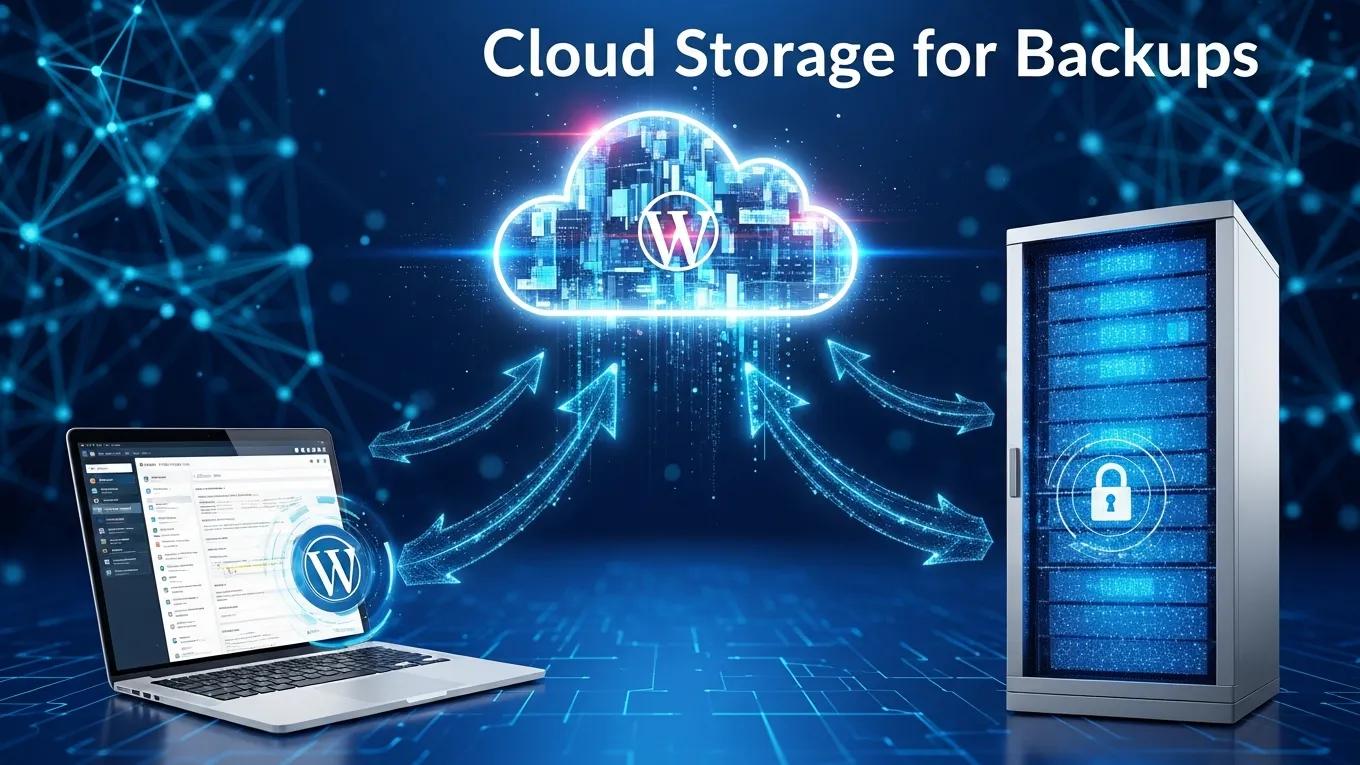
Cloud storage has revolutionized how WordPress backups are managed, providing secure and accessible solutions for data protection. Utilizing cloud storage for backups not only enhances security but also simplifies the restoration process.
What Are the Top Cloud Storage Providers for WordPress Backups?
Several cloud storage providers are ideal for WordPress backups, including:
- Google Drive: Offers generous free storage and seamless integration with various backup plugins.
- Dropbox: Known for its user-friendly interface and reliable performance.
- Amazon S3: Provides scalable storage solutions with robust security features.
These providers ensure that backups are stored securely and can be accessed easily when needed.
How Does Cloud Backup Enhance Security and Disaster Recovery?
Cloud backups enhance security by storing data offsite, protecting it from local threats such as hardware failures or cyberattacks. Additionally, cloud storage solutions often include encryption and redundancy, further safeguarding data. In terms of disaster recovery, cloud backups allow for quick restoration processes, minimizing downtime and ensuring that websites can be up and running swiftly after an incident.
Further emphasizing the importance of robust recovery strategies, research highlights the architectural patterns for integrating high availability and disaster recovery, especially across multiple cloud platforms.
Multi-Cloud High Availability and Disaster Recovery
High availability and disaster recovery (HADR) are often discussed in highly critical business systems for business function recovery and continuity concerns. With the development of cloud computing, virtual cloud services are perfectly matched to HADR scenarios, and interoperability is a significant aspect to help users to use HADR service across different cloud platforms and providers. In this paper, an architectural pattern describing the integration of high availability and disaster recovery is presented.
A database-specific pattern for multi-cloud high availability and disaster recovery, H Xiong, 2015
What Are the Best Practices for Scheduling and Frequency of WordPress Backups?
Establishing a solid backup schedule is crucial for maintaining data integrity. In 2026, best practices for scheduling and frequency of backups have evolved to accommodate the needs of dynamic websites.
How Often Should WordPress Sites Be Backed Up in 2026?
In 2026, it is recommended to back up WordPress sites at least once a day, especially if content is frequently updated or new features are added. For sites with high traffic or frequent changes, multiple daily backups may be necessary to ensure that no data is lost. Factors influencing backup frequency include the size of the site, the volume of updates, and the critical nature of the data being stored.
What Are the Benefits of Automated Backup Scheduling?
Automated backup scheduling offers several advantages:
- Minimized Data Loss: Regular backups reduce the risk of losing critical data.
- Ease of Use: Automation simplifies the backup process, requiring less manual intervention.
- Quick Restoration: Scheduled backups ensure that recent data is always available for recovery.
These benefits make automated scheduling a vital component of any effective backup strategy.
How Are Disaster Recovery and WordPress Site Restoration Performed Effectively?
Disaster recovery is a critical aspect of website management, ensuring that sites can be quickly restored in the event of data loss. Understanding the steps involved in this process is essential for all WordPress users.
What Are the Step-by-Step Procedures to Restore a WordPress Backup?
Restoring a WordPress backup typically involves the following steps:
- Access the Backup: Locate the backup file in the storage solution.
- Prepare the Site: Ensure the WordPress installation is ready for restoration.
- Upload the Backup: Use the backup plugin or manual methods to upload the backup files.
- Verify Restoration: Check the site to ensure all data has been restored correctly.
Following these steps can help ensure a smooth recovery process.
How Can Backup Failures and Data Loss Be Prevented?
To prevent backup failures and data loss, consider these best practices:
- Regular Testing: Periodically test backups to ensure they are functioning correctly.
- Monitor Backup Processes: Keep an eye on backup logs and notifications to catch any issues early.
- Implement Redundancy: Use multiple backup methods to safeguard against failures.
By adhering to these practices, the risk of data loss can be significantly reduced and backups can be made more reliable.
What Security and Compliance Considerations Affect WordPress Backup Solutions?
Security and compliance are paramount when it comes to WordPress backups. Understanding the implications of these factors can help in choosing the right backup solutions.
How Do Backup Solutions Integrate with WordPress Site Security?
Backup solutions should integrate seamlessly with WordPress site security measures. This includes features such as:
- Encryption: Ensuring that backup data is encrypted both in transit and at rest.
- Access Controls: Limiting who can access backup data to prevent unauthorized access.
- Regular Updates: Keeping backup plugins and services updated to protect against vulnerabilities.
These integrations enhance the overall security posture of WordPress sites.
What Compliance Standards Should WordPress Backups Meet in 2026?
In 2026, WordPress backups should comply with various standards, including:
- GDPR: Ensuring that personal data is handled according to privacy regulations.
- HIPAA: For sites handling health-related information, compliance with HIPAA is essential.
- PCI DSS: E-commerce sites must adhere to PCI DSS standards for payment data security.
Meeting these compliance standards is crucial for protecting user data and maintaining trust.
To further enhance WordPress sites, consider exploring options for WordPress development, ensuring sites are not only secure but also optimized for performance and user experience.
Additionally, for those looking to improve site visibility, search engine optimization is a key strategy to consider.
Moreover, if help is needed with WordPress sites, users can always rely on WordPress support to resolve any issues.







