

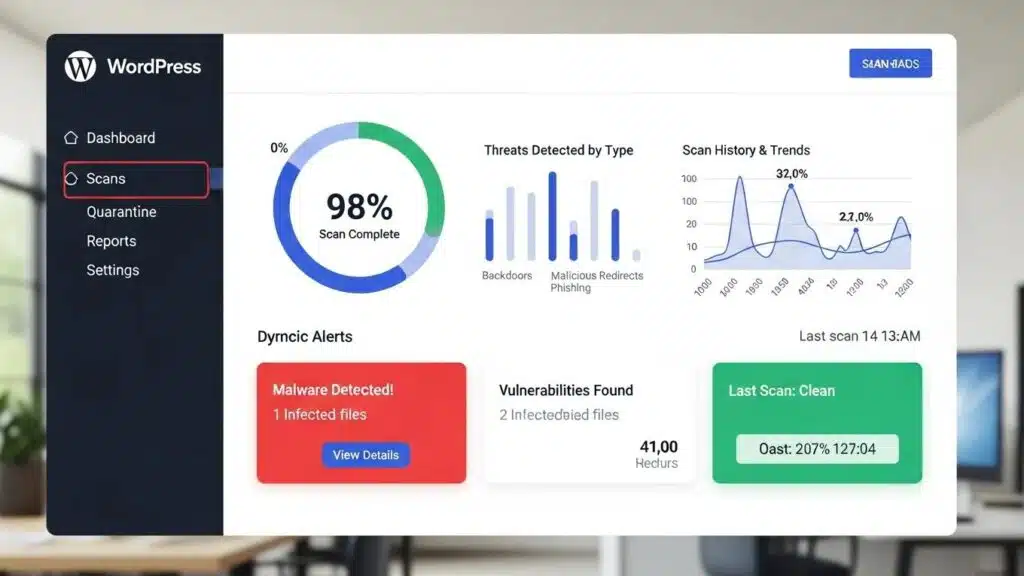
In the digital age, securing WordPress sites against malware is paramount for maintaining both functionality and user trust. Malware can infiltrate sites through various means, leading to data breaches, loss of sensitive information, and a tarnished reputation. This article explores effective strategies for protecting WordPress sites from malware, techniques for removal if an infection occurs, and best practices for ongoing prevention. It also discusses tools available for monitoring site security and the common types of malware that threaten WordPress sites. By understanding these aspects, site administrators can implement robust security measures to safeguard their online presence.
Protection Strategies
To effectively protect WordPress sites from malware, it is essential to adopt a multi-layered security approach. This includes keeping the WordPress core, themes, and plugins updated, as outdated software can be a significant vulnerability. Additionally, deploying enterprise-grade security scanning tools helps identify potential threats before they become problematic. Implementing a web application firewall (WAF) is another critical strategy, as it filters and monitors HTTP traffic between a web application and the Internet, providing an additional layer of security.
- Keep Everything Updated: Regularly update the WordPress core, themes, and plugins to patch vulnerabilities.
- Deploy Enterprise-Grade Security Scanning: Use advanced security tools to scan for vulnerabilities and malware.
- Implement a Web Application Firewall: A WAF can block malicious traffic and protect against common attacks.
These strategies form the foundation of a secure WordPress environment, significantly reducing the risk of malware infections.
Removal Techniques
If a WordPress site becomes infected with malware, swift action is necessary to mitigate damage. The first step is to identify the symptoms of infection, which may include unexpected redirects, unfamiliar admin accounts, or modified files. Once identified, it is crucial to take the site offline to prevent further damage and to clean the infection thoroughly.
- Identify Symptoms of Infection: Look for signs such as unexpected redirects or unfamiliar admin accounts.
- Take the Site Offline: Temporarily disable the site to prevent further damage during the cleanup process.
- Clean the Infection: Use malware removal tools or manual methods to eliminate the malware from the site.
By following these removal techniques, site owners can restore their sites to a secure state and prevent future infections.
Best Practices for Prevention
Preventing malware infections is always preferable to dealing with the aftermath of an attack. Implementing best practices for security can significantly reduce the likelihood of an infection. Regular security audits and strong authentication measures are essential components of a proactive security strategy. Additionally, daily malware scanning helps detect threats before they escalate.
- Regular Security Audits: Conduct audits to identify and address potential vulnerabilities.
- Strong Authentication: Use complex passwords and two-factor authentication to secure admin accounts.
- Daily Malware Scanning: Regular scans can help catch malware before it causes significant damage.
These best practices create a robust defense against malware, ensuring WordPress sites remain secure.
Tools for Monitoring Site Security
Monitoring WordPress site security is crucial for early detection of potential threats. Several tools are available that help keep an eye on site security status. Popular options include Wordfence Security, Sucuri Security, and iThemes Security Pro, each offering unique features to enhance site protection.
- Wordfence Security: Provides firewall protection and malware scanning.
- Sucuri Security: Offers comprehensive security monitoring and incident response.
- iThemes Security Pro: Focuses on strengthening user credentials and preventing unauthorized access.
Utilizing these tools helps maintain a secure WordPress environment and respond quickly to any security incidents.
What Are the Common Types of Malware Affecting WordPress Sites?
Understanding the types of malware that commonly affect WordPress sites is essential for effective prevention and response. Common malware types include redirect malware, which sends users to malicious sites, backdoor malware that allows unauthorized access, and SEO spam that manipulates search engine rankings.
- Redirect Malware: Redirects users to harmful websites, often for phishing or ad fraud.
- Backdoor Malware: Creates hidden access points for attackers to exploit.
- SEO Spam: Injects spammy content into sites to manipulate search engine results.
By recognizing these threats, targeted strategies can be implemented to protect sites.
How Do Malware Infections Impact WordPress Security and Performance?
Malware infections can have severe consequences for WordPress site security and performance. They can lead to compromised user data, loss of site functionality, and damage to site reputation. Additionally, malware can create security vulnerabilities that attackers may exploit, leading to further issues.
- Impact on Site Functionality: Malware can disrupt normal operations, causing downtime and user frustration.
- Security Vulnerabilities: Infected sites may become gateways for additional attacks.
- Comprehensive Protection Strategies: Implementing robust security measures can mitigate these risks.
Understanding these impacts emphasizes the importance of maintaining a secure WordPress environment.
What Are the Typical Symptoms Indicating a Malware Infection?
Identifying symptoms of a malware infection is crucial for timely intervention. Common indicators include unexpected redirects, unfamiliar admin accounts, and modified files. Recognizing these signs early helps take swift action to mitigate damage.
- Unexpected Redirects: Users may be redirected to unfamiliar or malicious sites.
- Unfamiliar Admin Accounts: New accounts may appear in the admin panel without knowledge.
- Modified Files: Changes to core files or plugins can indicate an infection.
Being vigilant about these symptoms helps respond quickly to potential threats.
Which WordPress Security Plugins Offer the Best Malware Protection?
Choosing the right security plugins is vital for protecting WordPress sites from malware. Some of the best options include Wordfence Security, Sucuri Security, and iThemes Security Pro, each providing unique features to enhance site security.
- Wordfence Security: Offers a comprehensive firewall and malware scanner.
- Sucuri Security: Provides robust monitoring and incident response capabilities.
- iThemes Security Pro: Focuses on user credential security and malware detection.
These plugins significantly enhance site defenses against malware threats.
How Do Malware Scanners for WordPress Detect and Prevent Threats?
Malware scanners are essential tools for detecting and preventing threats on WordPress sites. They typically use signature-based detection, heuristic analysis, and real-time threat intelligence to identify potential malware.
- Signature-Based Detection: Compares files against known malware signatures to identify threats.
- Heuristic Analysis: Analyzes file behavior to detect suspicious activity.
- Real-Time Threat Intelligence: Updates databases with the latest malware threats for proactive protection.
Utilizing these scanning methods helps maintain a secure WordPress environment.
What Features Should You Look for in a WordPress Security Plugin?
When selecting a WordPress security plugin, certain features are essential for effective malware protection. Look for plugins that offer a web application firewall, malware scanning and removal capabilities, and real-time threat monitoring.
- Web Application Firewall: Protects against common web-based attacks.
- Malware Scanning and Removal: Identifies and eliminates malware threats.
- Real-Time Threat Monitoring: Provides ongoing surveillance of site security status.
These features are critical for ensuring comprehensive protection against malware.
How Can You Effectively Remove Malware from Your WordPress Site?
If a site is infected with malware, effective removal is crucial. Start by taking the site offline to prevent further damage, then create a full backup before scanning for malware. Use reliable malware removal tools to clean the infection thoroughly.
- Take Your Site Offline: Prevent further damage during the cleanup process.
- Create a Full Backup: Ensure a restore point exists before making changes.
- Scan for Malware: Use trusted tools to identify and remove malware.
Following these steps helps restore the site to a secure state.
What Are the Step-by-Step Actions for WordPress Malware Removal?
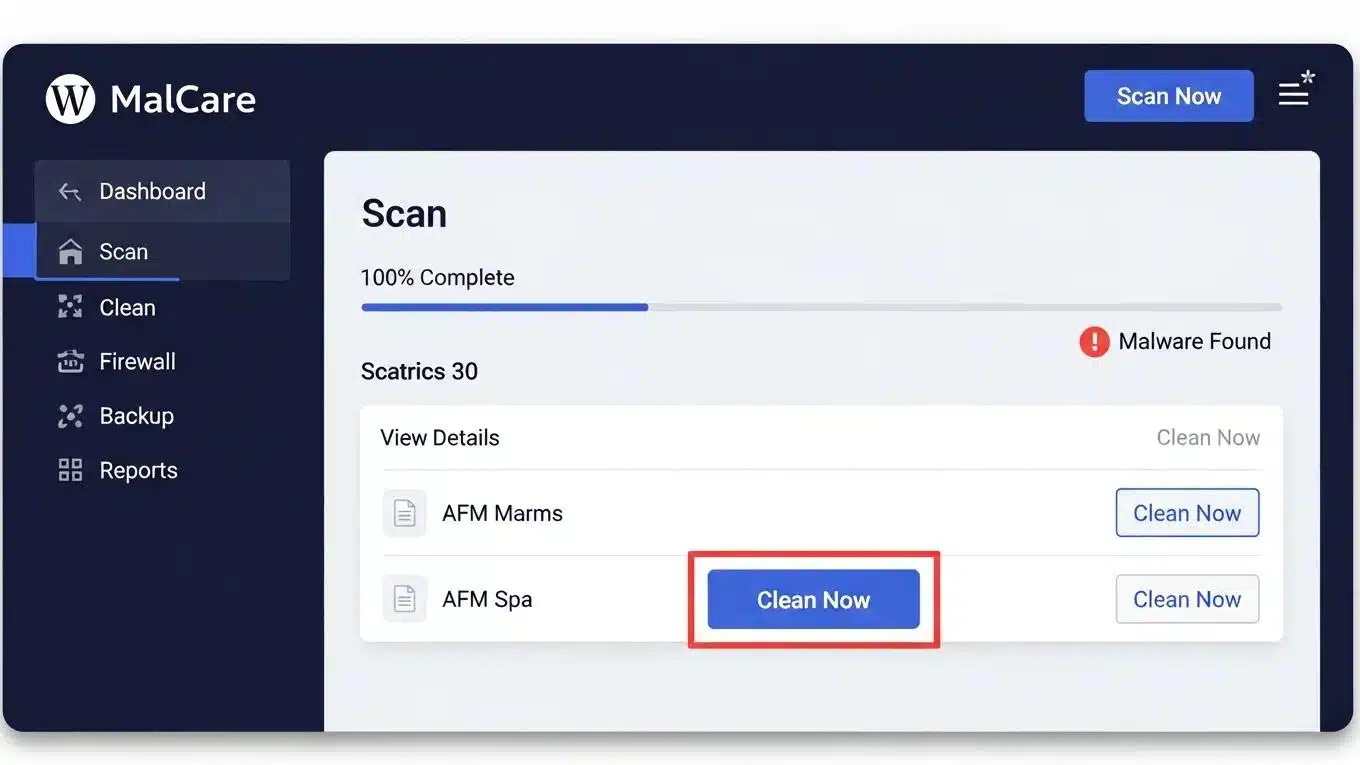
Removing malware from WordPress sites requires a systematic approach. Begin by containing the infection, creating a backup, and scanning for malware. After cleaning the infection, ensure that all software is updated to prevent future vulnerabilities.
- Contain the Infection: Take the site offline to limit damage.
- Create a Full Backup: Backup the site before making any changes.
- Scan for Malware: Use malware removal tools to identify and eliminate threats.
These actions are essential for effectively addressing malware infections.
When Should You Consider Professional WordPress Malware Removal Services?
In some cases, professional assistance may be necessary for malware removal. Professional help is recommended if there is a widespread infection, the entry point cannot be identified, or sensitive data requires expert management.
- Widespread Infection: If multiple areas of the site are compromised, professional help may be needed.
- Unidentified Entry Point: If the method of malware entry is unknown, experts can assist.
- Handling Sensitive Data: Professionals ensure sensitive information is protected during removal.
Engaging professionals provides peace of mind and ensures thorough remediation.
For those looking to build a new website with enhanced security features, WP Support Lab’s custom web design team provides a streamlined solution.
To ensure WordPress sites are fully optimized, consider a WordPress audit, which identifies potential security vulnerabilities and performance issues.
How Does WordPress Firewall Protection Enhance Site Security?
A WordPress firewall plays a crucial role in enhancing site security by filtering and monitoring incoming traffic. It can block malicious requests and protect against common attacks, such as SQL injection and cross-site scripting.
- Traffic Filtering: A firewall blocks harmful traffic before it reaches the site.
- Real-Time Threat Intelligence: Firewalls adapt to new threats based on current data.
- Brute Force Protection: Firewalls limit login attempts to prevent unauthorized access.
Implementing a firewall is a vital step in securing WordPress sites.
What Types of Firewalls Are Available for WordPress Sites?
There are two primary types of firewalls available for WordPress sites: web application firewalls (WAF) and server-level firewalls. Each type offers unique benefits and can be used in conjunction to enhance security.
- Web Application Firewall: Protects sites by filtering and monitoring HTTP traffic.
- Server-Level Firewall: Operates at the server level to block malicious traffic before it reaches the application.
Utilizing both types of firewalls provides comprehensive protection for WordPress sites.
How to Configure and Maintain WordPress Firewall for Optimal Defense?
Configuring and maintaining WordPress firewalls is essential for optimal defense. Start by choosing a suitable WAF, setting appropriate firewall rules, and enabling real-time monitoring to ensure ongoing protection.
- Choose a WAF: Select a firewall that meets the site’s specific needs.
- Set Firewall Rules: Customize rules to block unwanted traffic and protect sensitive areas.
- Enable Real-Time Monitoring: Monitor traffic patterns and potential threats continuously.
Regular maintenance of firewall settings is crucial for adapting to new threats.
Why Are Regular Security Audits and Vulnerability Scans Essential for WordPress?
Conducting regular security audits and vulnerability scans is vital for maintaining secure WordPress sites. These practices help identify potential weaknesses and ensure that security measures are effective.
- Proactive Risk Management: Regular audits help stay ahead of potential threats.
- Compliance and Best Practices: Ensures adherence to security standards and best practices.
Prioritizing these practices significantly enhances site security posture.
How Does a WordPress Vulnerability Scanner Identify Security Weaknesses?
A WordPress vulnerability scanner identifies security weaknesses by conducting automated scans of sites. It assesses potential vulnerabilities in plugins, themes, and the core WordPress installation.
- Automated Scanning: Scanners quickly identify known vulnerabilities.
- Assessment of Potential Impacts: Scanners evaluate the severity of identified vulnerabilities.
Utilizing a vulnerability scanner is an effective way to maintain a secure WordPress environment.
What Should a Comprehensive Security Audit Checklist Include?
A comprehensive security audit checklist should cover various aspects of WordPress sites, including software updates, user access controls, and security configurations. Regularly reviewing these elements helps ensure sites remain secure.
- Regular Security Audits: Schedule audits to assess security posture.
- Vulnerability Scans: Include scans to identify potential weaknesses.
- Reinforce Security Measures: Regularly update and strengthen security protocols.
Following a thorough checklist helps maintain secure WordPress sites.
What Backup and Recovery Strategies Protect WordPress Sites from Malware Damage?
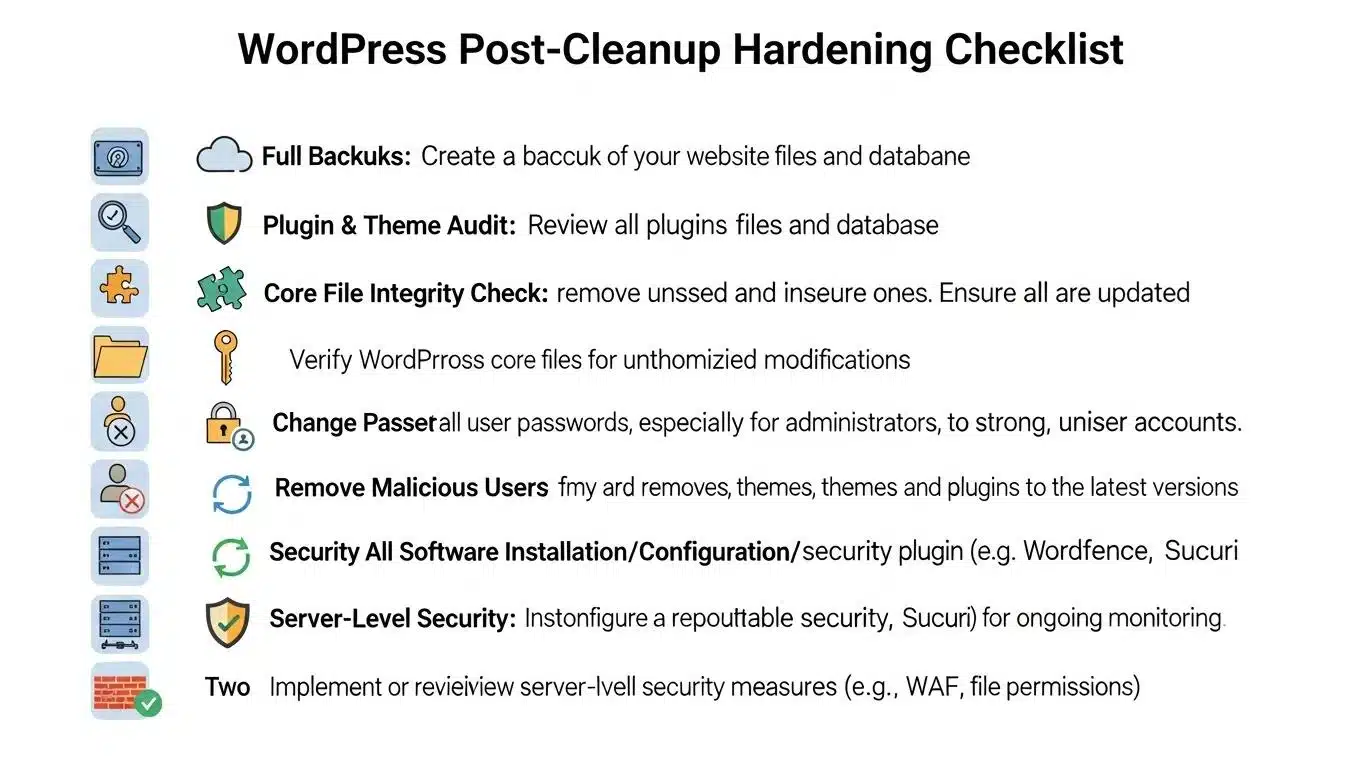
Implementing effective backup and recovery strategies is essential for protecting WordPress sites from malware damage. Regular backups ensure that sites can be restored to a previous state in the event of an infection.
- Maintain Clean Backups: Regularly back up sites to ensure clean restore points.
- 3-2-1 Backup Rule: Keep three copies of data, on two different media, with one off-site.
- Automated Backup Solutions: Use tools that automate the backup process for convenience.
These strategies help recover quickly from malware attacks and minimize downtime.
How Often Should You Back Up Your WordPress Site to Prevent Data Loss?
The frequency of backups depends on site activity level. For high-traffic sites, daily backups are recommended, while less active sites may require weekly backups to ensure data integrity.
- Daily Backups for High-Traffic Sites: Frequent updates necessitate regular backups.
- Weekly Backups for Less Active Sites: Less frequent updates allow for weekly backups.
Establishing a consistent backup schedule is crucial for preventing data loss.
What Are the Best Practices for Restoring WordPress After a Malware Attack?
Restoring WordPress sites after a malware attack requires careful planning and execution. Begin by taking the site offline, assessing the damage, and restoring from a clean backup.
- Take the Site Offline: Prevent further damage during the restoration process.
- Assess the Damage: Determine the extent of the infection and what needs to be restored.
- Restore from Backup: Use a clean backup to restore the site to its previous state.
Following these best practices helps recover effectively from a malware attack.
To further enhance WordPress site security, consider exploring resources from WP Support Lab, which offers comprehensive solutions for WordPress maintenance and security.