

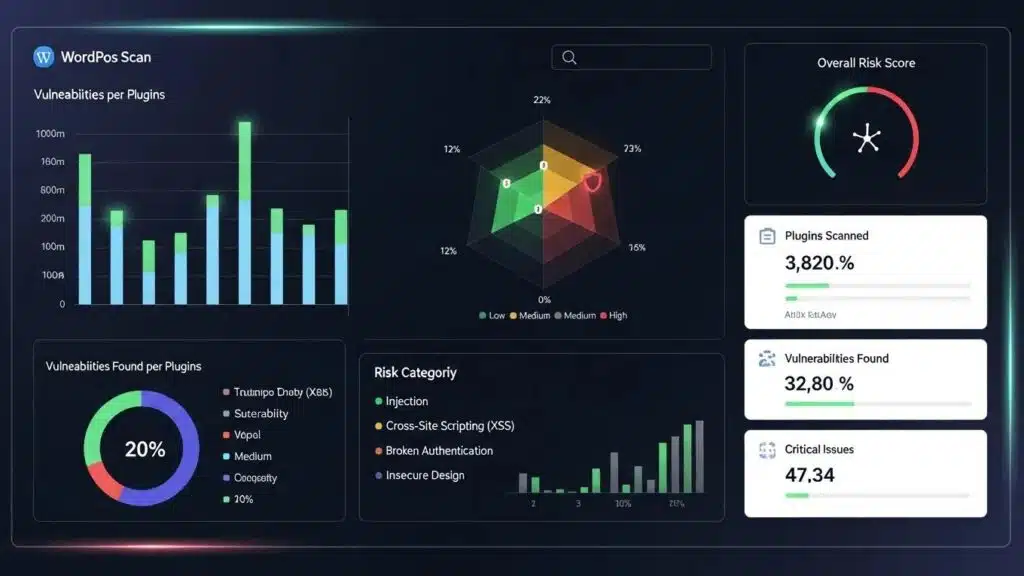
In the digital age, securing WordPress sites against plugin vulnerabilities is paramount. With the increasing number of cyber threats, understanding how to protect sites can prevent potential data breaches and loss of reputation. This article provides nine expert tips to enhance WordPress security, focusing on practical steps site owners can take to mitigate risks associated with plugins. By implementing these strategies, the chances of sites being compromised can be significantly reduced. Essential practices such as timely updates, the importance of security plugins, and regular audits are explored to ensure sites remain safe and secure.
Here are 9 expert tips to protect your WordPress site from plugin vulnerabilities:
- Update Plugins Immediately When Security Patches Release: Keeping plugins updated is crucial. Developers frequently release updates to patch vulnerabilities, and failing to apply these updates can leave sites exposed to attacks. Common plugin vulnerabilities patched in updates include SQL injection (SQLi), cross-site scripting (XSS), and privilege escalation flaws. For example, CVE-2021-25094 affected a popular contact form plugin allowing unauthorized data access. Site owners are advised to implement automated update tools such as ManageWP or Jetpack’s auto-update feature to ensure timely patching. Additionally, integrating continuous integration pipelines with staging environments can help test updates before deployment, reducing the risk of compatibility issues.
- Remove Unused and Abandoned Plugins: Unused plugins can be a significant security risk. If a plugin is no longer maintained, it may not receive necessary security updates, making it a target for hackers. Abandoned plugins often harbor unpatched vulnerabilities like remote code execution (RCE) or authentication bypass. WordPress administrators should regularly audit installed plugins and remove those without recent updates or official support. Tools like WPScan can help identify plugins flagged as abandoned or vulnerable. Maintaining a minimal plugin footprint reduces the attack surface and simplifies security management.
- Install a Comprehensive Security Plugin: A robust security plugin can provide essential features such as malware scanning, firewall protection, and login attempt monitoring, significantly enhancing site security. Plugins like Wordfence or Sucuri offer real-time threat intelligence, blocking known malicious IPs and scanning for backdoors or suspicious code injections. Configuring firewall rules to block common attack vectors such as SQLi and XSS is critical. Security plugins also support role-based access control (RBAC), allowing administrators to restrict plugin management capabilities to trusted users only, minimizing insider threats.
- Limit Login Attempts: By limiting the number of login attempts, sites can be protected from brute force attacks. This measure helps prevent unauthorized access to the admin panel. Plugins such as Login LockDown or Limit Login Attempts Reloaded can be configured to lock out IP addresses after a defined number of failed attempts. Combining this with two-factor authentication (2FA) further strengthens login security. Additionally, configuring firewall rules to detect and block suspicious login patterns can prevent automated credential stuffing attacks.
- Enable a Web Application Firewall (WAF): A WAF acts as a barrier between sites and potential threats, filtering out malicious traffic and protecting sites from various attacks. Effective WAFs inspect incoming requests for known exploit signatures, blocking SQL injection, cross-site scripting, and file inclusion attacks. WP Support Lab recommends configuring WAFs with custom rules tailored to WordPress-specific endpoints such as /wp-login.php and xmlrpc.php. Cloud-based WAF services like Cloudflare or Sucuri provide scalable protection with minimal latency. Regularly updating WAF rule sets ensures defense against emerging threats.
- Harden Your Site with Additional Measures: Implementing additional security measures, such as changing the default login URL and disabling file editing, can further protect sites from vulnerabilities. Changing the login URL reduces exposure to automated attacks targeting /wp-login.php. Disabling file editing via the wp-config.php file prevents attackers from modifying plugin or theme files if they gain access. Enforcing strict file permissions and disabling PHP execution in upload directories are also recommended. Role-based access control should be enforced to limit administrative privileges only to necessary personnel, reducing the risk of privilege escalation.
- Regularly Back Up Your Site: Regular backups ensure that sites can be quickly restored in case of a security breach. Reliable backup solutions should be used to automate this process. Backups should include both database and file system data and be stored securely offsite or in cloud storage with encryption. WP Support Lab advises scheduling incremental backups to minimize performance impact and testing restoration procedures periodically to ensure data integrity. In the event of a plugin vulnerability exploitation, having a recent backup is critical for rapid recovery.
- Monitor and Audit Site Activity: Monitoring site activity helps detect suspicious behavior early. Regular audits can identify vulnerabilities before they are exploited. Administrators should enable detailed logging of user actions, plugin installations, and file changes. Tools like WP Activity Log provide comprehensive audit trails. Automated alerts for unusual activities such as multiple failed logins or unexpected plugin modifications enable rapid incident response. Periodic vulnerability scans using tools like WPScan or Patchstack can identify new risks introduced by plugin updates or configuration changes.
- Conduct Regular Security Audits: Periodic security audits help assess a site’s security posture and identify areas for improvement. This proactive approach can prevent potential breaches. Audits should include vulnerability scanning, penetration testing, and configuration reviews. WP Support Lab recommends integrating automated scanning tools with manual expert analysis to uncover complex issues. Reviewing plugin code for insecure functions and deprecated APIs can prevent exploitation. Security audits should be documented, and remediation plans tracked to closure.
How to Audit Installed Plugins for Known Vulnerabilities
Performing thorough audits of installed plugins is essential for maintaining WordPress site security. Site owners and administrators can leverage specialized tools designed to detect known vulnerabilities and provide actionable insights.
Using WPScan for Vulnerability Detection
WPScan is a widely used command-line tool that scans WordPress installations for security issues, including vulnerable plugins. It maintains a comprehensive database of CVEs and known exploits. By running WPScan against a site, administrators receive detailed reports highlighting outdated plugins, vulnerable versions, and recommended fixes. WPScan supports automated scheduling, enabling continuous monitoring of plugin security status.
Patchstack: Continuous Vulnerability Monitoring
Patchstack offers a cloud-based vulnerability management platform tailored for WordPress. It continuously monitors installed plugins and themes, alerting administrators to new vulnerabilities as they are discovered. Patchstack also provides patch recommendations and can integrate with security plugins to automate mitigation steps. This proactive approach helps prevent exploitation by ensuring vulnerabilities are addressed promptly.
Manual Review and Best Practices
In addition to automated tools, manual review of plugin update logs, developer reputation, and support activity is recommended. Plugins with infrequent updates or poor community feedback should be scrutinized or replaced. Combining automated scanning with manual oversight ensures a comprehensive security posture.
Incident Response Steps if a Plugin Vulnerability Is Exploited
Despite preventive measures, plugin vulnerabilities may occasionally be exploited. Having a well-defined incident response plan is critical to minimize damage and restore site integrity.
- Immediate Isolation: Temporarily take the affected site offline or restrict access to prevent further exploitation. Disable the vulnerable plugin if possible.
- Assessment and Identification: Conduct a thorough investigation to determine the scope of the breach, including compromised data and affected systems. Use logs and monitoring tools to trace attacker activity.
- Containment: Block malicious IP addresses, reset all administrative passwords, and revoke any unauthorized user accounts. Apply firewall rules to prevent similar attack vectors.
- Eradication: Remove malicious code, backdoors, and unauthorized modifications. Replace compromised plugins with clean versions from trusted sources.
- Recovery: Restore the site from a clean backup taken prior to the breach. Verify site functionality and security before bringing it back online.
- Post-Incident Review: Analyze the incident to identify root causes and improve security policies. Update plugins, firewall configurations, and access controls accordingly.
- Communication: Notify stakeholders and users if sensitive data was compromised, following legal and regulatory requirements.
WP Support Lab recommends documenting all incident response activities and conducting regular drills to ensure preparedness.
What Are Common WordPress Plugin Vulnerabilities and How Do They Affect Your Site?
WordPress plugin vulnerabilities can significantly compromise site security. These vulnerabilities often arise from coding errors, outdated software, or lack of proper security measures. When exploited, they can lead to unauthorized access, data breaches, and even complete site takeovers. Understanding these vulnerabilities is essential for effective site protection.
Which Plugins Are Most Vulnerable to Security Risks?
Certain plugins are more prone to security risks due to their popularity or lack of updates. Commonly exploited plugins include those that handle user data, such as contact forms and e-commerce solutions. Regularly reviewing the security status of plugins can help identify and mitigate these risks.
How Do Plugin Vulnerabilities Lead to Site Breaches?
Plugin vulnerabilities can lead to site breaches through various mechanisms, such as SQL injections or cross-site scripting (XSS). Attackers exploit these weaknesses to gain unauthorized access, steal sensitive information, or inject malicious code into sites. Understanding these processes is crucial for implementing effective security measures.
How Can You Perform Effective WordPress Plugin Security Audits?
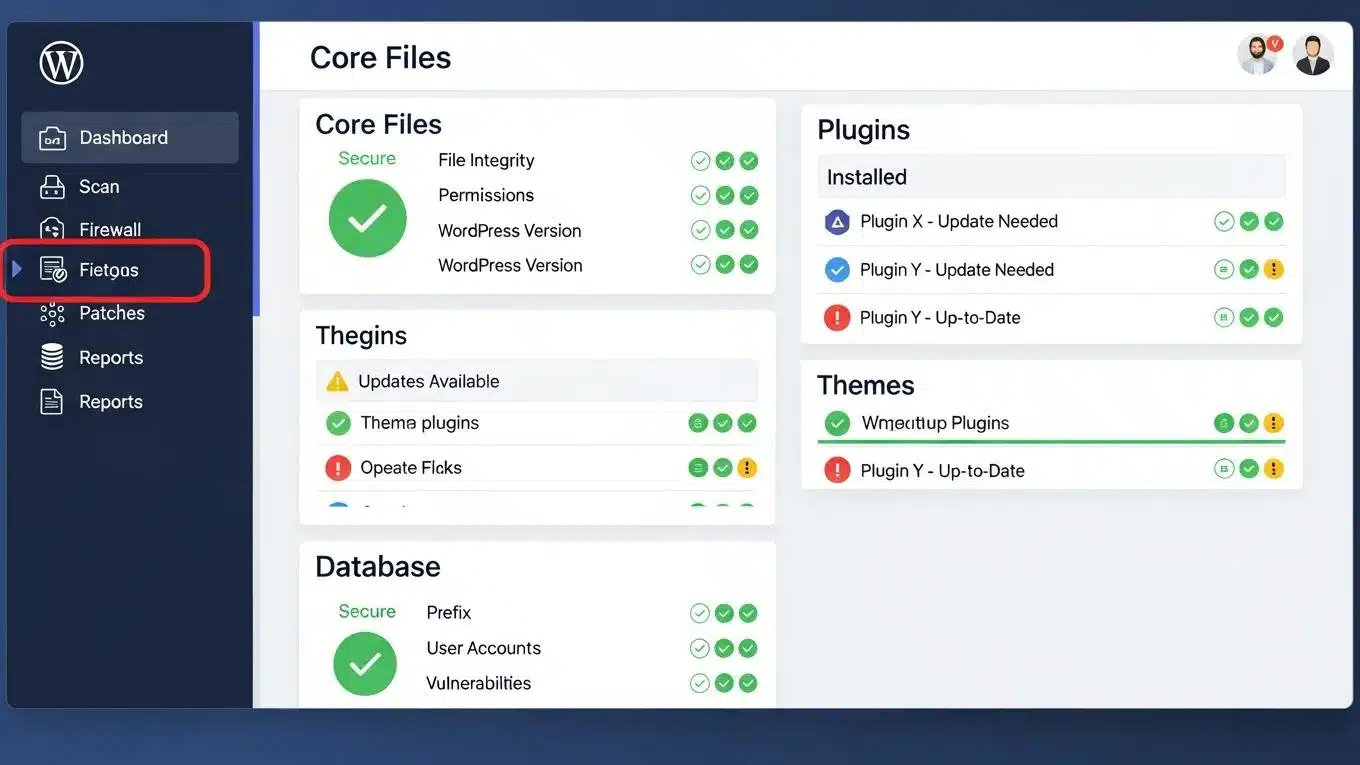
Conducting security audits on WordPress plugins is vital for maintaining a secure site. These audits help identify vulnerabilities and ensure that plugins are up to date and functioning correctly.
What Tools and Methods Are Used in Plugin Vulnerability Scanning?
Several tools are available for scanning plugin vulnerabilities, including WPScan and Sucuri SiteCheck. These tools can help identify known vulnerabilities and provide recommendations for remediation, ensuring sites remain secure.
How to Interpret Security Audit Results to Mitigate Risks
Interpreting security audit results involves understanding the findings and taking appropriate action. Common findings may include outdated plugins or known vulnerabilities. Addressing these issues promptly can significantly reduce a site’s risk profile.
What Are the Best Practices to Secure WordPress Plugins and Manage Updates?
Securing WordPress plugins and managing updates effectively is essential for maintaining a secure site. Implementing best practices helps stay ahead of potential threats.
How to Safely Update Plugins to Prevent Vulnerabilities
To safely update plugins, site owners should always back up their site before making changes. Testing updates in a staging environment ensures compatibility and functionality before applying them to the live site.
What Role Does Patch Management Play in Plugin Security?
Patch management is critical in plugin security, as it ensures that all software is up to date with the latest security fixes. Regularly applying patches can prevent vulnerabilities from being exploited by attackers.
Which WordPress Site Protection Methods Enhance Security Against Plugin Threats?
Implementing various site protection methods can enhance WordPress site security against plugin threats. These methods work together to create a robust defense against potential attacks.
How Do Security Plugins and Firewalls Protect Your Site?
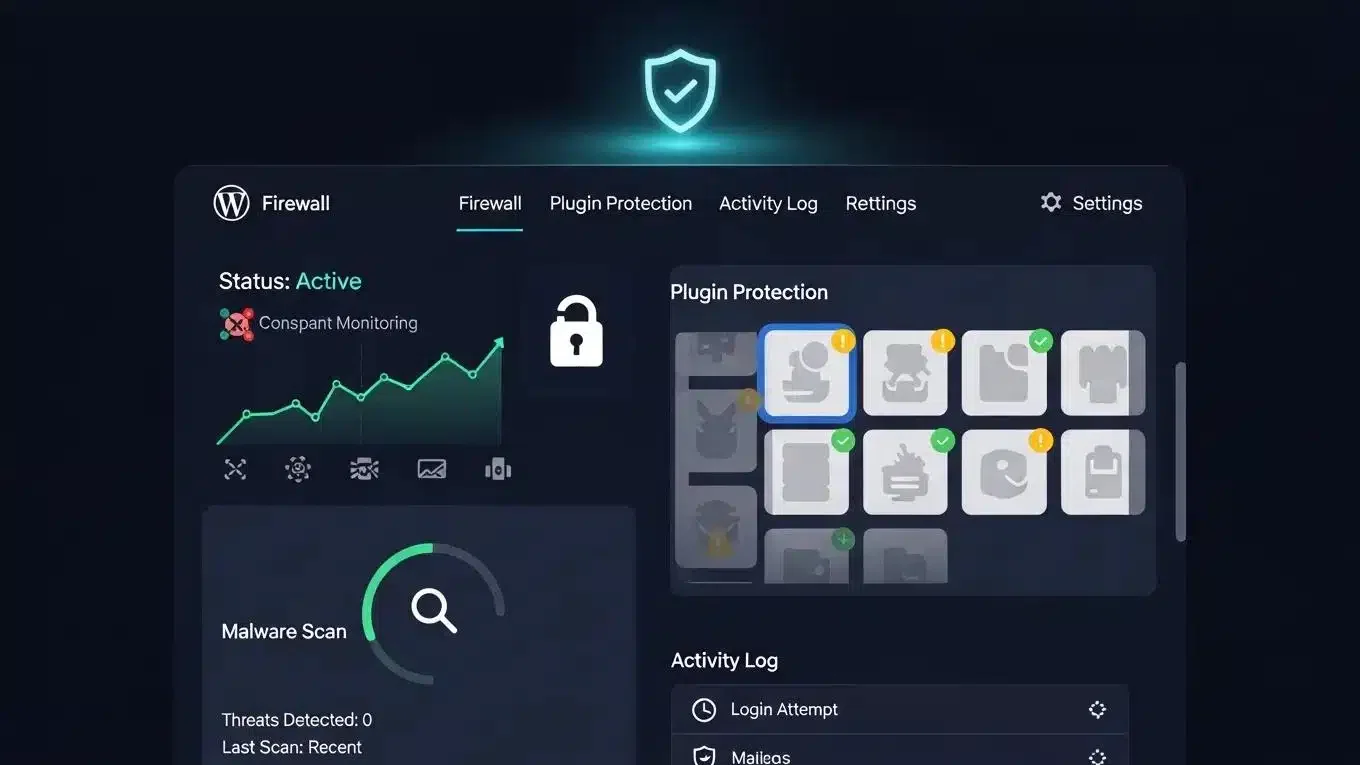
Security plugins and firewalls provide essential protection by monitoring traffic, blocking malicious requests, and scanning for vulnerabilities. They act as the first line of defense against potential threats.
Research further emphasizes the effectiveness of a layered security approach, combining WAF and continuous scanning to combat common vulnerabilities like SQL injection and cross-site scripting.
Layered WordPress Security: WAF, Scanning & Vulnerability Mitigation
There are two main risks that containerised WordPress on AWS has; vulnerable container images and application-layer attacks. Such implementation is organised as the layered defence, which incorporates continuous scanning of the Amazon ECR/Inspector images with additional AWS WAF and EventBridge/Lambda automation. SQLinjection (SQLi) and cross-site-scripting (XSS) tests resulted in 100% blocking of SQLi payloads, and 90.95 percent mitigation of XSS with its managed and internal WordPress-specific rules (/wp-login.php, xmlrpc.php). CVEs scanned on image scan prior to deployment; activated automated alerts, optional responses.
Enhancing Security of WordPress Containers on AWS: A Multitool Vulnerability Analysis, 2026
To further enhance websites, leveraging the power of an AI integration service is recommended. This innovative tool can help create secure and optimized sites with ease.
Why Are Backup and Recovery Strategies Essential for Plugin Vulnerability Mitigation?
Backup and recovery strategies are crucial for mitigating the impact of plugin vulnerabilities. In the event of a breach, having a recent backup allows sites to be restored quickly, minimizing downtime and data loss.
For those seeking professional assistance, WP Support Lab offers comprehensive solutions to safeguard WordPress sites. Their expertise ensures sites remain secure and perform optimally.
Additionally, optimizing sites for search engines is crucial. Exploring search engine optimization techniques can improve site visibility and attract more organic traffic.