
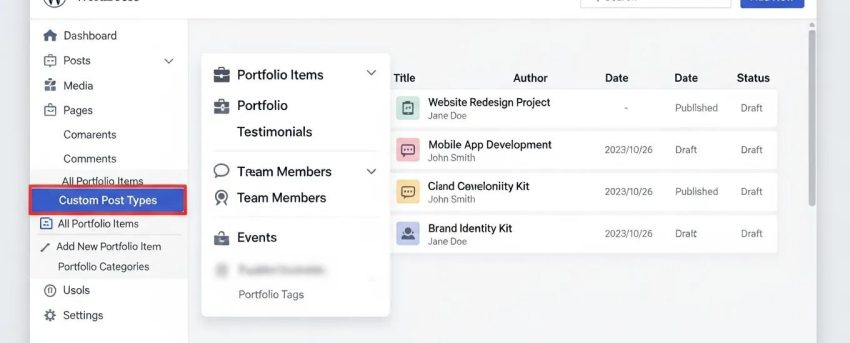
Mastering WordPress Custom Post Types: 5 Essential Steps
By David G., WP Support Lab
Creating custom post types in WordPress is a powerful method to enhance a website’s functionality and tailor it to specific needs. Custom post types enable the organization and display of content beyond the standard posts and pages, facilitating the management of diverse content types such as portfolios, testimonials, or products. This article guides through the essential steps to register and optimize custom post types effectively. By understanding the planning, registration, and optimization processes, site owners and developers can significantly improve a site’s structure and user experience. The coverage includes the planning phase, registration process, adding custom fields, customizing display templates, and performance optimization techniques.
Plan Your Custom Post Type
The first step in mastering custom post types is effective planning. This involves defining the purpose of the custom post type and outlining its structure and necessary fields. A well-thought-out plan ensures that the custom post type serves its intended function and integrates seamlessly with existing content. Consider the type of content to be managed and how it will be displayed on the site. This foundational step is crucial for the success of the custom post type.
Register Your Custom Post Type

To register a custom post type in WordPress, the function is primarily used. This function allows the definition of various labels and settings that dictate how the custom post type behaves. For instance, it can specify whether the post type should be publicly queryable, support features like thumbnails, and how it appears in the admin interface. Proper registration is essential for ensuring that the custom post type functions correctly within the WordPress ecosystem.
What Is the register_post_type Function and How Does It Work?
The function is a core WordPress function that allows developers to create custom post types. By passing an array of arguments to this function, the characteristics of the custom post type can be defined, such as its name, labels, and capabilities. This function is typically called within a theme’s file or a custom plugin.
Which Parameters Are Essential When Registering a Custom Post Type?
When registering a custom post type, several parameters are essential to ensure it functions as intended. Key parameters include:
- Labels: These define the various names used in the WordPress admin interface.
- Public: This determines whether the post type is accessible to users.
- Supports: This specifies which features the post type supports, such as thumbnails or custom fields.
Add Custom Fields and Taxonomies
Enhancing custom post types with additional fields and taxonomies can significantly improve content organization and usability. Custom fields allow the addition of specific data to posts, while taxonomies help categorize content more effectively. Utilizing plugins like Advanced Custom Fields (ACF) can simplify the process of adding these features, making it easier to manage complex data structures.
Can Advanced Custom Fields Enhance Custom Post Types?
Yes, Advanced Custom Fields (ACF) is a powerful plugin that allows the addition of custom fields to custom post types easily. With ACF, various field types such as text, images, and select boxes can be created and tailored to specific needs. This flexibility enhances the functionality of custom post types and improves the overall user experience.
Customize Display with Templates
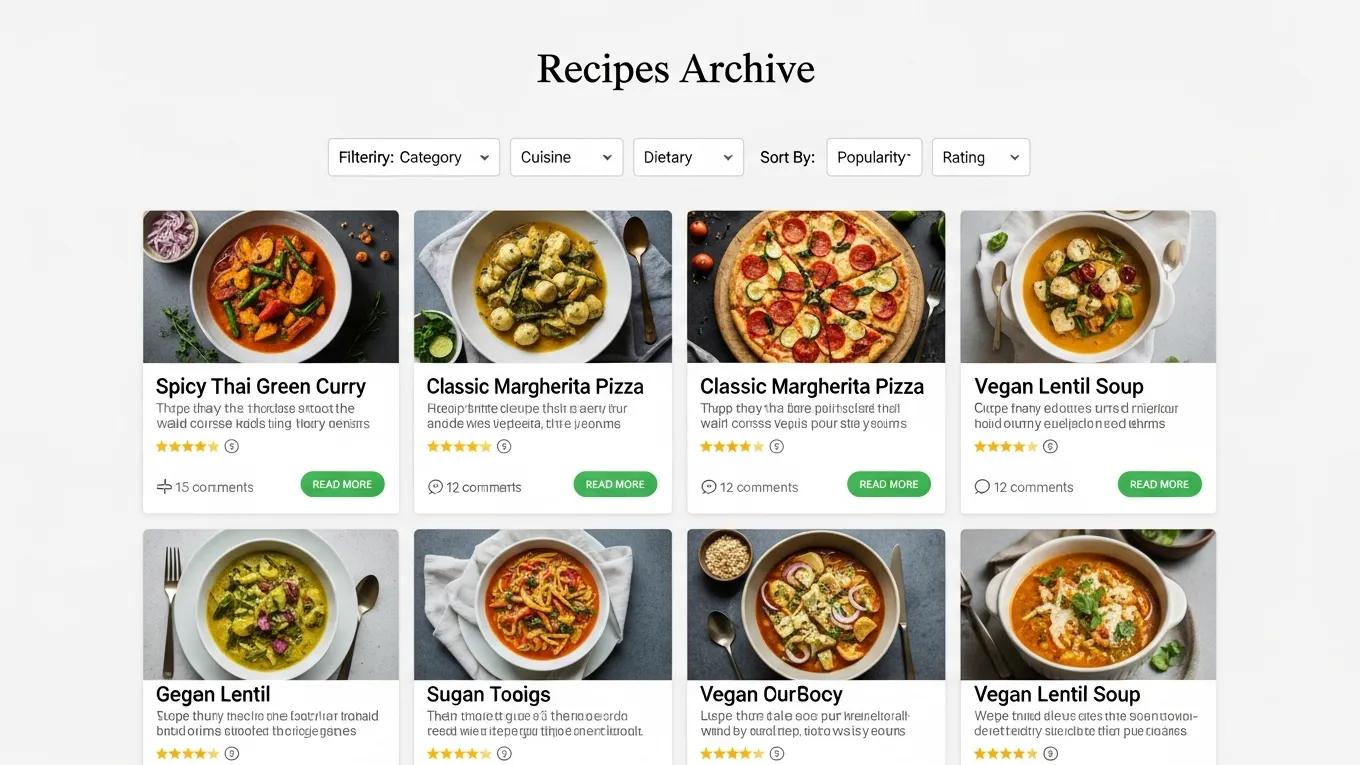
Customizing the display of custom post types is crucial for ensuring they fit seamlessly into a site’s design. By creating custom templates, control over how content is presented to users is achieved. This includes developing single post templates for individual entries and archive templates for displaying multiple entries. Styling these templates with CSS can further enhance their appearance and usability.
Test and Optimize Performance
Once custom post types are set up, it is essential to test and optimize their performance. Tools can be used to analyze loading times and identify any bottlenecks in database queries. Optimizing custom post types can lead to improved site performance and a better user experience. Regular testing ensures that custom post types continue to function efficiently as the site grows.
Best Practices
When working with custom post types, following best practices helps avoid common pitfalls. Key recommendations include:
- Keep It Simple: Avoid overcomplicating custom post types with unnecessary features.
- Follow WordPress Coding Standards: Adhering to coding standards ensures compatibility and maintainability.
- Document Your Code: Clear documentation helps others understand custom post types and their intended use.
Common Pitfalls
While creating custom post types, common mistakes can lead to issues down the line. Common pitfalls include:
- Neglecting User Experience: Always consider how users will interact with custom post types.
- Overloading with Features: Too many features can confuse users and complicate management.
Advanced Techniques
For those looking to take custom post types to the next level, several advanced techniques can be employed. Utilizing custom queries can enhance the way content is retrieved and displayed. Additionally, leveraging the REST API can improve the functionality of custom post types, allowing for more dynamic interactions with content.
How Can REST API Integration Improve Custom Post Type Functionality?
Integrating the REST API with custom post types allows for more dynamic content management and interaction. This integration enables developers to create applications that can interact with WordPress data in real time, providing a more seamless user experience. By utilizing the REST API, the capabilities of custom post types can be significantly enhanced.
What Are WordPress Custom Post Types and Why Use Them?
WordPress custom post types are a feature that allows users to create content types beyond the default posts and pages. They enable greater flexibility in content management and organization, making it easier to tailor a website to specific needs. Custom post types can be particularly beneficial for websites that require diverse content formats, such as portfolios, testimonials, or product listings.
Indeed, the introduction of custom post types marked a significant turning point for WordPress, transforming it into a versatile content management system.
Mastering WordPress Custom Post Types: Creation & Advanced Features
It can be said that the catalyst for the evolution of WordPress as a fully-fledged content management system (CMS) came about through the introduction of the custom post type. This major functionality gave WordPress the capability to easily move away from what had been its key functionality, a blogging system, and toward a more dynamic system for storing content. This chapter shows how to take advantage of custom post types in WordPress, how to create them, how to display them, and how to add advanced functionality to post types to make them extremely easy to work with as a content author.
Using Custom Post Types, 2014
How Do Custom Post Types Differ from Taxonomies in WordPress?
Custom post types and taxonomies serve different purposes in WordPress. While custom post types define the content type itself, taxonomies are used to categorize and group that content. For example, a custom post type might be “Portfolio,” while taxonomies could include “Project Type” or “Client.” Understanding the distinction between these two features is crucial for effective content management.
What Are Common Examples of Custom Post Types in WordPress?
Common examples of custom post types in WordPress include:
- Portfolios: Showcasing creative work or projects.
- Testimonials: Displaying customer feedback and reviews.
- Products: Managing e-commerce items.
These examples illustrate how custom post types can enhance the functionality and organization of a WordPress site.
How To Register a Custom Post Type in WordPress: Step-by-Step Tutorial
Registering a custom post type in WordPress involves several steps. Here is a simple guide to get started:
- Open the theme’s functions.php file.
- Use the register_post_type function to define the custom post type.
- Set the necessary parameters such as labels and supports.
- Save changes and refresh the WordPress admin to see the new post type.
This straightforward process allows the creation of custom post types tailored to a website’s needs.
What Are the Best Plugins for Managing Custom Post Types in WordPress?
Several plugins can help manage custom post types effectively. Some of the best options include:
- Custom Post Type UI: Simplifies the creation and management of custom post types and taxonomies.
- Advanced Custom Fields: Enhances custom post types with additional fields and options.
- Pods: Offers a comprehensive solution for managing custom content types and fields.
These plugins provide valuable tools for developers and site owners looking to optimize their custom post types.
How Does the Custom Post Type UI Plugin Simplify CPT Creation?
The Custom Post Type UI plugin streamlines the process of creating custom post types by providing a user-friendly interface. Users can easily define their custom post types and taxonomies without needing to write code. This accessibility makes it an excellent choice for those who may not be comfortable with programming but still want to enhance their WordPress site.
How To Optimize Custom Post Types for Performance and SEO in WordPress
Optimizing custom post types for performance and SEO is essential for ensuring they contribute positively to a site’s overall effectiveness. Here are some techniques to consider:
- Use Caching: Implement caching solutions to improve loading times.
- Optimize Database Queries: Ensure queries are efficient to reduce server load.
- Implement SEO Best Practices: Use relevant keywords and meta descriptions to enhance visibility.
These strategies can significantly improve the performance and search engine ranking of custom post types.
What Are Best Practices for SEO Optimization of Custom Post Types?
To optimize custom post types for SEO, consider the following best practices:
- Use Descriptive Slugs: Ensure custom post type slugs are clear and relevant.
- Implement Schema Markup: Use schema to help search engines understand content better.
- Regularly Update Content: Keep custom post types fresh and relevant to improve rankings.
By following these practices, the SEO performance of custom post types can be enhanced.
To further enhance a WordPress site, exploring options for WordPress development is recommended. This can provide tailored solutions to meet specific needs.
For those seeking assistance with WordPress sites, WordPress support services offer valuable expertise and guidance. Ensuring a site runs smoothly is crucial for maintaining a positive user experience.
Before launching or making significant changes to a WordPress site, conducting a thorough WordPress audit is advisable. This can help identify potential issues and ensure optimal performance.







