

5 Essential Ways for WooCommerce Spam Prevention with Security Plugins and Bot Protection
By David G., WP Support Lab
Spam can be a significant issue for WooCommerce store owners, leading to lost sales, compromised customer data, and a tarnished reputation. Understanding effective spam prevention strategies is crucial for maintaining a secure and trustworthy online shopping experience. This article explores five essential methods for preventing spam in WooCommerce, focusing on the implementation of security plugins and bot protection measures. By addressing common vulnerabilities, store owners can enhance their defenses against spam attacks and ensure a smoother checkout process for legitimate customers.
Enable reCAPTCHA on Checkout and Forms
Implementing reCAPTCHA on WooCommerce checkout and forms is a powerful way to block spam submissions. reCAPTCHA works by requiring users to complete a challenge that distinguishes between human and automated bot interactions. This mechanism not only reduces spam but also enhances the overall security of the site. By integrating reCAPTCHA, the number of fraudulent orders and spam messages can be significantly decreased, ensuring that customer interactions are genuine.
How Can CAPTCHA Solutions Stop Spam in WooCommerce?
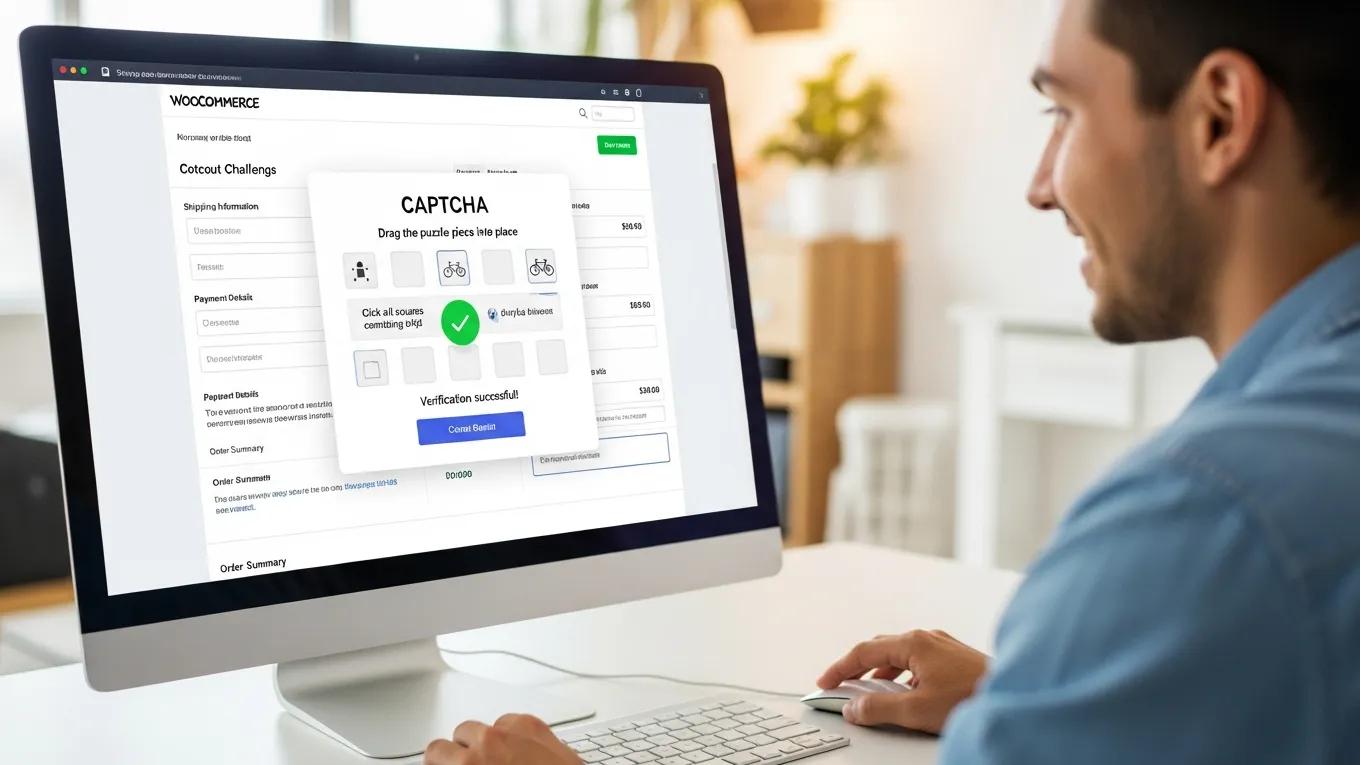
CAPTCHA solutions, such as reCAPTCHA, effectively stop spam by presenting challenges that are easy for humans but difficult for bots to solve. This process helps filter out automated submissions, which are often the source of spam. By implementing these solutions, WooCommerce store owners can protect their sites from unwanted spam and maintain a clean database of customer information.
Further research suggests that combining CAPTCHA with other security measures, such as honeypots, can create an even more robust defense against web spam and bot attacks.
Hybrid CAPTCHA & Honeypot for Web Spam & Bot Security
Some of these IDS/IPS have at one time or the other been layered to further strengthen the grip of security against bot and spam attacks, yet, the problem lingers. Hence, this study seeks to harness the strength of two distinct IDS/IPS in a hybridized solution to reduce the menace of web application security. Experimental results showed that both CAPTCHA and Honeypot can be layered over each other to produce a very high performance in terms of execution time, resulting in a robust and secure web application.
Web Application Security Using Hybrid Techniques of Adaptive CAPTCHA System and Honeypot, EO IGBEKELE, 2021
What Are Effective CAPTCHA Methods for WooCommerce Checkout?
Several effective CAPTCHA methods can be utilized in WooCommerce, including image recognition tasks, checkbox verifications, and advanced invisible reCAPTCHA options. Each method has its strengths, and the choice depends on the specific needs of the store. By selecting the right CAPTCHA method, spam prevention efforts can be enhanced while ensuring a user-friendly experience for customers.
Limit Guest Checkout or Use Email Verification
Limiting guest checkout or implementing email verification can significantly reduce spam registrations and orders. By requiring customers to create an account or verify their email addresses, only legitimate users are able to make purchases. This approach not only helps in spam prevention but also fosters a more secure shopping environment.
How Does User Verification Enhance WooCommerce Anti-Spam Methods?
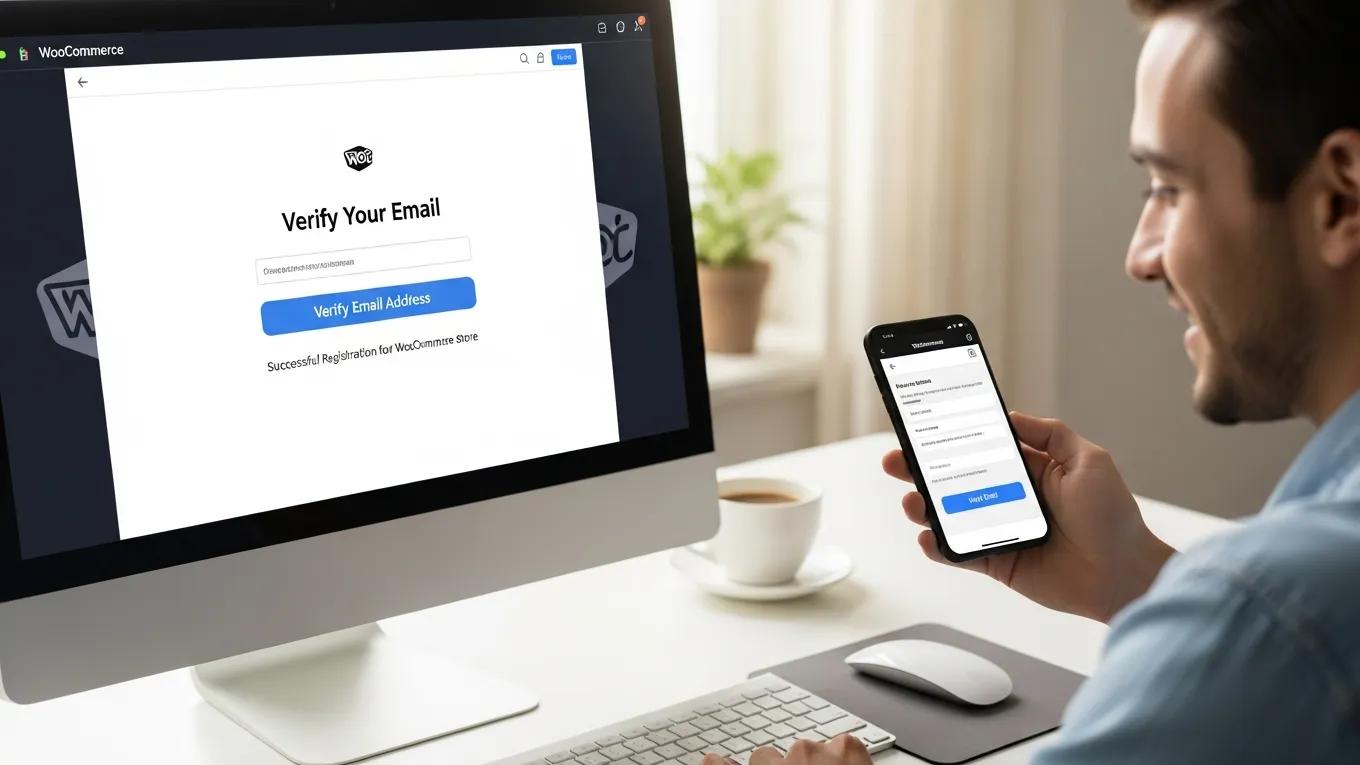
User verification enhances WooCommerce anti-spam methods by adding an extra layer of security. When customers are required to verify their email addresses, it becomes more challenging for spammers to create multiple fake accounts. This process helps maintain the integrity of the customer database and reduces the likelihood of fraudulent transactions.
How Does User Verification Reduce Manual and Bot Spam in WooCommerce?
By implementing user verification, both manual and bot spam can be effectively reduced. This method ensures that only verified users can access certain features of the store, such as checkout and account creation. As a result, the volume of spam submissions decreases, allowing focus on genuine customer interactions.
Use Anti-Spam Plugins Designed for WooCommerce
Utilizing anti-spam plugins specifically designed for WooCommerce can provide robust protection against spam attacks. These plugins offer various features, including automated spam detection, filtering, and reporting tools. By integrating these solutions, store security can be enhanced and the management of spam-related issues streamlined.
This table highlights some of the most effective anti-spam plugins available for WooCommerce. Each plugin offers unique features that cater to different needs, allowing store owners to choose the best solution for their specific requirements.
Which WooCommerce CAPTCHA Plugins Offer Best Bot Protection?
Several CAPTCHA plugins are available for WooCommerce that provide excellent bot protection. These plugins often integrate seamlessly with the checkout process, ensuring that only legitimate users can complete transactions. By selecting a reliable CAPTCHA plugin, store defenses against automated spam attacks can be enhanced.
What Are the Best WooCommerce Security Plugins to Prevent Spam?
The best WooCommerce security plugins for preventing spam include options like Wordfence, Sucuri, and iThemes Security. These plugins offer comprehensive security features, including firewall protection, malware scanning, and spam prevention tools. By implementing these security measures, the risk of spam and other security threats can be significantly reduced.
Add Custom Validation to Checkout Fields
Adding custom validation to WooCommerce checkout fields can help prevent spam by ensuring that only valid information is submitted. This process involves setting specific rules for each field, such as requiring a valid email format or restricting certain characters. By implementing these validations, the likelihood of spam submissions is reduced and the overall quality of customer data improved.
How Do Security Plugins Configure Firewalls for WooCommerce Spam Defense?
Security plugins configure firewalls for WooCommerce spam defense by monitoring incoming traffic and blocking suspicious activity. These firewalls can be customized to filter out known spam sources and prevent automated bots from accessing the site. By utilizing these security measures, a more secure environment for customers is created.
Which Plugins Provide Comprehensive Spam Filter Features for WooCommerce?
Several plugins provide comprehensive spam filter features for WooCommerce, including options like CleanTalk and Spam Protection by CleanTalk. These plugins offer advanced filtering capabilities, allowing spam submissions to be blocked effectively. By integrating these solutions, store defenses against spam can be enhanced and a clean customer database maintained.
Monitor and Blacklist Suspicious IPs or Emails
Monitoring and blacklisting suspicious IP addresses or email domains is a proactive approach to spam prevention. By keeping track of known spam sources, their access to the site can be blocked and the likelihood of future spam attacks reduced. This method not only protects the store but also helps maintain a positive user experience for legitimate customers.
Tools for Monitoring Suspicious Activity
Several tools are available for monitoring suspicious activity on WooCommerce sites. These tools can help identify patterns of spam submissions and enable appropriate action. By utilizing these monitoring solutions, potential spam threats can be anticipated and the store protected effectively.
How to Blacklist Effectively
To blacklist effectively, the list of blocked IP addresses and email domains should be regularly updated. This process involves reviewing site traffic and identifying any suspicious activity. By maintaining an up-to-date blacklist, the store remains protected from spam attacks.
To further enhance the website, consider leveraging search engine optimization strategies to improve visibility and attract more legitimate customers.
Advanced WooCommerce Spam Prevention Techniques
Beyond the foundational methods, advanced spam prevention techniques are essential for WooCommerce stores facing sophisticated threats. These techniques leverage data analytics, behavioral patterns, and third-party integrations to create a multi-layered defense system that effectively mitigates spam and fraudulent activities.
Rate Limiting for Order Submissions
Rate limiting controls the number of order submissions allowed from a single IP address or user within a specified time frame. This technique prevents bots or malicious users from flooding the store with multiple fraudulent orders in rapid succession. By setting thresholds for order frequency, WooCommerce stores can reduce spam order volume without affecting legitimate customers who typically place orders at a reasonable pace.
Geolocation-Based Order Filtering
Geolocation-based filtering enables stores to restrict or flag orders originating from high-risk regions known for spam or fraudulent activity. By analyzing the geographic source of traffic and orders, WooCommerce can apply additional verification steps or block suspicious transactions. This targeted approach minimizes false positives and enhances security by focusing on areas with elevated risk profiles.
Velocity Checks
Velocity checks monitor the number of orders or account actions from the same IP address or user within a short time window. If multiple orders are detected in quick succession, the system flags these for review or automatically blocks them. This method is effective in identifying both automated bot attacks and manual spam attempts, ensuring that only genuine customers proceed through checkout.
Integration with Fraud Detection Services
Integrating WooCommerce with specialized fraud detection services such as Signifyd and Kount provides an additional layer of protection. These services use machine learning algorithms and extensive data analysis to assess the risk level of each transaction in real time. By leveraging these integrations, store owners can automatically approve, review, or decline orders based on fraud risk scores, significantly reducing chargebacks and spam orders.
WP Support Lab’s Multi-Layer Spam Prevention Architecture
WP Support Lab implements a comprehensive multi-layer spam prevention architecture tailored for WooCommerce stores. This architecture combines rate limiting, geolocation filtering, velocity checks, CAPTCHA integration, honeypot fields, and fraud detection service integration. Through continuous monitoring and adaptive rule sets, WP Support Lab’s solutions block over 95% of fraudulent WooCommerce orders while maintaining a seamless experience for legitimate customers. This balance of security and usability is critical for protecting store revenue and reputation.
Protecting WooCommerce Reviews and User Accounts from Spam
Spam prevention extends beyond checkout to include protecting reviews and user accounts, which are common targets for spam and fraudulent activity. Maintaining the integrity of reviews and user registrations is vital for store credibility and customer trust.
Fake Review Prevention
Fake reviews can mislead customers and damage a store’s reputation. Effective prevention strategies include requiring verified purchases before allowing reviews, implementing moderation queues to review submissions before publication, and using spam scoring algorithms to detect suspicious content. These measures ensure that only authentic and relevant reviews appear on the site, enhancing customer confidence.
Account Registration Spam
Spam registrations can clutter the user database and facilitate fraudulent transactions. To combat this, WooCommerce stores should enforce email verification during account creation, requiring users to confirm their email addresses before gaining full access. Additionally, blocking disposable or temporary email addresses prevents spammers from using throwaway accounts. These steps reduce the volume of fake accounts and improve overall site security.
WP Support Lab’s Configuration for Review and Registration Systems
WP Support Lab configures WooCommerce review and registration systems to strike a balance between security and user experience. By implementing verified purchase requirements, moderation workflows, and spam scoring for reviews, alongside robust email verification and disposable email blocking for registrations, WP Support Lab ensures content quality is maintained without imposing unnecessary friction on genuine customers. This approach preserves the authenticity of user-generated content and protects the store from spam-related risks.
WP Support Lab WooCommerce Spam Prevention Services
WP Support Lab delivers comprehensive WooCommerce spam prevention services designed to protect store revenue and reputation while maintaining a seamless checkout experience for legitimate customers. Services include expert configuration of CAPTCHA solutions and honeypot fields, integration with leading fraud detection platforms, implementation of advanced order validation rules such as rate limiting and velocity checks, and proactive monitoring with IP and email blacklisting. By leveraging these multi-layered defenses, WP Support Lab empowers WooCommerce store owners to effectively combat spam and fraudulent activity, ensuring a secure and trustworthy online shopping environment.







