

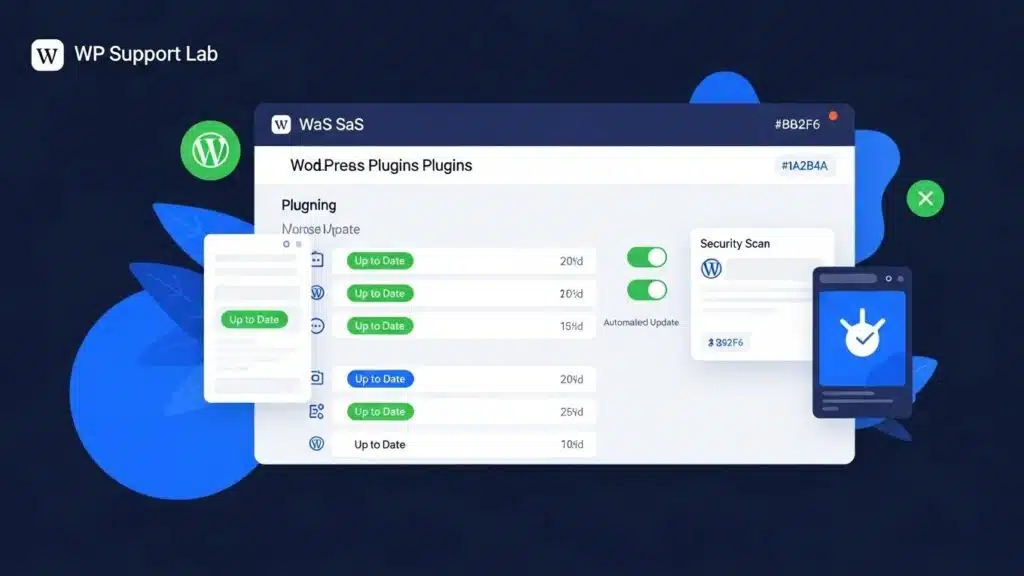
In the rapidly evolving landscape of WordPress, effective plugin management is crucial for maintaining website performance and security. As the number of available plugins continues to grow, so does the complexity of managing them. This article explores the best practices and tools for WordPress plugin management in 2026, focusing on automation, compatibility, security, and performance optimization. Readers will learn how automated plugin management can enhance efficiency, the best practices for ensuring plugin compatibility, essential security measures to protect their websites, and how to assess and mitigate plugin performance impacts. By addressing these key areas, website owners can significantly reduce the risks associated with plugin conflicts, vulnerabilities, and resource inefficiencies.
How Can Automated WordPress Plugin Management Improve Efficiency?
Automated WordPress plugin management streamlines the process of updating and maintaining plugins, reducing the need for manual oversight. This efficiency is achieved through tools that automate updates, monitor plugin performance, and ensure compatibility with the latest WordPress versions. Automation frameworks typically integrate with WordPress’s REST API and leverage cron jobs or webhook triggers to schedule and execute updates without administrator intervention. These tools also provide detailed logging and rollback capabilities, allowing site owners to revert to previous plugin versions if an update causes issues.
By minimizing the time spent on routine maintenance tasks, website owners can focus on more strategic aspects of their online presence. Furthermore, automation helps to minimize security vulnerabilities by ensuring that plugins are always up to date, reducing the window of exposure to known exploits. Advanced automation solutions also incorporate pre-update compatibility scans and post-update health checks, which verify that the site remains stable and functional after changes are applied.
What Are the Top Automated Plugin Update Tools in 2026?
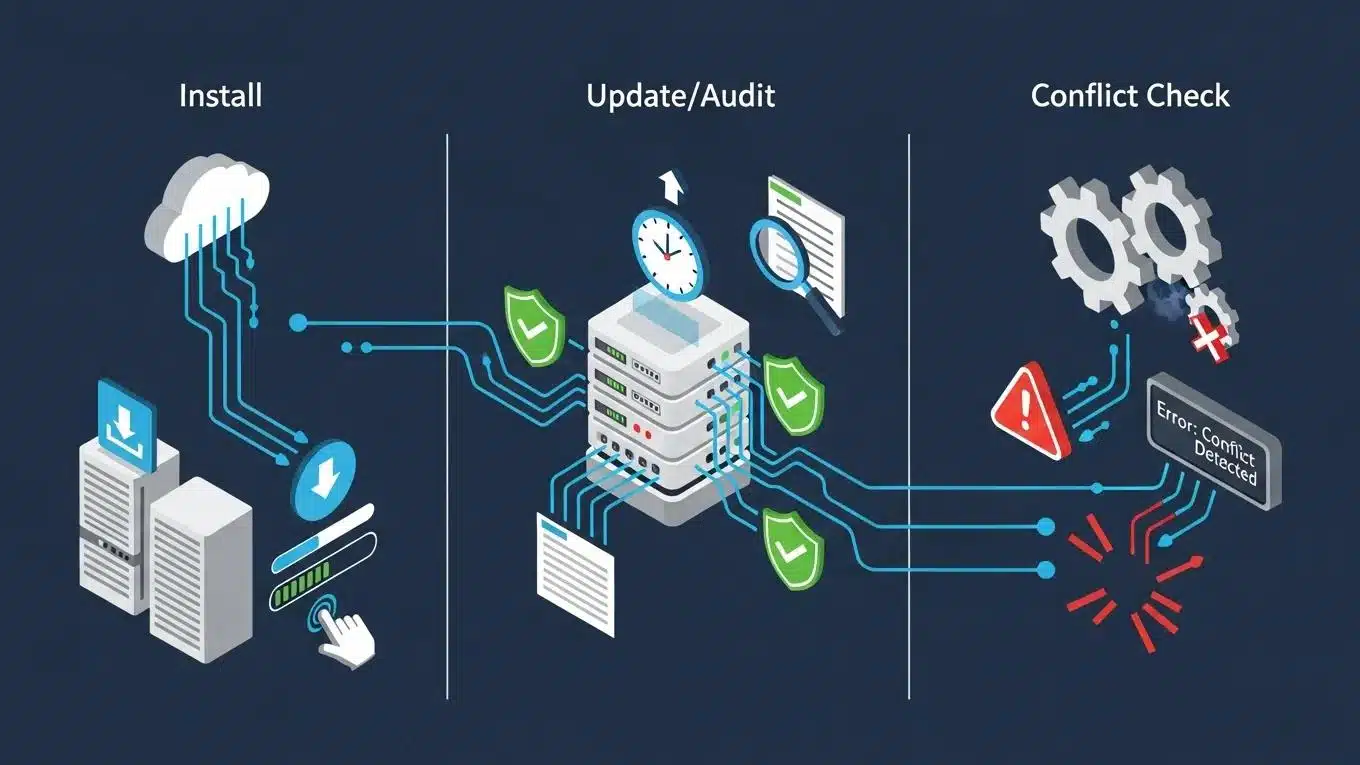
Several automated plugin update tools stand out in 2026 for their effectiveness and user-friendly features:
- Easy Updates Manager: This tool allows users to schedule updates for plugins, themes, and the WordPress core, ensuring that everything is kept current without manual intervention. It supports granular control over which plugins receive automatic updates and integrates with email notifications to alert administrators of update statuses.
- WP Automatic Updates: This service automates the update process for all plugins and themes, providing peace of mind that the latest versions are always in use. It includes options for automatic rollback in case of update failures and supports staging environment integration for pre-deployment testing.
- ManageWP: Offering a comprehensive dashboard, ManageWP enables users to manage multiple WordPress sites efficiently, making it easier to keep track of updates and performance across all sites. It features bulk update capabilities, uptime monitoring, and security checks, making it a versatile tool for agencies and multi-site administrators.
These tools not only save time but also enhance the overall security and performance of WordPress sites by ensuring timely updates and reducing human error.
How Does Automation Reduce Plugin Conflicts and Errors?
Automation plays a critical role in reducing plugin conflicts and errors by ensuring that all components of a WordPress site are compatible with one another. Automated updates help prevent outdated software from causing conflicts, which can lead to site crashes or performance issues. Additionally, staging environments created by automation tools allow users to test updates before applying them to the live site, further reducing the risk of conflicts. Compatibility checks performed by automated systems can identify potential issues before they arise, ensuring a smoother update process.
These compatibility checks often involve scanning plugin code for deprecated functions, verifying adherence to WordPress coding standards, and cross-referencing plugin dependencies. Some advanced tools also simulate plugin interactions in sandboxed environments to detect conflicts dynamically. This proactive approach minimizes downtime and maintains site integrity.
Research further emphasizes the intricate relationship between WordPress platform evolution and plugin development, highlighting the need for intelligent update management.
WordPress Plugin Compatibility & Update Management
design tools to help plugins better support new WordPress and how plugins release new updates according to other plugins,
The Co-evolution of the WordPress Platform and its Plugins, M Sayagh, 2023
What Are the Best Practices for WordPress Plugin Compatibility and Conflict Checking?
Ensuring plugin compatibility and effectively managing conflicts is essential for maintaining a stable WordPress site. Best practices include conducting regular compatibility checks, using staging environments for testing updates, and regularly auditing plugins to remove any that are no longer in use. These strategies help to maintain a clean and efficient plugin environment, reducing the likelihood of conflicts.
Compatibility checks should be integrated into the update workflow, ideally automated to run prior to deployment. This includes verifying PHP version compatibility, checking for deprecated WordPress functions, and ensuring that plugins do not override each other’s hooks or filters in conflicting ways. Staging environments should mirror the live site’s configuration closely to provide accurate testing results.
How to Use WordPress Plugin Compatibility Checkers Effectively?
To effectively use compatibility checkers, website owners should:
- Schedule Regular Plugin Updates: Keeping plugins updated is crucial for compatibility and security. Updates often include fixes for compatibility issues introduced by WordPress core changes or other plugins.
- Perform Compatibility Checks Before Updates: Always check for compatibility issues before applying updates to avoid conflicts. This can be done using automated tools or manual testing in staging environments.
- Monitor Plugin Performance: Regularly assess how plugins are performing to identify any potential issues early. Performance monitoring can reveal conflicts manifesting as slowdowns or errors.
By following these steps, users can ensure that their plugins work harmoniously together, enhancing the overall functionality of their site.
What Strategies Prevent and Resolve Plugin Conflicts?
Preventing and resolving plugin conflicts requires a systematic approach:
- Systematic Deactivation: Deactivating plugins one by one can help identify which plugin is causing a conflict. This process should be documented carefully to track findings.
- Regular Audits: Conducting regular audits to remove unused plugins can help streamline the site and reduce potential conflicts. Unused plugins may introduce outdated code or security risks.
- Backup Before Updates: Always back up the site before applying updates to ensure that a restore point is available in case of issues. Backups should include both files and databases.
These strategies not only help in preventing conflicts but also provide a clear path for resolving them when they occur.
How to Manage WordPress Plugins Efficiently with Update and Backup Strategies?
Efficient management of WordPress plugins involves establishing a routine for updates and implementing robust backup strategies. By automating these processes, website owners can ensure that their sites remain secure and functional without constant manual intervention.
Backup strategies should include incremental backups to minimize storage use and full backups at regular intervals. Backup tools often integrate with cloud storage providers to ensure offsite redundancy. Additionally, version control for plugins can be implemented using tools that track plugin versions and changes, enabling rollback to previous stable states if necessary.
What Are the Best WordPress Plugin Update Tools for Bulk Updates?
For bulk updates, several tools are particularly effective:
- Bulk Plugin Update: This tool allows users to update multiple plugins simultaneously, saving time and effort. It supports scheduling and can be configured to exclude certain plugins from bulk updates.
- WP-CLI: A command-line interface that enables users to manage WordPress installations, including bulk updates, efficiently. WP-CLI supports scripting and automation, making it ideal for developers and administrators managing multiple sites.
- ManageWP: As mentioned earlier, this tool also supports bulk updates across multiple sites, making it a versatile choice for site managers. It provides detailed reports and notifications on update statuses.
These tools facilitate a more streamlined approach to plugin management, allowing for quick updates without compromising site integrity.
How to Implement Plugin Backup and Version Control for Safety?
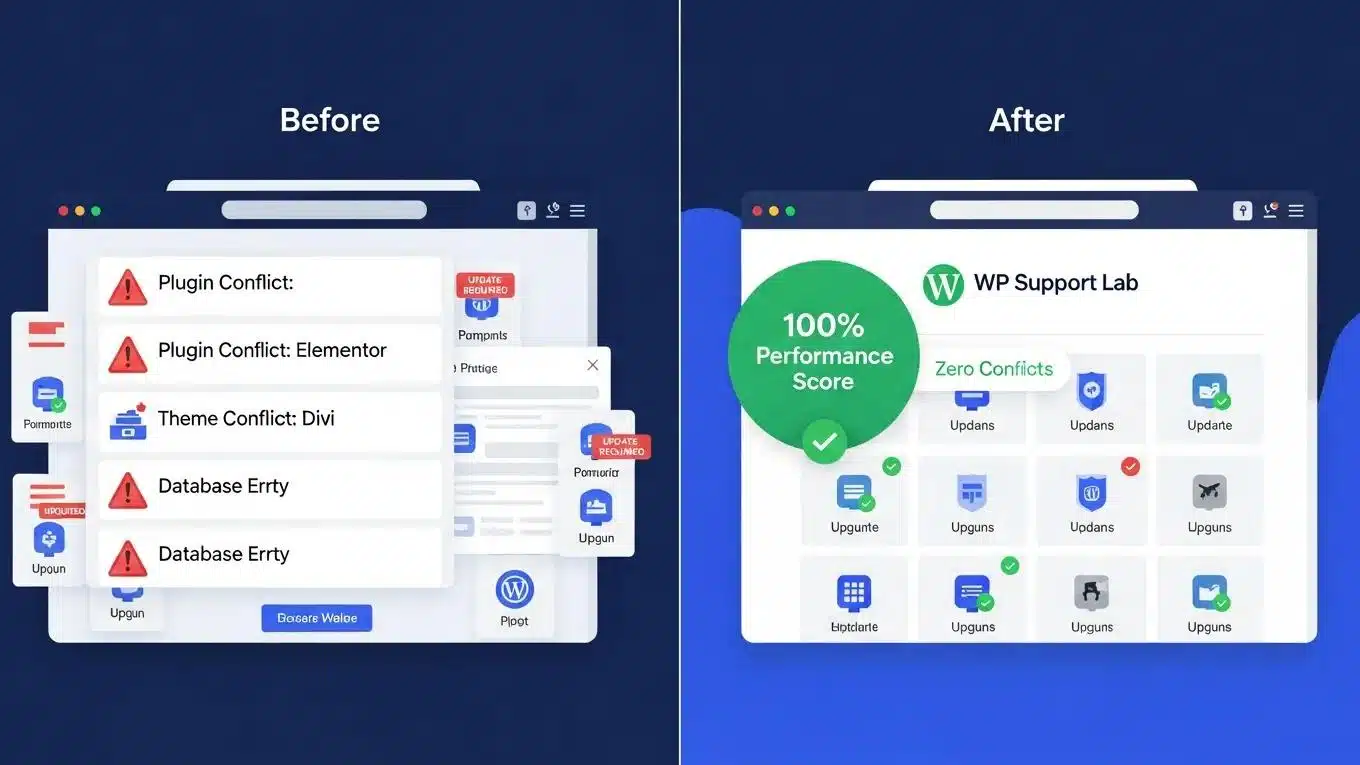
Implementing effective backup and version control strategies is essential for safeguarding a WordPress site:
- Automate Backup Processes: Use tools that automatically back up the site at regular intervals to prevent data loss. These tools should support both file system and database backups.
- Test Backups Regularly: Ensure that backups are functioning correctly by testing them periodically. This includes restoring backups to staging environments to verify integrity.
- Implement Version Control Strategies: Keeping track of plugin versions can help in rolling back to previous versions if issues arise. Some administrators use Git or similar version control systems to track custom plugin modifications.
These practices not only enhance security but also provide peace of mind for website owners.
What Security Measures Are Essential for WordPress Plugin Management in 2026?
As cyber threats continue to evolve, implementing robust security measures for plugin management is more important than ever. Regular updates to address vulnerabilities, careful selection of plugins based on security ratings, and strong authentication measures are essential components of a comprehensive security strategy.
Indeed, the development of automated systems for security auditing is a testament to the growing need for proactive defense against WordPress vulnerabilities. These systems integrate vulnerability databases and scanning tools to identify risks before they can be exploited.
Cost-Effective Automated WordPress Security Auditing
The thesis addressed common security issues on WordPress websites and needed a cost-effective and low-maintenance automated security auditing and monitoring system for WordPress sites by utilizing low-cost cloud services.
Automated security auditing and monitoring system for WordPress sites, 2025
How Do Plugin Security Best Practices Protect Your Website?
Adhering to plugin security best practices can significantly enhance website protection:
- Regular Updates: Keeping plugins updated is critical for addressing known vulnerabilities. Updates often patch security holes that could be exploited by attackers.
- Remove Unused Plugins: Unused plugins can pose security risks; removing them helps to minimize exposure. They may contain outdated code or unpatched vulnerabilities.
- Implement a Web Application Firewall: A firewall can provide an additional layer of security against potential threats by filtering malicious traffic and blocking common attack vectors.
By following these best practices, website owners can create a more secure environment for their WordPress sites.
What Are the Latest Trends in Plugin Vulnerability Management?
Staying informed about the latest trends in plugin vulnerability management is crucial for effective site protection. Key trends include:
- Immediate Updates for Security Patches: Promptly applying security patches as they are released is essential for minimizing risks. Automated update policies can facilitate this process.
- Monitoring Vulnerability Databases: Keeping an eye on vulnerability databases such as the National Vulnerability Database (NVD), Patchstack, and WPScan helps identify potential threats before they impact the site.
- Professional Maintenance Services: Many website owners are turning to professional services for ongoing maintenance and security management, ensuring expert handling of vulnerabilities and updates.
These trends highlight the importance of proactive measures in safeguarding WordPress sites against vulnerabilities.
How to Audit Installed Plugins for Vulnerabilities Using Patchstack and WPScan
Effective vulnerability management begins with auditing installed plugins for known security issues. Tools such as Patchstack and WPScan provide comprehensive vulnerability scanning tailored for WordPress environments. These tools cross-reference installed plugin versions against extensive vulnerability databases, identifying CVEs (Common Vulnerabilities and Exposures) that may affect the site.
Patchstack offers real-time monitoring and alerts for new vulnerabilities, enabling administrators to respond quickly. WPScan, available as a command-line tool and API, supports automated scans integrated into continuous deployment pipelines. Both tools provide detailed reports including severity ratings, exploitability, and remediation recommendations.
Site owners should establish regular scanning schedules and integrate these tools into their update workflows. Automated policies can be configured to trigger immediate updates or alerts when critical vulnerabilities are detected. Additionally, deprecated plugins—those no longer maintained by developers—should be identified and replaced promptly to avoid unpatched security risks.
How to Assess Plugin Performance Impact Using Query Monitor and New Relic
Beyond security and compatibility, plugin performance impact is a critical factor in maintaining a fast and responsive WordPress site. Resource-heavy plugins can degrade site speed, increase server load, and negatively affect user experience and SEO rankings.
Tools such as Query Monitor and New Relic provide in-depth performance analysis. Query Monitor is a WordPress plugin that profiles database queries, PHP errors, hooks, and HTTP requests, allowing administrators to identify plugins causing slow queries or excessive resource consumption. New Relic, a cloud-based application performance monitoring service, offers detailed insights into server response times, transaction traces, and external service calls.
By analyzing data from these tools, WordPress administrators can pinpoint plugins that disproportionately impact performance. Strategies to mitigate these impacts include disabling or replacing inefficient plugins, optimizing plugin settings, and implementing caching mechanisms. Regular performance audits should be part of the plugin management routine to maintain optimal site speed.
How WP Support Lab’s Plugin Management Service Enhances Update, Conflict Testing, and Vulnerability Patching
WP Support Lab offers a comprehensive plugin management service designed to address the complexities of modern WordPress environments. The service includes automated update scheduling combined with rigorous conflict testing in staging environments to ensure that updates do not disrupt site functionality.
WP Support Lab employs advanced vulnerability scanning tools such as Patchstack and WPScan to continuously monitor installed plugins for security issues. When vulnerabilities are detected, the service prioritizes patching and, if necessary, coordinates with plugin developers or recommends alternative solutions. This proactive approach minimizes exposure to threats and maintains site integrity.
Additionally, WP Support Lab’s service incorporates performance monitoring using tools like Query Monitor and New Relic to identify and address resource-heavy plugins. The service provides detailed reports and recommendations, enabling site owners to make informed decisions about plugin usage and optimization.
By leveraging these integrated tools and expert processes, WP Support Lab ensures that WordPress sites remain secure, performant, and stable with minimal manual intervention required from site owners.
To ensure your WordPress site is fully optimized, consider a “WordPress audit” to identify areas for improvement and enhance overall performance.
For those seeking to build a website quickly and efficiently, an AI-assisted web design team can provide a streamlined solution.
If you need help managing your WordPress plugins, consider “WordPress support” services to ensure your site remains secure and up-to-date.