

Choosing the right WordPress hosting provider is crucial for the success of your website. In 2026, the landscape of WordPress hosting continues to evolve, offering a variety of options tailored to different needs. This guide will help you navigate the complexities of selecting the best hosting service by exploring key factors such as performance, pricing, and security. Many website owners struggle with slow loading times and security vulnerabilities, which can hinder their online presence. By understanding the various hosting types and their features, you can make an informed decision that enhances your site’s performance and security. This article will cover the best WordPress hosting providers, optimization techniques for performance, pricing plans, and essential security measures.
What Are the Best WordPress Hosting Providers in 2026?
In 2026, several WordPress hosting providers stand out for their performance, reliability, and customer support. Choosing the right provider can significantly impact your website’s speed and uptime, which are critical for user experience and SEO.
Which hosting providers offer top performance and reliability?
Top hosting providers like Kinsta, SiteGround, and WP Engine are known for their exceptional performance and reliability. These providers offer features such as:
- High Uptime Guarantees: Most top providers guarantee 99.9% uptime, ensuring your site remains accessible.
- Fast Load Times: Utilizing SSD storage and Content Delivery Networks (CDNs) helps deliver content quickly to users.
- Excellent Customer Support: 24/7 support is crucial for resolving issues promptly, and providers like Bluehost and Flywheel excel in this area.
These performance metrics are essential for maintaining a competitive edge in the digital landscape.
How do managed WordPress hosting services compare to shared hosting?
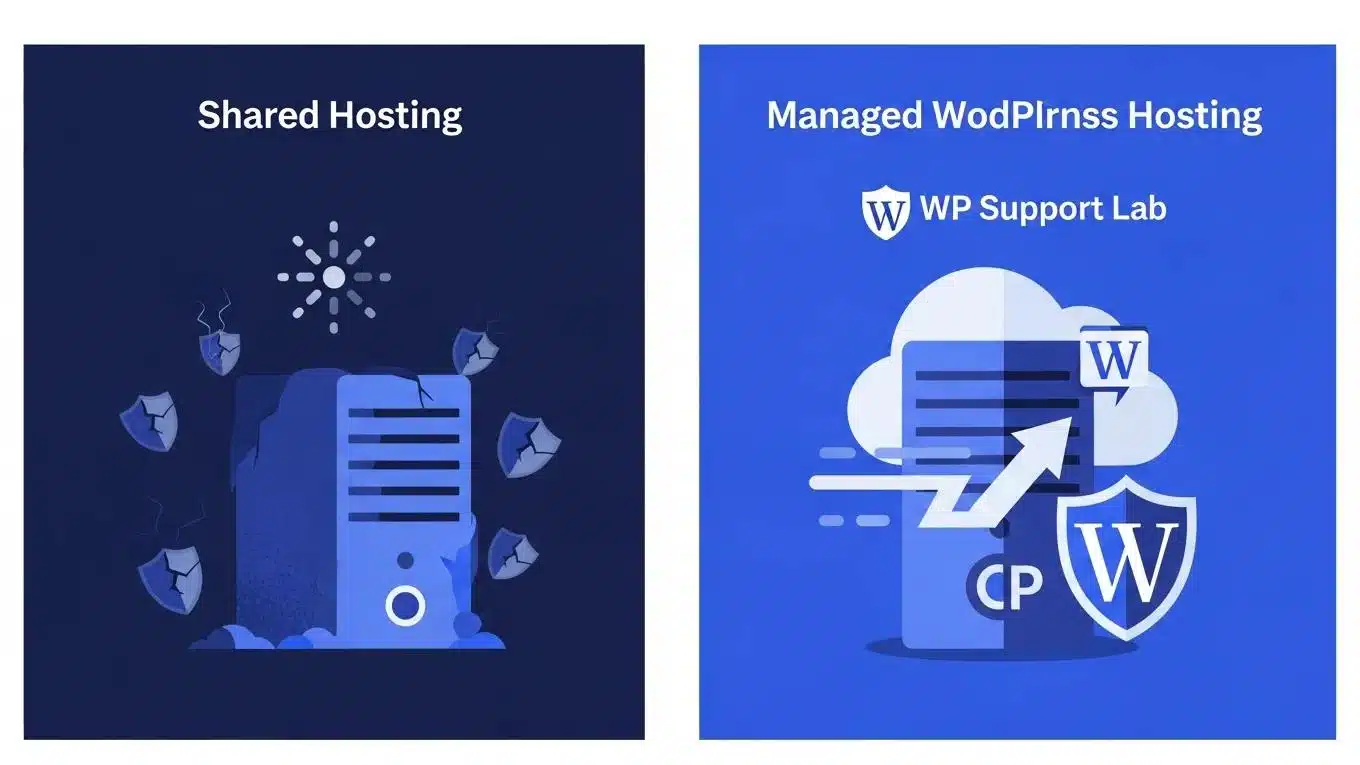
Managed WordPress hosting services offer several advantages over shared hosting, making them a preferred choice for many website owners. Key differences include:
- Performance: Managed hosting typically provides optimized environments specifically for WordPress, resulting in faster load times.
- Support: Managed services often include expert WordPress support, while shared hosting may offer limited assistance.
- Security: Managed hosting includes automatic updates and enhanced security features, reducing the risk of vulnerabilities.
While shared hosting is more cost-effective, the benefits of managed hosting can justify the higher price for those seeking optimal performance and support.
Further emphasizing the performance benefits, managed hosting is often optimized to deliver superior page load times.
Optimize Managed WordPress Hosting for Page Load Performance
If you want the Ferrari of web hosting, then read on. In the next section I describe how to optimize a managed web server to achieve the ultimate in website page load time performance,
WordPress websites for business: how anyone can maximize website performance and results, 2017
How to Optimize WordPress Hosting Performance for Faster Websites?
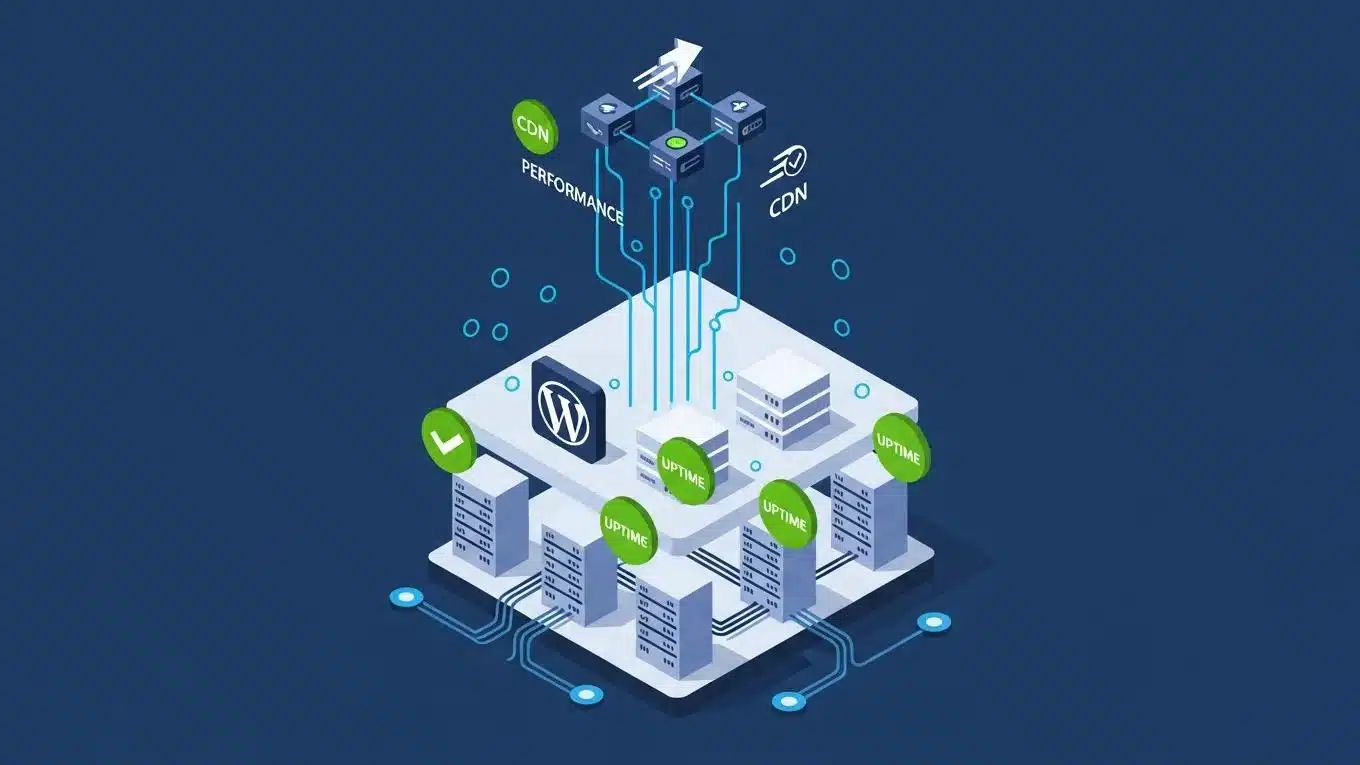
Optimizing your WordPress hosting performance is essential for providing a seamless user experience. Several techniques can help improve your site’s speed and reliability.
What are key performance metrics to monitor for WordPress hosting?
Monitoring key performance metrics is vital for assessing your hosting service’s effectiveness. Important metrics include:
- Server Response Time: This measures how quickly your server responds to requests, impacting overall site speed.
- Uptime Percentage: A high uptime percentage indicates reliability, ensuring your site is accessible to users.
- Load Time: The time it takes for your site to fully load affects user experience and SEO rankings.
Regularly tracking these metrics can help you identify areas for improvement.
Which optimization techniques improve WordPress site speed and uptime?
To enhance your WordPress site’s speed and uptime, consider implementing the following techniques:
- Caching Solutions: Utilizing caching plugins can significantly reduce load times by serving static versions of your pages.
- Image Optimization: Compressing images without sacrificing quality can improve load times and overall site performance.
- Quality Hosting: Choosing a reputable hosting provider with optimized servers for WordPress can lead to better performance.
These strategies can help ensure your website runs smoothly and efficiently.
Effective caching solutions are a cornerstone of these optimization strategies, significantly contributing to faster website performance.
WordPress Hosting: Caching for Performance Optimization
level for optimizing performance through caching. Caching mechanisms in hosts offering managed WordPress environments can also be deployed and controlled from the hosting
Optimizing WordPress for efficient website creation and management, 2025
What Are the Pricing Plans and Features of WordPress Hosting in 2026?
Understanding the pricing plans and features of various WordPress hosting providers is essential for making an informed decision. In 2026, hosting options vary widely in terms of cost and included features.
How do pricing tiers differ among popular WordPress hosting providers?
Pricing tiers among popular WordPress hosting providers can vary significantly. For example:
- Basic Plans: Typically range from $3 to $10 per month, offering essential features for small websites.
- Mid-Tier Plans: Range from $15 to $30 per month, providing additional resources and support for growing sites.
- Premium Plans: Can exceed $50 per month, offering advanced features such as enhanced security, backups, and dedicated support.
These pricing structures reflect the level of service and resources provided, allowing you to choose a plan that fits your needs.
What hosting features are included in managed versus shared plans?
When comparing managed and shared hosting plans, consider the following features:
- Managed Hosting Features: Often includes automatic updates, daily backups, and enhanced security measures.
- Shared Hosting Features: Typically offers basic features with limited support and fewer security measures.
Understanding these differences can help you select the right hosting plan for your website’s requirements.
How Can You Secure Your WordPress Hosting Environment Effectively?
Securing your WordPress hosting environment is crucial for protecting your website from potential threats. Implementing best practices can help safeguard your site.
What security features should a WordPress hosting provider offer?
A reliable WordPress hosting provider should offer essential security features, including:
- Malware Scanning: Regular scans can detect and remove malicious software before it affects your site.
- Firewalls: A robust firewall can help block unauthorized access and protect sensitive data.
- SSL Certificates: SSL encryption is vital for securing data transmitted between your site and its users.
These features are fundamental for maintaining a secure hosting environment.
Beyond these fundamental features, advanced security measures, such as those for containerized environments, are increasingly important for robust protection.
WordPress Hosting Security: AWS Container Vulnerability Analysis
There are two main risks that containerised WordPress on AWS has; vulnerable container images and application-layer attacks. Such implementation is organised as the layered defence, which incorporates continuous scanning of the Amazon ECR/Inspector images with additional AWS WAF and EventBridge/Lambda automation. SQLinjection (SQLi) and cross-site-scripting (XSS) tests resulted in 100% blocking of SQLi payloads, and 90.95 percent mitigation of XSS with its managed and internal WordPress-specific rules (/wp-login.php, xmlrpc.php).
Enhancing Security of WordPress Containers on AWS: A Multitool Vulnerability Analysis, 2026
How do security audits and backups protect your WordPress site?
Regular security audits and backups play a critical role in protecting your WordPress site. Key benefits include:
- Proactive Threat Detection: Audits can identify vulnerabilities before they are exploited, allowing for timely remediation.
- Data Recovery: Backups ensure that you can restore your site quickly in the event of a security breach or data loss.
- Regular Monitoring: Continuous monitoring helps maintain security and performance, providing peace of mind for website owners.
Implementing these practices can significantly enhance your site’s security posture.
To further enhance your website, consider leveraging search engine optimization strategies to improve visibility and attract more visitors.
Many providers also offer WordPress support to assist with any technical issues or questions you may have.
For those looking to build a website quickly, an AI-assisted web design team can streamline the process and provide a user-friendly experience.
If you need assistance with your current website, consider a WordPress audit to identify areas for improvement and ensure optimal performance.