

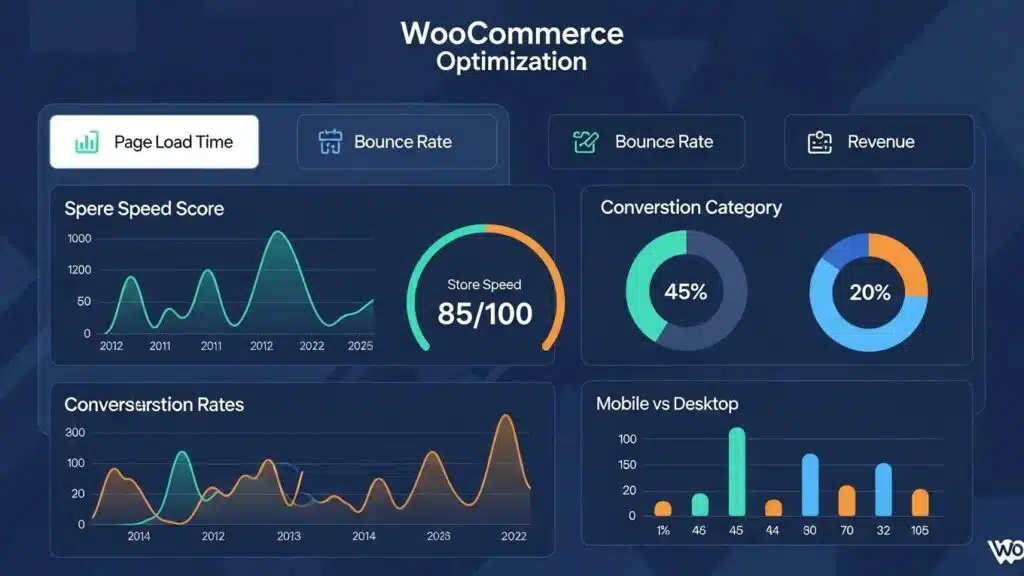
Optimizing a WooCommerce store is essential for enhancing speed, improving SEO, and driving conversion growth. As eCommerce continues to expand, store owners face the challenge of ensuring their platforms are not only functional but also efficient and user-friendly. This article provides actionable insights into seven proven tips for optimizing WooCommerce stores, focusing on caching, image optimization, checkout processes, and more. By addressing these key areas, merchants can significantly improve their store’s performance and user experience. Each tip is explored in detail, including practical steps and the benefits they offer for online businesses.
Real-world examples underscore the significant financial impact that even minor speed improvements can have on an online store.
WooCommerce Speed Optimization: Revenue & Conversion Impact
A speed audit was conducted on a client’s WooCommerce store last year. Time to Interactive was 8.4 seconds on mobile. Bounce rate sat at 67%. This was brought down to 2.1 seconds over three weeks, and the monthly revenue jumped 34%. No redesign, no new products, no ad spend increase. Just performance optimization.
Impact of Website Performance Optimization on Your Business in 2026, G Tiwari, 2026
Implement Proper Caching
Caching is a critical component of WooCommerce store optimization, as it significantly reduces load times and enhances user experience. By storing frequently accessed data, caching solutions minimize the need for repeated database queries, leading to faster page loads. This improvement not only boosts user satisfaction but also positively impacts SEO rankings, as search engines favor faster websites. Implementing caching can be achieved through various methods, including server-side caching and browser caching.
Types of Caching Solutions
- Page Caching: This stores the entire HTML output of a page, allowing for quick retrieval without querying the database.
- Object Caching: This caches database query results, reducing the load on the database server.
- Opcode Caching: This caches the compiled PHP code, speeding up script execution.
Benefits of Caching
- Faster Load Times: Reduces the time it takes for pages to load, enhancing user experience.
- Reduced Server Load: Minimizes the number of requests to the server, improving overall performance.
- Improved SEO: Faster websites are favored by search engines, leading to better rankings.
Optimize Images
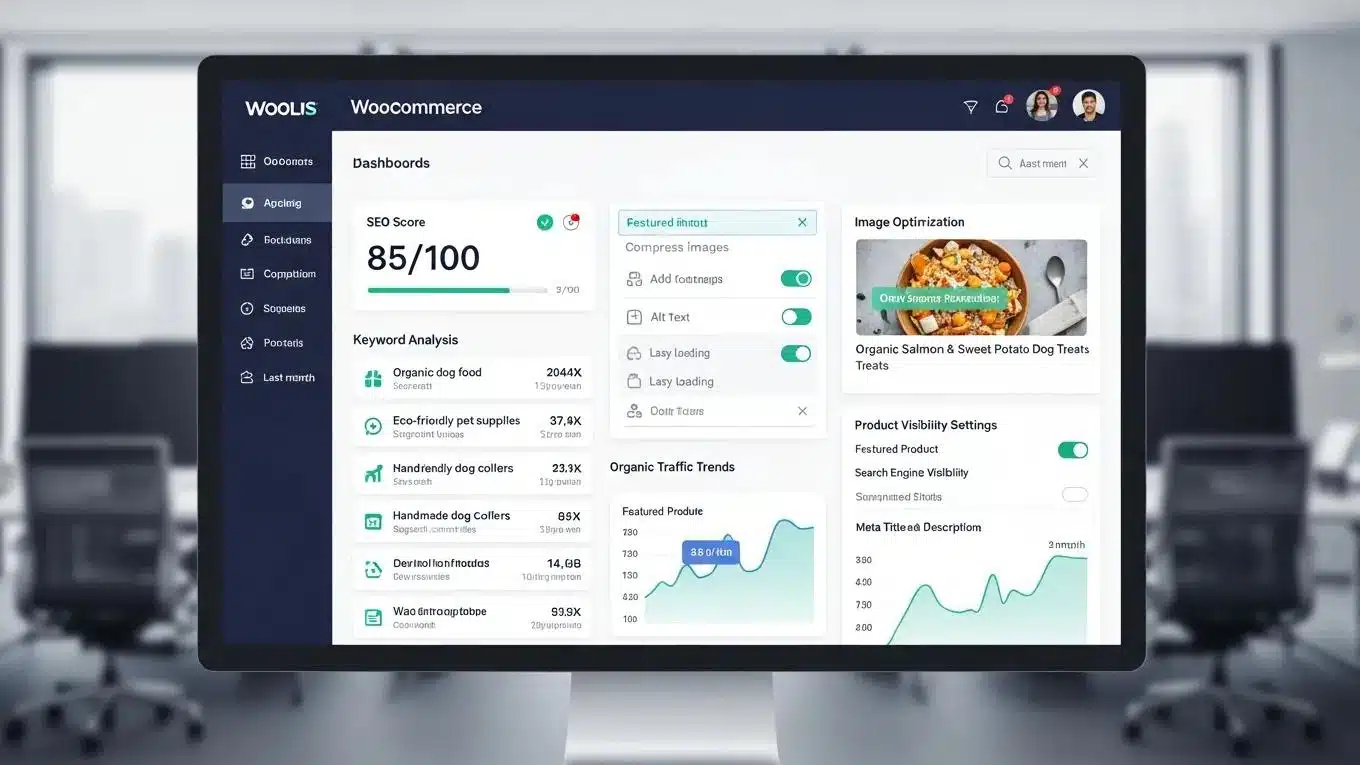
Image optimization is crucial for maintaining a fast-loading WooCommerce store. Large image files can significantly slow down page load times, negatively affecting user experience and SEO. By optimizing images, merchants can reduce their file size without sacrificing quality, ensuring that stores remain visually appealing while performing efficiently.
Image Formats to Use
- JPEG: Ideal for photographs and images with many colors.
- PNG: Best for images requiring transparency and sharp edges.
- WebP: A modern format that provides superior compression and quality.
Lazy Loading Benefits
Implementing lazy loading ensures that images are only loaded when they enter the viewport, reducing initial load times and improving performance. This technique is particularly beneficial for pages with numerous images, as it minimizes the amount of data loaded at once.
Simplify the Checkout Process
A streamlined checkout process is essential for reducing cart abandonment rates and increasing conversions. Complicated checkout procedures can frustrate customers, leading them to abandon their carts. By simplifying the checkout experience, businesses can enhance user satisfaction and drive sales.
Importance of Guest Checkout
Allowing customers to check out as guests without creating an account can significantly reduce friction during the purchasing process. This option caters to users who prefer a quick and hassle-free experience.
Reducing Form Fields
Minimizing the number of required fields during checkout can lead to higher completion rates. Focus on collecting only essential information to streamline the process.
Use a Content Delivery Network (CDN)
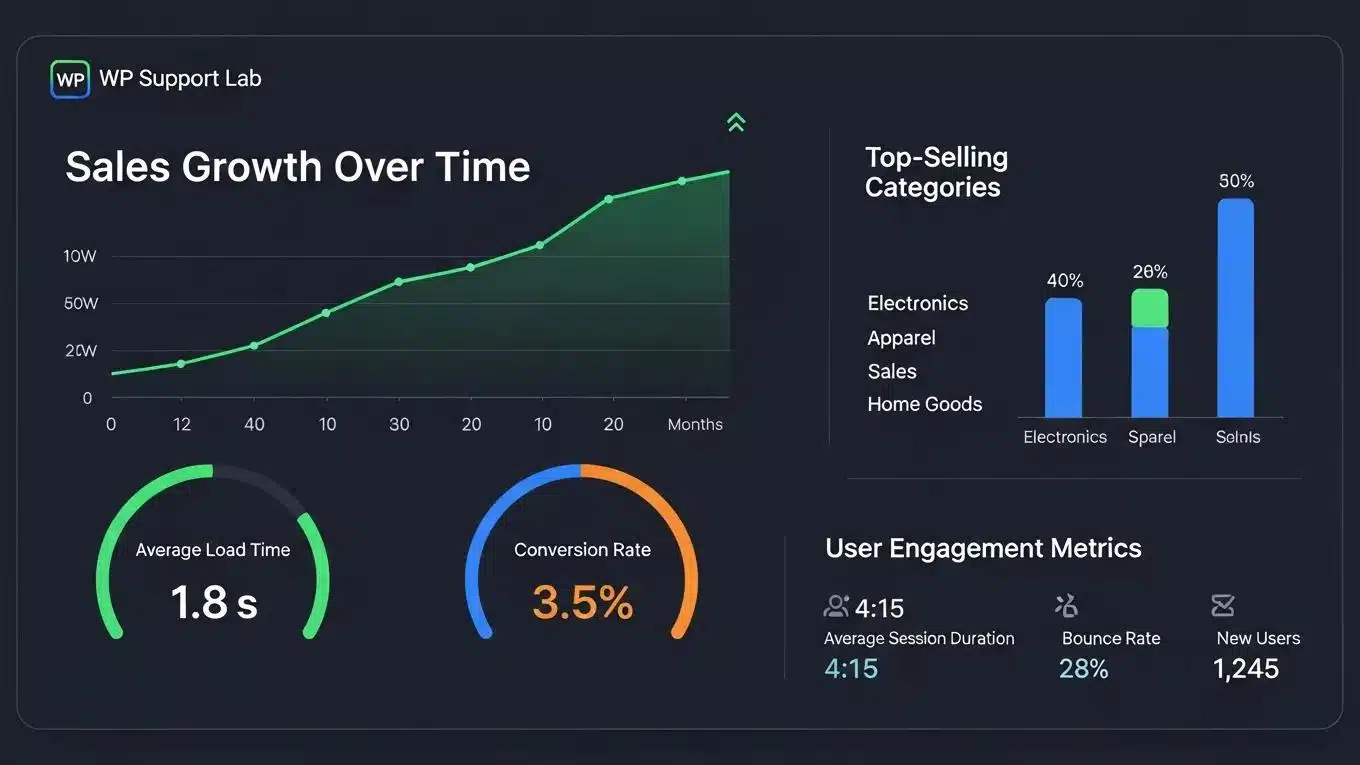
A Content Delivery Network (CDN) is a network of servers distributed across various locations that deliver content to users based on their geographic location. Utilizing a CDN can significantly enhance WooCommerce store performance by reducing latency and improving load times.
How CDNs Work
CDNs cache a website’s static content, such as images, stylesheets, and scripts, on multiple servers worldwide. When a user accesses the site, the CDN serves the content from the nearest server, resulting in faster load times.
Performance Improvements
- Reduced Latency: By serving content from a location closer to the user, CDNs minimize the time it takes for data to travel.
- Increased Reliability: CDNs can handle traffic spikes and provide redundancy, ensuring the site remains accessible during high-demand periods.
Monitor Core Web Vitals
Core Web Vitals are a set of metrics that Google uses to measure the user experience of a website. Monitoring these metrics is essential for understanding how a WooCommerce store performs and identifying areas for improvement.
Key Metrics to Monitor
- Largest Contentful Paint (LCP): Measures loading performance, focusing on the time it takes for the largest content element to become visible.
- First Input Delay (FID): Assesses interactivity by measuring the time it takes for a user to interact with the page.
- Cumulative Layout Shift (CLS): Evaluates visual stability by tracking unexpected layout shifts during page load.
Impact on SEO
Improving Core Web Vitals can lead to better search engine rankings, as Google prioritizes sites that offer a superior user experience. Regularly monitoring these metrics allows merchants to make informed decisions about optimizations.
Optimize WooCommerce AJAX Operations
AJAX operations are essential for providing a seamless user experience in WooCommerce, allowing for dynamic content updates without requiring full page reloads. However, poorly optimized AJAX calls can lead to performance issues.
Common AJAX Issues
- Slow Response Times: Long processing times for AJAX requests can frustrate users.
- Excessive Requests: Too many AJAX calls can overwhelm the server and slow down the site.
Optimization Techniques
- Batch Requests: Combine multiple AJAX requests into a single call to reduce server load.
- Caching AJAX Responses: Store frequently requested data to minimize processing time.
Regular Performance Audits
Conducting regular performance audits is vital for maintaining an optimized WooCommerce store. These audits help identify bottlenecks and areas for improvement, ensuring the site remains competitive.
What to Check During Audits
- Load Times: Measure how quickly pages load and identify slow-loading elements.
- Server Response Times: Assess the time it takes for the server to respond to requests.
- Plugin Performance: Evaluate the impact of installed plugins on overall site performance.
Tools for Audits
- GTmetrix: Provides detailed performance reports and recommendations for improvement.
- PageSpeed Insights: Analyzes page performance and offers suggestions for optimization.
Different optimization strategies deliver distinct benefits through specific mechanisms.
This comparison demonstrates how various strategies contribute to overall WooCommerce store optimization.
To further enhance online presence, businesses should consider exploring options for search engine optimization. By implementing these seven proven tips, merchants can significantly enhance WooCommerce store performance, leading to improved user experience and increased conversion rates. Regularly revisiting these strategies will ensure stores remain competitive in the ever-evolving eCommerce landscape.
If assistance is needed in building a website, businesses may consider using an AI-assisted web design team to get started quickly. For ongoing maintenance and support, WordPress support services can be invaluable.
Advanced Product Page Optimization for WooCommerce
Optimizing product pages is a critical factor in increasing conversion rates and enhancing the overall shopping experience on WooCommerce stores. WP Support Lab employs advanced techniques to elevate product page performance, focusing on technical precision and user engagement.
Schema Markup for Products
Implementing structured data using schema markup enables search engines to better understand product details, which enhances search result listings with rich snippets. Key elements include:
- Price: Clearly defined pricing information helps users make informed decisions.
- Availability: Real-time stock status reduces customer frustration and improves trust.
- Reviews: Displaying aggregated ratings and reviews increases credibility and social proof.
WP Support Lab integrates schema markup following the latest standards to ensure maximum visibility and SEO benefits.
Product Video Integration
Embedding product videos directly on product pages provides dynamic content that can demonstrate product features, usage, and benefits. Videos increase engagement and help customers visualize the product, leading to higher add-to-cart rates.
Comparison Tables
Comparison tables allow customers to evaluate multiple products side-by-side, highlighting differences in features, pricing, and specifications. This clarity aids decision-making and reduces hesitation during the purchase process.
Trust Signals
Incorporating trust signals such as security badges, money-back guarantees, and social proof elements reassures customers about the safety and reliability of their purchase. WP Support Lab strategically places these signals to maximize their impact without cluttering the page.
Through these combined optimizations, WP Support Lab has consistently increased add-to-cart rates by 15–25% for WooCommerce clients, demonstrating the effectiveness of a technically precise and user-focused approach.
Email Marketing and Customer Retention Optimization
Effective email marketing is essential for maximizing customer lifetime value and driving repeat purchases in WooCommerce stores. WP Support Lab configures comprehensive email automation strategies tailored to the unique needs of each business.
Abandoned Cart Email Sequences
Recovering lost sales through abandoned cart emails is a proven tactic. WP Support Lab implements a three-email cadence designed to re-engage customers:
- 1 Hour After Abandonment: A gentle reminder encouraging customers to complete their purchase.
- 24 Hours After Abandonment: A follow-up with additional incentives or product highlights.
- 72 Hours After Abandonment: A final reminder emphasizing urgency or limited-time offers.
Post-Purchase Upsell Flows
After a purchase, targeted upsell emails introduce complementary products or upgrades, increasing average order value. These flows are personalized based on purchase history and customer behavior.
Win-Back Campaigns for Lapsed Customers
Re-engaging customers who have not purchased in a while is critical for retention. WP Support Lab designs win-back campaigns that offer exclusive discounts or highlight new products to renew interest.
Loyalty Program Integration
Integrating loyalty programs with WooCommerce email marketing encourages repeat business by rewarding customers for purchases, referrals, and engagement. Automated emails notify customers of points earned and redemption opportunities.
By leveraging these email marketing strategies, WP Support Lab helps WooCommerce stores maximize customer retention and increase revenue through personalized, timely communication.
WP Support Lab WooCommerce Store Optimization Services
WP Support Lab delivers end-to-end WooCommerce store optimization services designed to drive measurable revenue growth. From advanced product page design and checkout flow improvements to sophisticated email automation and conversion rate enhancement, WP Support Lab applies a technically precise, brand-forward approach tailored to each client’s unique business goals.
With a focus on performance tuning, user experience, and strategic marketing integration, WP Support Lab empowers online stores to achieve sustained growth in a competitive eCommerce landscape. Partnering with WP Support Lab ensures that WooCommerce merchants receive expert guidance and implementation support to optimize every aspect of their store’s performance and profitability.