


Improving the performance of a WordPress site is crucial for user experience and search engine rankings. Caching is one of the most effective strategies to enhance site speed, reduce server load, and improve overall performance. This guide will delve into the various types of caching available for WordPress, the best caching plugins for 2023, and how to configure them for optimal results. By understanding the mechanisms behind caching, you can significantly boost your site’s speed and efficiency. We will also explore the integration of Content Delivery Networks (CDNs) and common caching issues, providing you with a comprehensive overview of how to maintain a high-performing WordPress site.
What Are the Key Types of WordPress Caching and How Do They Improve Site Speed?
Caching in WordPress can be categorized into several types, each serving a unique purpose in enhancing site speed. The primary types include page caching, browser caching, and object caching. Page caching generates static HTML files from dynamic content, allowing faster delivery to users. Browser caching stores static resources on users’ devices, reducing load times for repeat visitors. Object caching, on the other hand, stores frequently accessed data, minimizing database query times and improving overall performance. Understanding these caching types is essential for optimizing your WordPress site effectively.
How Does Object Caching Enhance WordPress Performance?
Object caching significantly enhances WordPress performance by storing frequently accessed data, such as database query results, in memory. This reduces the need for repeated database calls, which can be time-consuming and resource-intensive. By utilizing caching mechanisms like Redis or Memcached, WordPress can serve data faster, leading to reduced server load and improved site speed. This is particularly beneficial for dynamic content sites that rely heavily on database interactions, as it allows for quicker response times and a smoother user experience.
Indeed, the use of advanced in-memory caching solutions like Redis and Memcached has been a subject of detailed performance evaluations.
WordPress Caching: Redis, Memcached, and PHP Object Caches
Web Server, Redis as page cache and object cache, Mediawiki and WordPress 2 in terms of technology stack and performance. Traditionally, Memcached and PHP object caches like APC are used.
Performance Evaluation of Web Archiving Through In-Memory Page Cache, SD Vishwasrao, 2017
What Role Does Browser and Server-Side Caching Play in Speed Optimization?
Browser and server-side caching play crucial roles in speed optimization for WordPress sites. Browser caching allows static elements, such as images, CSS, and JavaScript files, to be stored on a user’s device. This means that when a user revisits the site, these elements do not need to be reloaded from the server, significantly speeding up the loading process. Server-side caching, on the other hand, generates static HTML files from dynamic content, which can be served to users without the need for processing PHP scripts. Together, these caching methods reduce load times and server strain, leading to a more efficient website.
Which Are the Best WordPress Caching Plugins for 2023 and What Features Do They Offer?
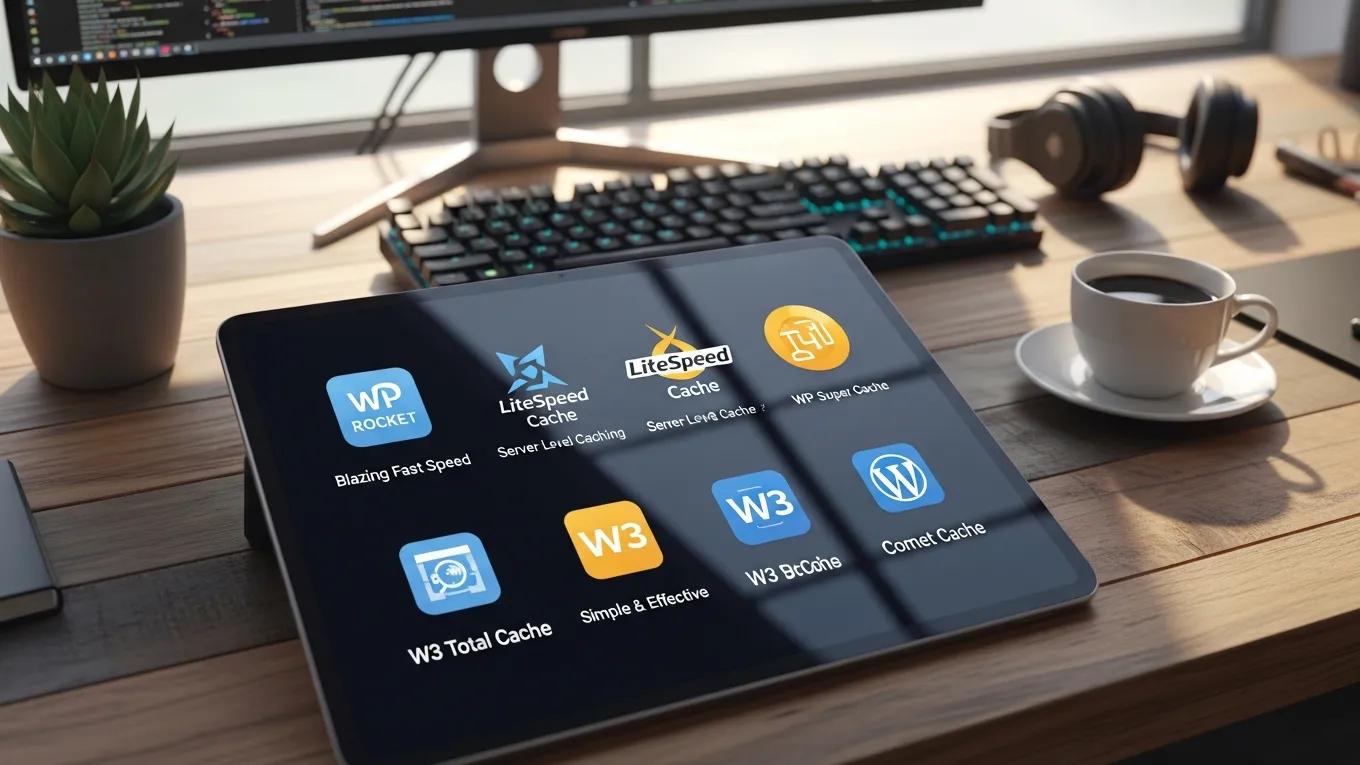
As we look into 2023, several caching plugins stand out for their features and usability. These plugins not only improve site speed but also offer user-friendly interfaces and advanced settings for customization. The best caching plugins include WP Rocket and W3 Total Cache, both of which provide comprehensive caching solutions tailored for various user needs.
How Do WP Rocket and W3 Total Cache Compare in Features and Usability?
WP Rocket and W3 Total Cache are two of the most popular caching plugins available. WP Rocket is known for its ease of use, offering a one-click setup and a range of features such as page caching, browser caching, and GZIP compression. In contrast, W3 Total Cache provides a more extensive set of options, including CDN integration and database caching, but may require a steeper learning curve for new users. Both plugins effectively enhance site performance, but the choice between them often depends on user preference and technical expertise.
What Are the Latest Plugin Updates and Performance Benchmarks for 2023?
In 2023, both WP Rocket and W3 Total Cache have received significant updates aimed at improving performance and user experience. WP Rocket has introduced features like lazy loading for images and improved compatibility with popular themes and plugins. W3 Total Cache has enhanced its CDN integration capabilities and optimized its caching mechanisms for better speed. Performance benchmarks indicate that both plugins can reduce page load times by up to 80%, making them essential tools for any WordPress site owner looking to improve site speed.
Further research also highlights the effectiveness of these and other leading caching solutions in real-world scenarios.
Top WordPress Caching Plugins: WP Rocket, LiteSpeed, W3 Total Cache
LiteSpeed Cache, W3 Total Cache, and WP Rocket worked best on site 1. This should be taken into consideration when using WP Rocket on site 2.
Evaluating WordPress optimization plugins and techniques, O Kuosmanen, 2025
How to Configure WordPress Caching Plugins for Optimal Performance?
Configuring caching plugins correctly is vital for achieving optimal performance. Proper setup ensures that your site benefits fully from the caching mechanisms in place.
What Are the Step-by-Step Setup Instructions for Popular Caching Plugins?
To set up WP Rocket, follow these steps:
- Install and activate the plugin from the WordPress dashboard.
- Navigate to the WP Rocket settings and enable caching for mobile devices.
- Configure file optimization settings, including minification of CSS and JavaScript files.
- Enable lazy loading for images to improve loading times.
- Save changes and test your site speed using tools like Google PageSpeed Insights.
For W3 Total Cache, the setup involves:
- Installing and activating the plugin.
- Enabling page caching and setting the cache method to disk.
- Configuring browser caching settings to store static files.
- Integrating a CDN if available for further speed enhancements.
- Testing the site to ensure all settings are functioning correctly.
How to Clear and Preload Cache to Maintain Site Speed?
Regularly clearing and preloading cache is essential for maintaining site speed. Most caching plugins offer options to clear the cache manually or automatically at set intervals. Preloading the cache ensures that users receive the most up-to-date content without delays. It is recommended to clear the cache after making significant changes to your site, such as updating content or installing new plugins. This practice helps prevent users from seeing outdated information and ensures a smooth browsing experience.
How Does CDN Integration Enhance WordPress Caching and Overall Site Speed?
Integrating a Content Delivery Network (CDN) with your WordPress caching strategy can significantly enhance site speed and reliability. CDNs distribute your site’s static content across multiple servers worldwide, allowing users to access data from the nearest location.
What Is the Synergy Between CDN Services and WordPress Caching?
The synergy between CDN services and WordPress caching lies in their complementary functions. While caching plugins store static files on the server, CDNs replicate these files across various geographical locations. This reduces latency and improves load times, especially for users located far from the original server. By combining both strategies, WordPress sites can achieve optimal performance, ensuring fast and reliable access for users regardless of their location.
How to Set Up CDN for WordPress Caching Effectively?
- Choose a CDN provider that suits your needs, such as Cloudflare or StackPath.
- Sign up for an account and configure your CDN settings according to the provider’s guidelines.
- Integrate the CDN with your caching plugin, ensuring that static files are served from the CDN.
- Test your site to confirm that the CDN is functioning correctly and that load times have improved.
This combined approach of leveraging HTTP accelerators and Redis for caching is particularly effective for maximizing client capacity, especially in complex WordPress environments like multisite installations.
WordPress Multisite Caching with Redis & HTTP Accelerator
By utilizing http accelerator and redis as cache combination strategy on wordpress multisite we can maximize the wordpress client capacity.
Performance comparison of caching strategy on wordpress multisite, M Kusuma, 2017
What Are Common WordPress Cache Issues and How Can They Be Troubleshooted?
Despite the benefits of caching, users may encounter common issues that can hinder performance. Identifying and resolving these issues is crucial for maintaining an efficient WordPress site.
How to Identify and Fix Cache Conflicts and Plugin Compatibility Problems?
Cache conflicts often arise when multiple caching plugins are used simultaneously or when caching settings clash with other plugins. To identify these issues, disable all caching plugins and re-enable them one by one to pinpoint the conflict. Additionally, ensure that your caching plugin is compatible with other essential plugins on your site. Regularly updating all plugins can also help prevent compatibility issues.
What Are Best Practices for Cache Clearing and Monitoring Performance?
Best practices for cache management include setting a regular schedule for clearing the cache, especially after content updates. Monitoring performance metrics using tools like Google Analytics or GTmetrix can help identify slow-loading pages and areas for improvement. Implementing a systematic approach to cache management ensures that your site remains fast and responsive.
What Is the Impact of Caching on SEO and User Experience for WordPress Sites?
Caching has a profound impact on both SEO and user experience. By improving site speed, caching can enhance user satisfaction and engagement, leading to lower bounce rates and higher conversion rates.
How Does Caching Improve Core Web Vitals and Search Rankings?
Caching directly influences Core Web Vitals, which are critical metrics for “SEO”. Faster loading times improve the Largest Contentful Paint (LCP) and First Input Delay (FID), both of which are essential for user experience. Search engines prioritize sites that provide a seamless browsing experience, meaning that effective caching can lead to improved search rankings and visibility.
What Are User Experience Benefits from Faster WordPress Performance?
Faster WordPress performance translates to numerous user experience benefits. Users are more likely to stay on a site that loads quickly, leading to increased engagement and lower bounce rates. Additionally, improved site speed can enhance user satisfaction, encouraging repeat visits and higher conversion rates. By investing in caching strategies, site owners can create a more enjoyable experience for their visitors, ultimately driving business success.
For those seeking assistance with their WordPress sites, “WordPress support” services can provide expert guidance and troubleshooting.
Furthermore, conducting a thorough “WordPress audit” can help identify areas for improvement and ensure optimal performance.
If you’re looking to build a new website, consider using an AI-assisted web design team for a quick and efficient setup.