


Selecting the right WordPress hosting provider is crucial for the success of your website. With numerous options available, it can be overwhelming to determine which provider best meets your needs. This guide will help you navigate the complexities of WordPress hosting by outlining key features, pricing structures, performance metrics, and customer support options. By understanding these elements, you can make an informed decision that enhances your website’s performance and reliability. We will explore various types of WordPress hosting, including shared, VPS, and managed options, and discuss their respective benefits. Additionally, we will provide insights into how to effectively compare top providers to find the best fit for your specific requirements.
For instance, a historical perspective reveals how long-standing providers have shaped the industry.
Choosing WordPress Hosting Providers: Bluehost & Site Templates
hosting providers launched in 1996. Bluehost has become the largest brand in the field of WordPress hosting. The user needs to set a suitable template for the site according to the type
E-Commerce by WordPress: e-commerce by WordPress & content management system comparison, 1996
Key Features
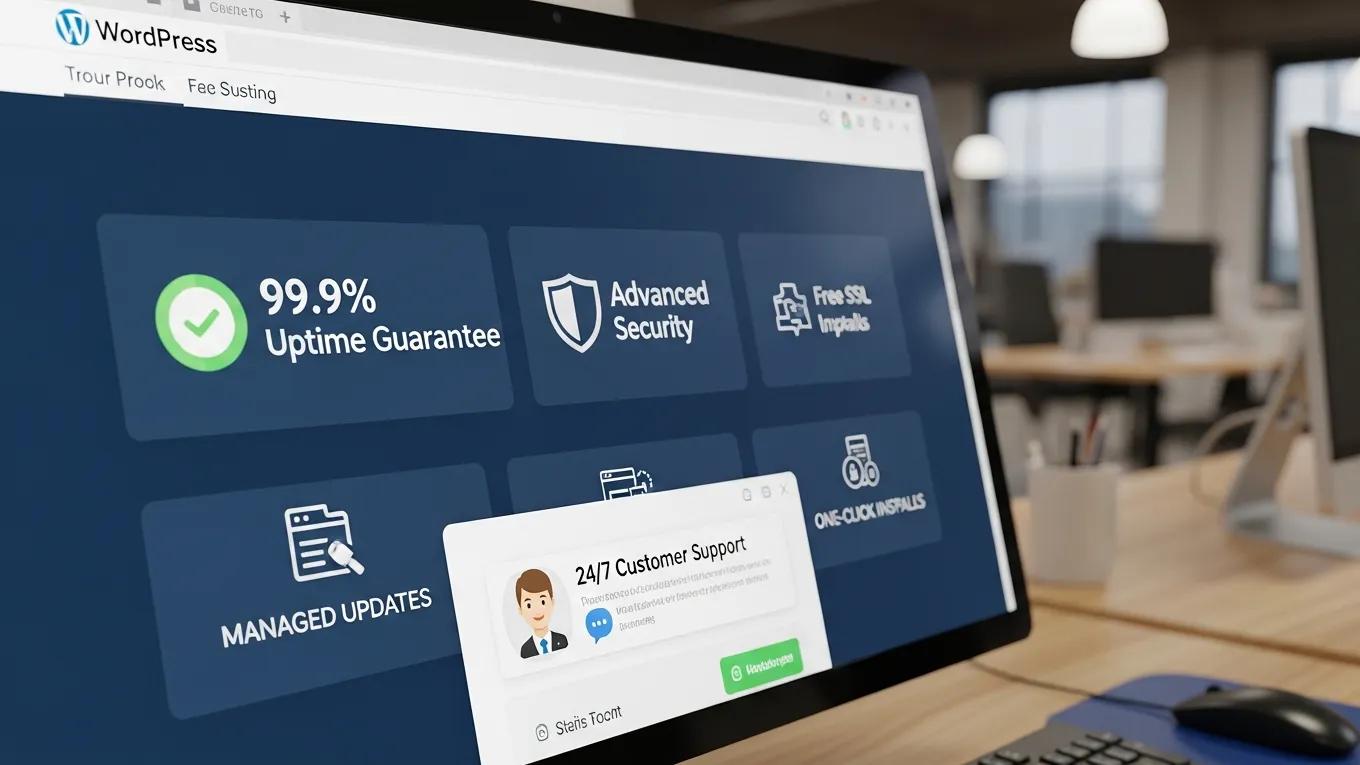
When choosing a WordPress hosting provider, several key features should be prioritized to ensure optimal performance and reliability. These features include:
- Uptime Guarantee: A reliable hosting provider should offer an uptime guarantee of at least 99.9%, ensuring your website remains accessible to visitors.
- Security Features: Look for providers that offer robust security measures, including SSL certificates, firewalls, and regular backups to protect your site from threats.
- Customer Support: Quality customer support is essential for resolving issues quickly. Choose a provider that offers 24/7 support through multiple channels, such as live chat, email, and phone.
- Scalability Options: As your website grows, your hosting needs may change. Opt for a provider that allows easy upgrades to accommodate increased traffic and resource demands.
- WordPress-Specific Features: Features like one-click installations, automatic updates, and staging environments can significantly enhance your WordPress experience.
- Performance Enhancements: Look for providers that offer caching solutions, Content Delivery Networks (CDNs), and optimized server configurations to improve site speed.
These features collectively contribute to a seamless hosting experience, making it easier to manage your WordPress site effectively.
Pricing

Understanding the pricing structures of different types of WordPress hosting is essential for budgeting and selecting the right plan. Here’s a breakdown of typical pricing ranges:
This table illustrates the various hosting options available, helping you choose a plan that aligns with your budget and website requirements.
Performance Metrics
When evaluating WordPress hosting providers, consider the following performance metrics that can significantly impact your website’s success:
- Server Response Time (TTFB): This metric measures the time it takes for the server to respond to a request. A lower TTFB indicates better performance.
- PHP Version Support: Ensure the hosting provider supports the latest PHP versions, as they offer improved performance and security features.
- Caching Infrastructure: Effective caching solutions can drastically reduce load times, enhancing user experience and “SEO rankings”.
- Backup and Recovery: Regular backups and easy recovery options are vital for protecting your data and minimizing downtime in case of issues.
By focusing on these performance metrics, you can ensure that your chosen hosting provider delivers the speed and reliability necessary for a successful WordPress site.
Customer Support Options
Reliable customer support is a critical factor when selecting a WordPress hosting provider. Here are the key aspects to consider:
- Availability: Look for providers that offer 24/7 support to address issues at any time.
- Response Times: Fast response times are essential for resolving urgent problems. Aim for providers with a reputation for quick support.
- Support Channels: Multiple support channels, such as live chat, email, and phone, provide flexibility in how you can reach out for help.
Choosing a provider with strong customer support can save you time and frustration, ensuring that any issues are resolved promptly.
Final Thoughts
Choosing the right hosting provider is a vital step in establishing a successful WordPress site. It is essential to evaluate your specific needs, considering factors such as features, pricing, and support. By doing so, you can select a provider that not only meets your current requirements but also supports your website’s growth in the future.
What Are the Different Types of WordPress Hosting and Their Benefits?
There are several types of WordPress hosting available, each with its unique advantages:
- Shared Hosting: This is the most affordable option, where multiple websites share the same server resources. It is ideal for beginners and small websites with low traffic.
- VPS Hosting: Virtual Private Server (VPS) hosting offers more control and resources than shared hosting. It is suitable for medium-sized businesses that require better performance and scalability.
- Dedicated Server Hosting: This option provides an entire server dedicated to your website, offering maximum performance and control. It is best for large enterprises with high traffic demands.
- Managed WordPress Hosting: This specialized hosting is optimized for WordPress, providing features like automatic updates and enhanced security. It is perfect for users who want a hassle-free experience.
Understanding these hosting types can help you choose the best option for your website’s needs.
How Does Managed WordPress Hosting Improve Site Performance?
Managed WordPress hosting enhances site performance through several key mechanisms:
- Optimized Server Configuration: Servers are specifically configured for WordPress, ensuring faster load times and better resource allocation.
- Automatic Updates: Managed hosting providers automatically update WordPress core, themes, and plugins, reducing security vulnerabilities and improving performance.
- Built-in Caching Solutions: These solutions help speed up your site by storing static versions of your pages, reducing server load.
- CDN Integration: Content Delivery Networks distribute your content across multiple servers worldwide, improving load times for users regardless of their location.
- Expert Support: Managed hosting often includes support from WordPress experts who can assist with performance optimization and troubleshooting.
These features collectively contribute to a smoother and faster user experience, making managed WordPress hosting a worthwhile investment.
Further emphasizing this point, research highlights the critical role of caching in managed WordPress environments for optimal performance.
Optimizing WordPress Performance with Managed Hosting & Caching
level for optimizing performance through caching. Caching mechanisms in hosts offering managed WordPress environments can also be deployed and controlled from the hosting
Optimizing WordPress for efficient website creation and management, 2025
What Are the Advantages of Shared and VPS Hosting for WordPress?
Both shared and VPS hosting offer distinct advantages for WordPress users:
- Cost-Effectiveness of Shared Hosting: Shared hosting is an economical choice for beginners and small websites, providing essential features at a low price point.
- Control and Customization of VPS Hosting: VPS hosting allows for greater control over server settings and resources, making it suitable for businesses that require specific configurations.
- Scalability of VPS Hosting: As your website grows, VPS hosting can easily accommodate increased traffic and resource demands without significant downtime.
By understanding these advantages, you can make an informed decision based on your website’s current and future needs.
Indeed, studies confirm that VPS hosting offers superior customization and performance compared to shared environments, addressing the limitations of co-located sites.
VPS Hosting for WordPress: Customization & Performance
possibility that performance of other websites hosted on the same hosting server cannot be customized to a website’s needs. A better option is to use Virtual Private Server (VPS) hosting
Performance evaluation of dynamic and static wordpress-based websites, M Tomiša, 2019
Which Key Features Should You Evaluate in WordPress Hosting Providers?
When evaluating WordPress hosting providers, consider the following key features:
- Performance: Assess the speed and reliability of the hosting service.
- Security: Look for features like SSL certificates and regular backups.
- Customer Support: Ensure that responsive support is available when needed.
- Scalability: Choose a provider that can grow with your website.
- Pricing: Compare pricing structures to find a plan that fits your budget.
Evaluating these features will help you select a hosting provider that aligns with your website’s goals.
How Do Speed, Uptime, and Security Impact WordPress Hosting Quality?
Speed, uptime, and security are critical factors that directly impact the quality of WordPress hosting:
- Importance of Speed: Faster loading times improve user experience and can positively affect SEO rankings.
- Uptime Guarantees: A high uptime percentage ensures that your website remains accessible to visitors, which is crucial for maintaining traffic and revenue.
- Security Features: Robust security measures protect your site from threats, ensuring data integrity and user trust.
By prioritizing these factors, you can ensure that your WordPress hosting provider delivers a high-quality service.
What Support Services Are Essential for Reliable WordPress Hosting?
Essential support services for reliable WordPress hosting include:
- Types of Support Available: Look for providers that offer multiple support channels, such as live chat, email, and phone.
- Expected Response Times: Fast response times are crucial for resolving issues quickly.
- Examples of Effective Support Channels: Providers with a strong reputation for customer service often have dedicated support teams available around the clock.
These support services are vital for ensuring that any issues are addressed promptly, minimizing downtime and frustration.
How to Compare Top WordPress Hosting Providers Effectively?
To effectively compare top WordPress hosting providers, consider the following strategies:
- User Reviews: Research customer feedback to gauge satisfaction levels and identify potential issues.
- Performance Metrics: Compare uptime percentages, server response times, and loading speeds.
- Evaluation Criteria: Establish criteria based on your specific needs, such as budget, required features, and support options.
By following these strategies, you can make a well-informed decision when selecting a hosting provider.
Is Managed WordPress Hosting Worth the Investment?
Managed WordPress hosting can be a worthwhile investment for several reasons:
- Optimized Environment: Managed hosting provides a tailored environment specifically designed for WordPress, enhancing performance and security.
- Automatic Updates: Regular updates reduce the risk of vulnerabilities and ensure your site runs smoothly.
- Expert Support: Access to WordPress experts can save time and provide valuable insights for optimizing your site.
- Performance Enhancements: Features like caching and CDN integration contribute to faster load times and improved user experience.
These benefits make managed WordPress hosting a compelling option for users seeking a hassle-free experience.
How to Identify the Best Hosting Features for Your WordPress Site?
Identifying the best hosting features for your WordPress site involves considering the following aspects:
- Site Speed and Performance: Ensure that the hosting provider offers features that enhance loading times.
- Uptime Guarantees: Look for providers that guarantee high uptime percentages to keep your site accessible.
- Security Features: Prioritize providers that offer robust security measures to protect your data.
- Customer Support Quality: Evaluate the quality and availability of customer support.
- Scalability Options: Choose a provider that can accommodate your website’s growth over time.
Evaluating these features will help you select a hosting provider that meets your specific needs and supports your website’s success.
To further enhance your website, consider leveraging the expertise of WordPress development services. These services can provide custom solutions tailored to your specific needs, ensuring your site is optimized for performance and user experience.
Additionally, if you’re looking to build a website quickly and efficiently, explore the benefits of an AI-assisted web design team. These tools can streamline the design and development process, allowing you to create a professional-looking site in a fraction of the time.
For those seeking to maintain a healthy and optimized WordPress site, a comprehensive WordPress audit can be invaluable. This process identifies potential issues and areas for improvement, ensuring your site remains secure and performs at its best.