


In the competitive landscape of digital marketing, optimizing your WordPress site for search engines is crucial for visibility and traffic. This article delves into effective strategies that can significantly enhance your WordPress SEO. Readers will learn actionable tips that not only improve search engine rankings but also enhance user experience. The focus will be on practical methods that can be implemented easily, ensuring that your website stands out in search results. As many website owners struggle with SEO, this guide offers solutions to common challenges, providing a roadmap to better online performance. We will explore essential practices, including keyword research, title optimization, on-page elements, site speed improvement, SEO plugins, backlink building, and the importance of regular monitoring.
Research Target Keywords
Keyword research is the foundation of effective SEO. It involves identifying the terms and phrases that potential visitors use to search for content related to your site. By understanding these keywords, you can tailor your content to meet user intent, thereby increasing your chances of ranking higher in search results. Tools like Google Keyword Planner and “Ahrefs” can help you discover high-traffic, low-competition keywords that are relevant to your niche. Integrating these keywords naturally into your content is essential for optimizing your site for search engines.
Craft Optimized Titles
Creating effective titles is a critical aspect of SEO. Titles should be concise, ideally under 60 characters, and include primary keywords near the beginning. This not only helps search engines understand the content of your page but also makes titles more appealing to users. A well-crafted title can significantly improve click-through rates, driving more traffic to your site. Additionally, consider using action-oriented language to entice users to click on your link.
Optimize On-Page Elements
On-page SEO elements play a vital role in how search engines interpret your content. Key components to optimize include:
- Title Tags: Ensure they are descriptive and include target keywords.
- Meta Descriptions: Write compelling summaries that encourage clicks.
- Header Tags: Use H1, H2, and H3 tags to structure your content logically.
By optimizing these elements, you enhance the readability of your content and improve its chances of ranking well in search results.
Improve Site Speed

Website loading speed is a crucial factor for both user experience and SEO. A slow site can lead to high bounce rates and lower rankings. To enhance site speed, consider the following techniques:
- Use Caching Plugins: Tools like WP Rocket can significantly reduce loading times.
- Implement a CDN: A Content Delivery Network like Cloudflare can distribute your content globally, speeding up access for users.
- Optimize Images: Compress images to reduce their file size without sacrificing quality.
These strategies not only improve user experience but also positively impact your SEO performance.
Studies further evaluate the effectiveness of various WordPress optimization plugins and techniques in significantly reducing page load times.
WordPress Performance Optimization Plugins
essential for the later evaluation of performance optimization plugin effectiveness in this thesis. The best performing plugin was WP Fastest Cache, while W3 Total Cache and WP-Optimize significantly lowered the page load time.
Evaluating WordPress optimization plugins and techniques, O Kuosmanen, 2025
Use SEO Plugins
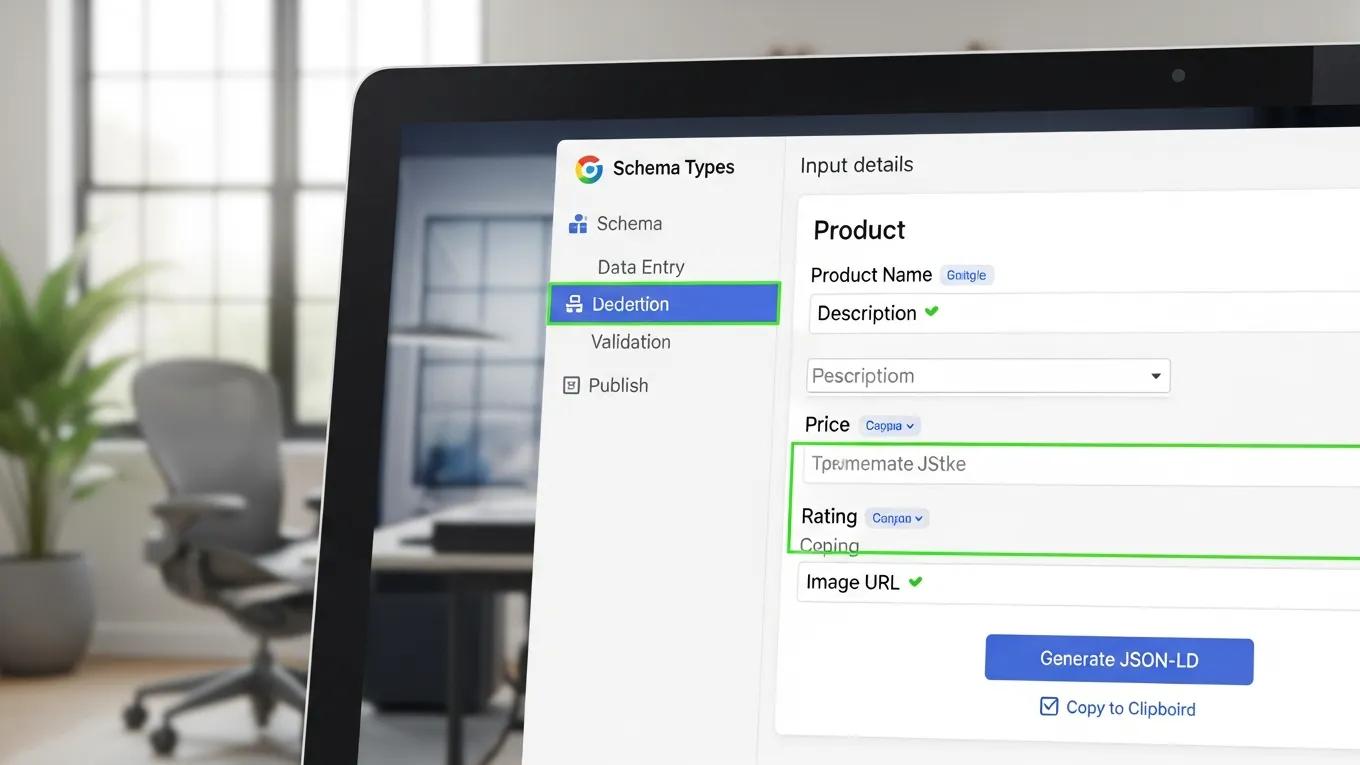
SEO plugins are invaluable tools for optimizing your WordPress site. They streamline various optimization efforts, making it easier to manage on-page SEO. Popular plugins like Yoast SEO and Rank Math assist with keyword visibility, content analysis, and technical SEO tasks. By leveraging these tools, you can ensure that your site adheres to best practices, ultimately improving your search engine rankings.
Further emphasizing the role of specific tools, research highlights how WordPress, when combined with plugins like Yoast SEO, becomes an essential asset for digital marketing.
WordPress & Yoast SEO for Digital Marketing
The blog used WordPress for content management and optimized it with the Yoast SEO plugin to improve its search engine ranking. This demonstrates WordPress’s effectiveness as a digital marketing tool.
WordPress-an essential tool for digital marketing, M Kocaleva, 2024
Build Quality Backlinks
Backlinks from reputable sites are a significant ranking factor in SEO. They signal to search engines that your content is credible and valuable. To build quality backlinks, consider the following strategies:
- Guest Posting: Write articles for other blogs in your niche to gain exposure and links back to your site.
- Create Shareable Content: Infographics, videos, and comprehensive guides are more likely to be shared and linked to.
- Engage in Community Discussions: Participate in forums and social media groups to establish authority and earn backlinks.
These efforts can enhance your site’s authority and improve its visibility in search results.
Monitor and Update Regularly
Ongoing monitoring and updating of your site are essential for maintaining SEO performance. Use tools like Google Analytics to track your site’s performance and identify areas for improvement. Regularly updating old content based on performance data can help keep your site relevant and engaging. Adjusting your strategies in response to changing trends and user behavior is crucial for long-term success in SEO.
What Are the Essential WordPress SEO Best Practices for 2026?
As we look towards 2026, several best practices will remain vital for effective WordPress SEO:
- Focus on Core Web Vitals: These metrics assess the user experience and are increasingly important for rankings.
- Emphasize Mobile-First Indexing: Ensure your site is optimized for mobile devices, as search engines prioritize mobile-friendly sites.
- Utilize Schema Markup: Implementing structured data can enhance your site’s visibility in search results by providing additional context to search engines.
How to Implement a WordPress SEO Checklist for Optimal Results
To ensure your WordPress site is fully optimized, consider the following checklist:
- Conduct thorough keyword research.
- Optimize title tags and meta descriptions.
- Ensure all images are compressed and properly tagged.
- Regularly update content and monitor performance.
This checklist serves as a practical guide to maintaining your site’s SEO health.
Which Content Strategies Enhance WordPress SEO Performance?
Effective content strategies are essential for improving WordPress SEO. Focus on:
- Quality Content Creation: Prioritize well-researched, engaging content that meets user needs.
- User-Generated Content: Encourage reviews and comments to enhance engagement and provide fresh content.
- Incorporating Multimedia Elements: Use videos and infographics to enrich your content and keep users engaged.
These strategies can significantly boost your site’s SEO performance.
Which WordPress SEO Plugins Deliver the Best Optimization?
When it comes to optimizing your WordPress site, several plugins stand out for their effectiveness:
These plugins provide essential tools for enhancing your site’s SEO capabilities.
Academic research further explores the underlying mark-up languages and strategies employed by free WordPress SEO plugins to characterize their effectiveness.
WordPress SEO Plugins & Strategies
mark-up languages used in the SEO plugins, and to characterise the terms used. We focus on WordPress. The plugins studied were the free plugins that implemented SEO strategies.
A Study of the WordPress SEO Plugins for Microformats., MC Malta, 2020
How Do SEO Plugins Improve WordPress Site Ranking?
SEO plugins improve site ranking by simplifying the optimization process. They provide insights into keyword usage, content structure, and technical SEO aspects. By following the recommendations provided by these plugins, website owners can enhance their site’s visibility and performance in search results.
What Are the Top Features of Leading WordPress SEO Plugins?
Leading SEO plugins offer a range of features that can significantly enhance your site’s optimization efforts:
- Comprehensive On-Page Optimization: Tools for optimizing title tags, meta descriptions, and content structure.
- User-Friendly Interfaces: Intuitive dashboards that make it easy to manage SEO tasks.
- Advanced Features for Experts: Options for schema markup, redirection management, and more.
These features empower users to effectively manage their SEO strategies.
How Can You Speed Up Your WordPress Site to Boost SEO?
Improving your WordPress site’s speed is essential for SEO. Here are some techniques to consider:
- Optimize Images: Use formats like WebP for faster loading.
- Select a High-Quality Hosting Provider: Ensure your hosting service can handle traffic efficiently.
- Utilize a CDN: Distribute your content globally to enhance loading times.
What Techniques Optimize Site Speed for WordPress SEO?
To further optimize site speed, consider these techniques:
- Minimize CSS and JavaScript: Reduce file sizes to improve loading times.
- Reduce HTTP Requests: Limit the number of elements on your pages.
- Regularly Update Plugins and Themes: Ensure your site runs smoothly with the latest versions.
How Does Mobile Optimization Impact WordPress SEO Rankings?
Mobile optimization is crucial for SEO rankings. With the rise of mobile users, search engines prioritize mobile-friendly sites. To enhance mobile optimization:
- Ensure responsive design for all devices.
- Optimize images and content for faster loading on mobile.
- Test your site regularly for mobile usability.
How to Use Schema Markup to Enhance WordPress SEO Visibility?
Schema markup plays a vital role in improving your site’s visibility in search results. By providing structured data, you help search engines understand your content better. This can lead to enhanced search result displays, such as rich snippets.
What Are the Benefits of Adding Schema Markup in WordPress?
Adding schema markup offers several benefits:
- Improved Content Understanding: Helps search engines interpret your content accurately.
- Increased Click-Through Rates: Enhanced search results can attract more clicks.
- Enhanced Visibility in Search Results: Stand out with rich snippets and other features.
How to Implement Structured Data for Rich Snippets on WordPress?
To implement structured data effectively:
- Choose the right schema type for your content.
- Validate your schema using testing tools to ensure accuracy.
- Monitor the performance of your schema markup to assess its impact.
To further enhance your WordPress site, consider using an AI integration service to streamline the design and development process.
For those needing assistance, “WordPress support” services can provide expert help with troubleshooting and maintenance.
Regularly performing a “WordPress audit” can help identify areas for improvement and ensure optimal performance.