

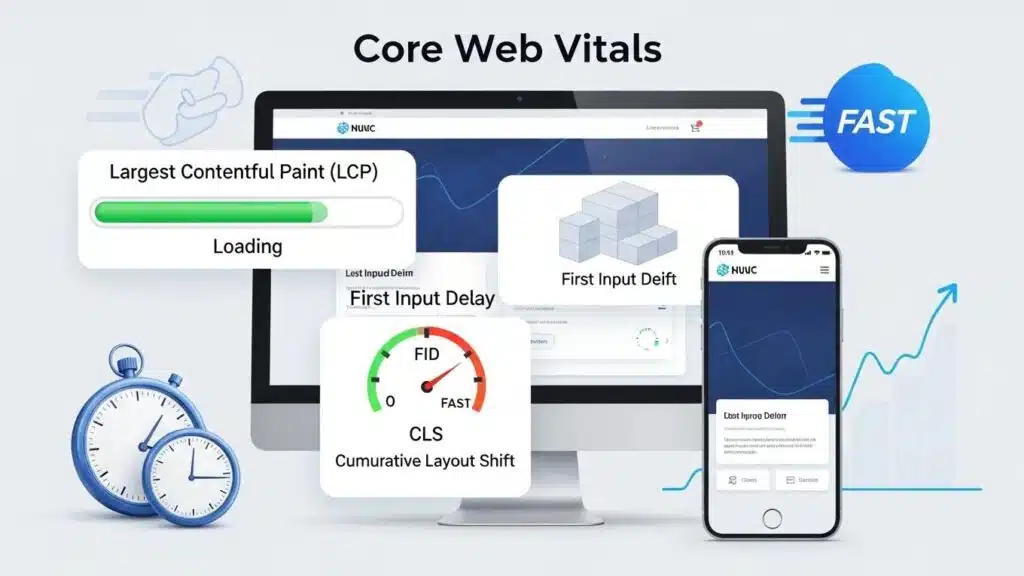
In the digital landscape, website performance is paramount, especially for WordPress sites. Core Web Vitals, a set of specific factors that Google considers important in a webpage’s overall user experience, play a crucial role in determining how well a site performs. This guide delves into the intricacies of Core Web Vitals, providing insights on how to enhance them effectively. Readers will learn about the significance of metrics like Largest Contentful Paint (LCP), First Input Delay (FID), and Cumulative Layout Shift (CLS), and how these metrics impact user experience and SEO rankings. By addressing common performance issues and implementing best practices, website owners can significantly improve their Core Web Vitals scores. The article covers essential topics, including performance audits, tools for measurement, optimization strategies, and the impact of hosting on performance.
What Are Core Web Vitals and Why Do They Matter for WordPress Sites?
Core Web Vitals are a set of metrics that assess the real-world experience of users on a website, focusing on loading performance, interactivity, and visual stability. These metrics are essential for understanding how users interact with a site and are directly linked to user satisfaction and engagement. For WordPress sites, optimizing these metrics is crucial as they can significantly influence search engine rankings. A site that loads quickly, responds promptly to user interactions, and maintains visual stability is more likely to retain visitors and reduce bounce rates. Therefore, understanding and improving Core Web Vitals is vital for any WordPress site aiming to enhance user experience and “SEO performance”.
Indeed, the direct correlation between Core Web Vitals and search engine performance has been extensively documented by experts in the field.
Core Web Vitals Impact on Google Rankings
Google made page experience a ranking factor in 2021. Core Web Vitals specifically. If a site fails these metrics, it is at a disadvantage in search results. Extensive testing across client sites shows that pages with green Core Web Vitals scores rank an average of 8 positions higher than pages with red scores in the same niche.
Why Website Speed Matters and How Does It Affect Traffic?, G Tiwari, 2020
How Do Largest Contentful Paint, First Input Delay, and Cumulative Layout Shift Affect User Experience?
The three primary metrics of Core Web Vitals—Largest Contentful Paint (LCP), First Input Delay (FID), and Cumulative Layout Shift (CLS)—each play a unique role in shaping user experience.
Largest Contentful Paint (LCP)
LCP measures the loading performance of a webpage, specifically the time it takes for the largest visible content element to load. A fast LCP (under 2.5 seconds) ensures that users can quickly see the main content, leading to a positive experience.
First Input Delay (FID)
FID gauges interactivity by measuring the time from when a user first interacts with a page (like clicking a link) to when the browser begins processing that interaction. A low FID (under 100 milliseconds) is crucial for a responsive user experience, allowing users to engage with the site without frustrating delays.
Cumulative Layout Shift (CLS)
CLS assesses visual stability by measuring how much the content shifts during loading. A low CLS score (under 0.1) indicates that users can interact with the page without unexpected shifts, which can lead to accidental clicks and a negative experience.
Together, these metrics provide a comprehensive view of how users experience a website, making it essential for WordPress site owners to optimize them for better engagement and satisfaction.
How to Conduct a WordPress Performance Audit to Identify Core Web Vitals Issues?
Conducting a performance audit is a critical step in identifying issues that may affect Core Web Vitals. Here is a step-by-step guide to performing an effective audit:
- Use Performance Testing Tools: Tools like Google PageSpeed Insights and GTmetrix provide insights into a site’s performance metrics, including LCP, FID, and CLS.
- Analyze the Results: Review the scores and recommendations provided by these tools to identify specific areas for improvement.
- Check for Common Issues: Look for common performance issues such as large image sizes, unoptimized scripts, and excessive third-party scripts that can slow down the site.
- Implement Changes: Based on the audit findings, make necessary adjustments to improve loading times, interactivity, and visual stability.
By following these steps, WordPress site owners can effectively pinpoint and address performance issues that hinder their Core Web Vitals.
Which Tools Provide Accurate Core Web Vitals Metrics for WordPress?
Several tools are available to measure Core Web Vitals accurately. Here are some of the most effective ones:
- Google PageSpeed Insights: This tool provides detailed insights into a site’s performance, including Core Web Vitals metrics, and offers suggestions for improvement.
- GTmetrix: GTmetrix analyzes site speed and performance, providing a comprehensive report that includes Core Web Vitals scores and actionable recommendations.
- WebPageTest: This tool allows for in-depth performance testing, including visual snapshots of loading times and detailed metrics for LCP, FID, and CLS.
Using these tools helps WordPress site owners gain a clearer understanding of their performance metrics and identify areas for optimization.
Further research highlights the critical role these and other web performance tools play in measuring and enhancing key performance indicators for business success.
Web Vitals Tools & Business Impact
This paper delves into the significance of web performance tooling in measuring and optimizing key performance indicators (KPIs) known as “web vitals.” It explores popular tools such as Lighthouse, PageSpeed Insights, and WebPageTest, analyzing their functionalities and roles in enhancing web performance [2][3][4]. These tools help evaluate critical metrics like Largest Contentful Paint (LCP) and First Input Delay (FID), which directly impact user experience. Additionally, the paper investigates the importance of optimizing core web vitals like LCP and FID and their impact on key metrics such as bounce rate, conversion rate, and time on site.
Web performance tooling and the importance of web vitals, MK Dobbala, 2022
What Are the Key Audit Checklist Items for WordPress Speed and Optimization?
When conducting a performance audit for a WordPress site, consider the following checklist items to ensure comprehensive optimization:
- Image Optimization: Ensure all images are compressed and in the appropriate format (e.g., WebP) to reduce loading times.
- Minification of CSS and JavaScript: Minify CSS and JavaScript files to decrease their size and improve loading speed.
- Caching Solutions: Implement caching plugins to store static versions of pages, reducing server load and improving response times.
- Content Delivery Network (CDN): Utilize a CDN to distribute content globally, ensuring faster access for users regardless of their location.
By addressing these key items, WordPress site owners can significantly enhance their site’s speed and overall performance.
Which WordPress Speed Plugins Are Best for Core Web Vitals Optimization?
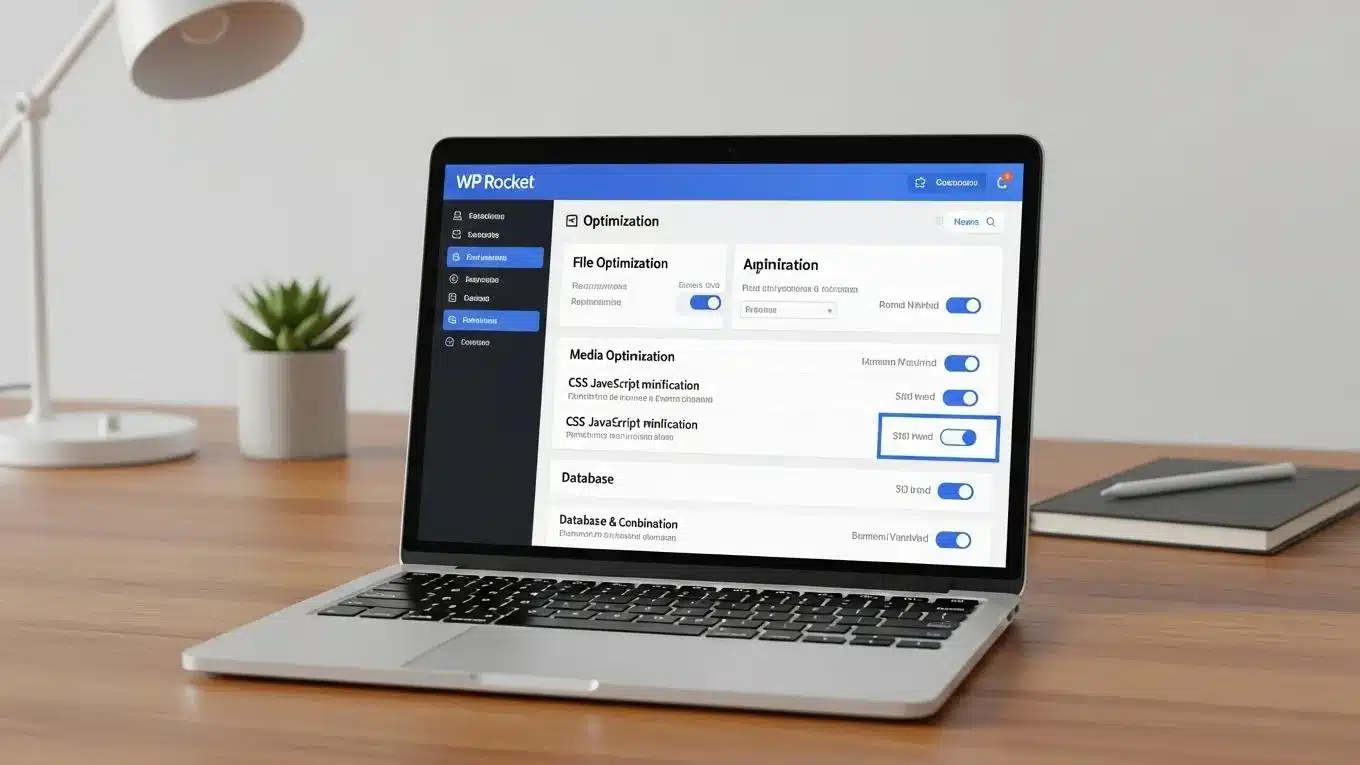
Several WordPress plugins can help optimize Core Web Vitals effectively. Here are some of the best options:
- WP Rocket: A premium caching plugin that offers a range of optimization features, including file minification, lazy loading, and database optimization.
- W3 Total Cache: A free plugin that improves site performance through caching, minification, and CDN integration.
- Autoptimize: This plugin focuses on optimizing a site’s HTML, CSS, and JavaScript, helping to improve loading times and overall performance.
These plugins provide significant improvements in Core Web Vitals, making them essential tools for WordPress site owners.
How Can Hosting and Server Configuration Impact WordPress Core Web Vitals?
The choice of hosting and server configuration plays a crucial role in determining a WordPress site’s performance. A reliable hosting provider can significantly enhance Core Web Vitals by ensuring fast server response times and optimal resource allocation.
Importance of Server Response Time
Server response time, or Time to First Byte (TTFB), directly affects LCP. A slow server can delay the loading of the largest content element, negatively impacting user experience. Therefore, selecting a hosting provider with a reputation for speed and reliability is essential.
Hosting Features to Consider
When choosing a hosting provider, consider features such as:
- SSD Storage: Solid State Drives (SSD) offer faster data retrieval speeds compared to traditional hard drives.
- Server-Level Caching: This feature can significantly reduce loading times by serving cached versions of the site.
- Content Delivery Network (CDN) Integration: A CDN can distribute content across multiple servers worldwide, ensuring faster access for users.
By selecting a hosting provider that offers these features, WordPress site owners can enhance their Core Web Vitals and overall site performance.
What Hosting Features Enhance WordPress Page Speed and Stability?
To improve page speed and stability, consider the following hosting features:
- Managed WordPress Hosting: This type of hosting is optimized specifically for WordPress, providing enhanced performance and security.
- Automatic Backups: Regular backups ensure that a site can be restored quickly in case of issues, maintaining stability.
- Scalability Options: Choose a hosting provider that allows for easy scaling of resources as the site grows, ensuring consistent performance.
These features can significantly contribute to a WordPress site’s speed and stability, ultimately improving Core Web Vitals.
How Does Server Response Time Affect Largest Contentful Paint?
Server response time is a critical factor influencing LCP. A slow server can delay the loading of the largest content element, which can frustrate users and lead to higher bounce rates.
Definition of TTFB
Time to First Byte (TTFB) measures the time it takes for the browser to receive the first byte of data from the server. A high TTFB can negatively impact LCP, as users must wait longer to see the main content of the page.
Optimization Strategies
To improve TTFB and, consequently, LCP, consider the following strategies:
- Choose a High-Performance Hosting Provider: Opt for a provider known for fast server response times.
- Optimize Database Queries: Ensure that database queries are efficient to reduce server load and response times.
- Use a CDN: A CDN can help reduce latency by serving content from a location closer to the user.
Implementing these strategies can lead to significant improvements in LCP and overall user experience.
What Are Effective Strategies to Reduce WordPress Load Time for Better Core Web Vitals?
Reducing load time is essential for improving Core Web Vitals. Here are some effective strategies:
- Optimize Images: Compress images and use modern formats like WebP to reduce file sizes without sacrificing quality.
- Implement Lazy Loading: Load images and videos only when they are in the viewport, reducing initial load times.
- Minify CSS and JavaScript: Reduce the size of CSS and JavaScript files to improve loading speed.
By applying these strategies, WordPress site owners can enhance their site’s performance and improve Core Web Vitals.
These strategies align with comprehensive optimization approaches that have proven effective in significantly reducing load times across numerous WordPress sites.
WordPress Performance Optimization Strategies
Over 200 WordPress sites have been optimized across various scales, from small blogs to enterprise storefronts processing thousands of daily orders. This guide covers everything that effectively improves performance, from server-side fundamentals to JavaScript optimization strategies that cut load times in half.
Impact of Website Performance Optimization on Your Business in 2026, G Tiwari, 2026
How Does Mobile Performance Optimization Improve Core Web Vitals Scores?
Mobile performance optimization is crucial for improving Core Web Vitals scores, especially as mobile traffic continues to rise.
Responsive Design Importance
A responsive design ensures that a site adapts to different screen sizes, providing a seamless experience for mobile users. This adaptability can significantly enhance LCP and CLS scores.
Mobile-Specific Optimizations
Consider implementing mobile-specific optimizations, such as:
- Reducing Image Sizes: Use smaller images for mobile devices to improve loading times.
- Simplifying Navigation: Ensure that navigation is easy to use on smaller screens, enhancing user interaction and reducing FID.
By focusing on mobile performance, WordPress site owners can improve their Core Web Vitals scores and provide a better experience for mobile users.
What Role Does Critical CSS and Lazy Loading Play in Speed Optimization?
Critical CSS and lazy loading are two essential techniques for optimizing website speed.
Definition of Critical CSS
Critical CSS involves inlining the CSS required for above-the-fold content directly into the HTML. This technique allows the browser to render the visible part of the page faster, improving LCP.
Benefits of Lazy Loading
Lazy loading defers the loading of non-essential resources until they are needed, which can significantly reduce initial load times and improve FID. By implementing lazy loading for images and videos, WordPress site owners can enhance user experience and Core Web Vitals scores.
How to Monitor and Maintain Core Web Vitals Performance on WordPress Over Time?
Monitoring and maintaining Core Web Vitals performance is essential for long-term success. Here are some strategies to ensure ongoing optimization:
- Regular Performance Testing: Use tools like Google PageSpeed Insights and GTmetrix to regularly test site performance and identify areas for improvement.
- Update WordPress and Plugins: Keep WordPress installations and plugins up to date to benefit from performance enhancements and security fixes.
- Monitor User Feedback: Pay attention to user feedback regarding site performance and make adjustments as necessary.
By implementing these practices, WordPress site owners can maintain optimal Core Web Vitals performance over time.
Which KPIs and Tools Should Be Used for Continuous Core Web Vitals Tracking?
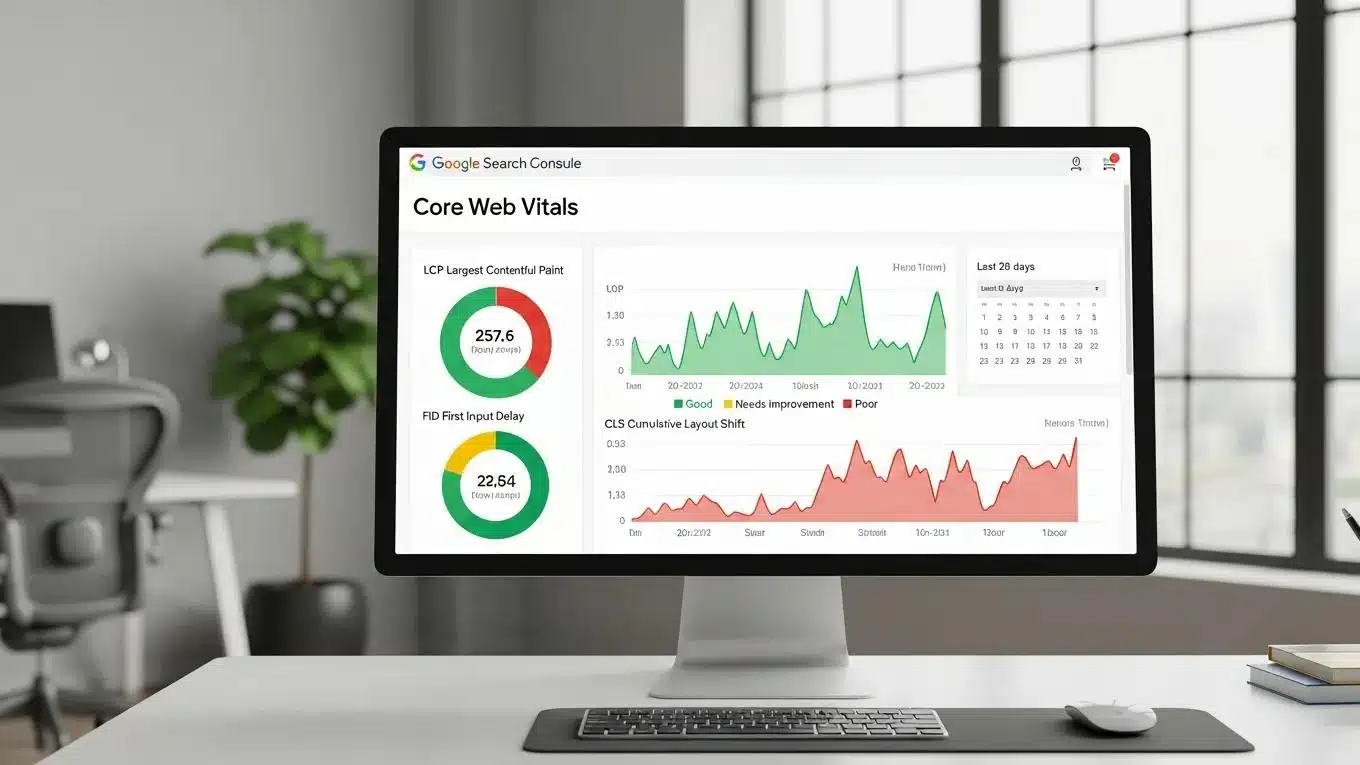
To effectively track Core Web Vitals, consider the following key performance indicators (KPIs) and tools:
- LCP, FID, and CLS Scores: Regularly monitor these scores to assess site performance.
- User Engagement Metrics: Track metrics such as bounce rate and average session duration to gauge user satisfaction.
- Performance Monitoring Tools: Utilize tools like Google Analytics and Search Console to gain insights into user behavior and site performance.
For comprehensive “WordPress support”, consider reaching out to experts who can assist with ongoing monitoring and optimization.
How to Adapt to Google’s 2026 Core Web Vitals Algorithm Updates?
As Google continues to evolve its algorithms, staying informed about updates related to Core Web Vitals is crucial. Here are some strategies for adaptation:
- Stay Updated on Best Practices: Regularly review Google’s guidelines and best practices for Core Web Vitals to ensure compliance.
- Implement Changes Promptly: Be proactive in making necessary adjustments to the site in response to algorithm updates.
- Engage with the Community: Participate in forums and discussions to share insights and learn from others in the WordPress community.
By remaining adaptable and informed, WordPress site owners can effectively navigate changes in Google’s Core Web Vitals algorithm and maintain optimal performance.
To further enhance a website, consider using an AI integration service for efficient and effective site creation.
Regular “WordPress audits” are essential for maintaining optimal performance and identifying areas for improvement.