

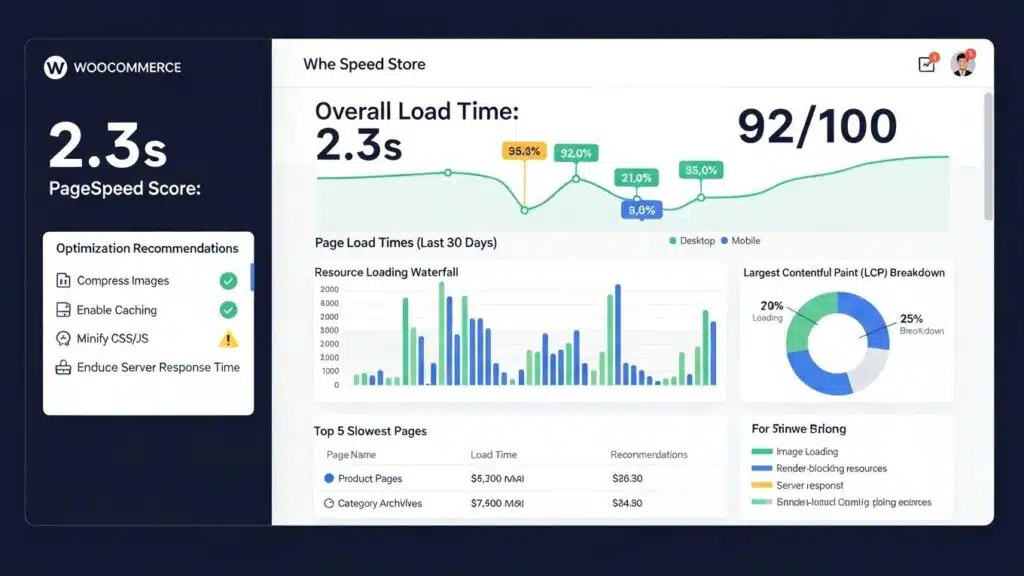
In the competitive world of eCommerce, a fast-loading website is crucial for retaining customers and maximizing sales. Slow page load times can lead to high bounce rates and lost revenue, making it essential for WooCommerce store owners to optimize their site speed. This article explores 12 expert hacks to boost WooCommerce store speed, ensuring a seamless shopping experience for customers. By implementing these strategies, merchants can significantly enhance their site’s performance, leading to improved user satisfaction and higher conversion rates. The guide covers various aspects, including hosting solutions, caching strategies, image optimization, and more, to provide a comprehensive approach to WooCommerce speed optimization.
Use Fast, WooCommerce-Optimized Hosting
Choosing the right hosting provider is fundamental to achieving optimal WooCommerce performance. Fast, WooCommerce-optimized hosting solutions utilize SSD or NVMe storage, which significantly enhances data retrieval speeds compared to traditional HDDs. Managed hosting services often come with built-in optimizations specifically designed for WooCommerce, ensuring that stores run smoothly under varying traffic loads. Additionally, using the latest PHP version can further improve site speed, as newer versions offer better performance and security features.
Enable Page Caching and Object Caching
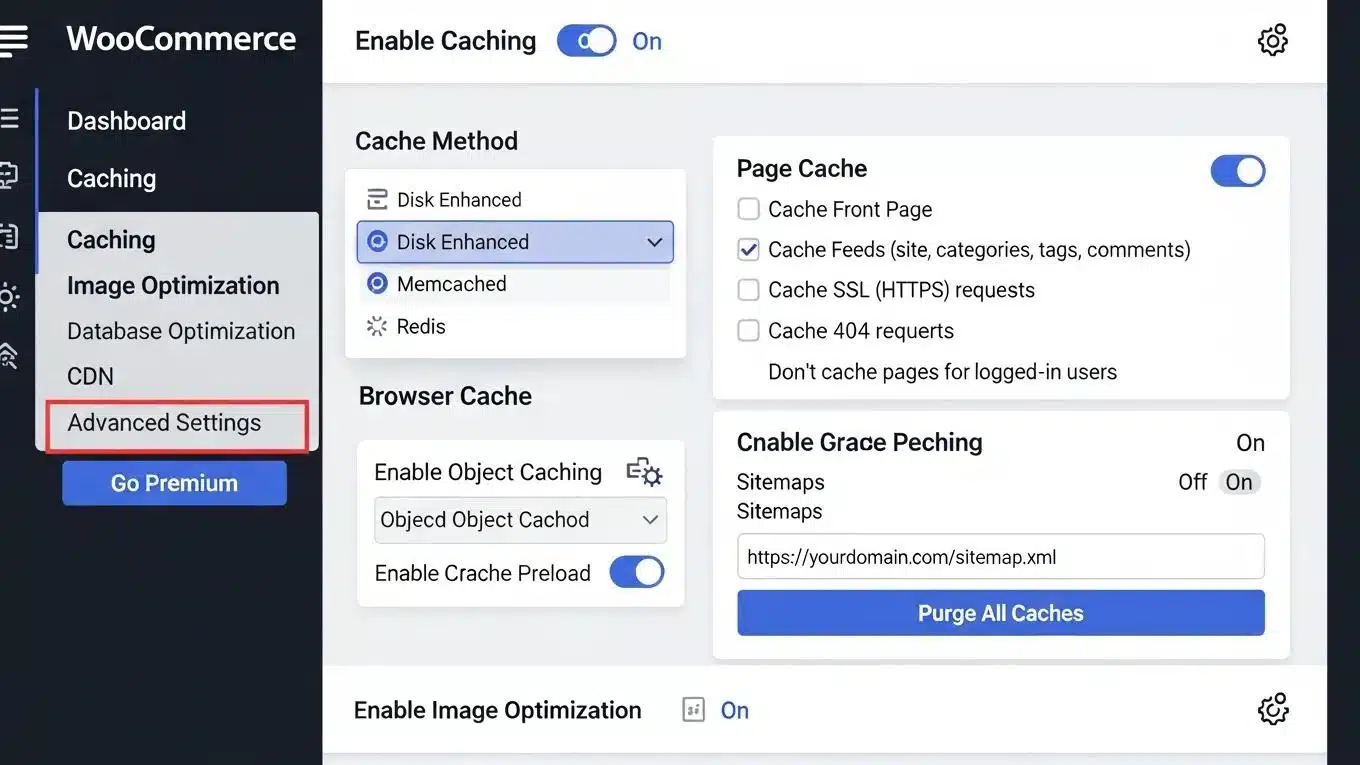
Caching is a powerful technique that can dramatically improve WooCommerce store speed. By storing static versions of pages, caching reduces the load on servers and speeds up page delivery to users. There are several types of caching solutions available, including:
- Page Caching: Stores a static version of pages to serve to users, reducing server processing time.
- Object Caching: Caches database queries, which can significantly speed up dynamic content retrieval.
- Opcode Caching: Compiles PHP code to bytecode, allowing for faster execution.
Implementing caching plugins like WP Rocket or W3 Total Cache can help streamline this process and enhance site performance.
Compress and Optimize Images
Images are often the largest files on a website, and optimizing them can lead to significant speed improvements. Techniques for image optimization include:
- Image Compression: Use tools like TinyPNG or ImageOptim to reduce file sizes without sacrificing quality.
- WebP Format: Convert images to the WebP format, which offers superior compression rates compared to traditional formats like JPEG and PNG.
- Lazy Loading: Implement lazy loading to defer the loading of images until they are in the viewport, reducing initial load times.
By optimizing images, WooCommerce stores can enhance speed and improve user experience.
Optimize Your Product Database
A well-maintained product database is essential for WooCommerce performance. Regular cleanup practices, such as removing outdated products and optimizing database tables, can help reduce bloat and improve speed. Additionally, indexing the database can enhance query performance, allowing for faster data retrieval. Implementing these database optimization techniques ensures that WooCommerce stores run efficiently, even as product catalogs grow.
Streamline Your Plugin Stack
While plugins can add valuable functionality to WooCommerce stores, having too many can negatively impact performance. Identifying unnecessary plugins and removing them can help streamline sites. Best practices for plugin management include:
- Regularly Audit Plugins: Check for plugins that are no longer in use or that duplicate functionality.
- Choose Lightweight Alternatives: Opt for plugins that are optimized for speed and performance.
- Limit External Scripts: Reduce reliance on external scripts that can slow down sites.
By managing plugin stacks effectively, WooCommerce stores can enhance speed and overall performance.
Use a Content Delivery Network (CDN)
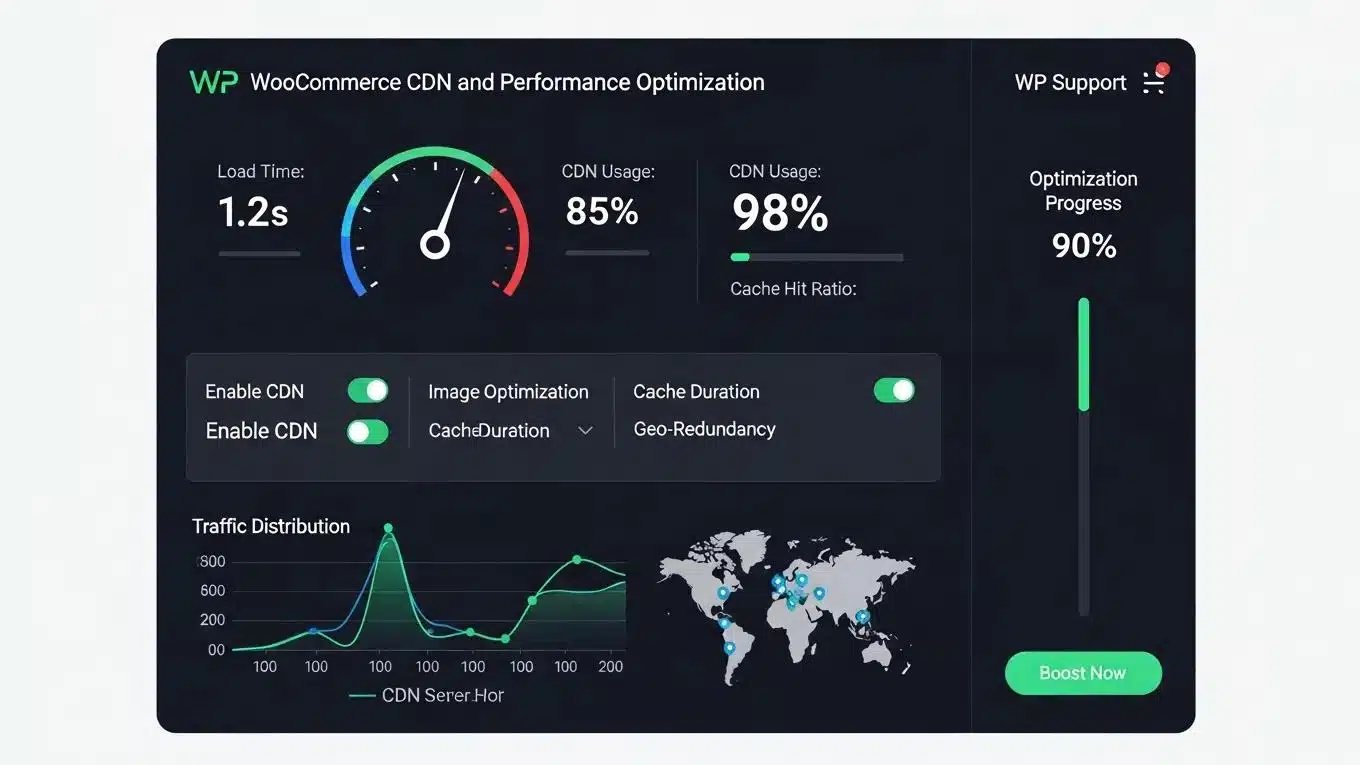
A Content Delivery Network (CDN) can significantly improve WooCommerce store speed by distributing content across multiple servers worldwide. This reduces latency and ensures that users receive data from the nearest server. Benefits of using a CDN include:
- Faster Load Times: Content is delivered more quickly to users, regardless of their location.
- Reduced Server Load: Offloading traffic to a CDN can decrease the load on primary servers.
- Improved Security: Many CDNs offer additional security features, such as DDoS protection.
Implementing a CDN can lead to a noticeable improvement in WooCommerce store performance.
Optimize Checkout Flow
A streamlined checkout process is crucial for reducing cart abandonment rates. Strategies to enhance the checkout flow include:
- Minimizing Checkout Fields: Reduce the number of required fields to make the process quicker and easier for customers.
- Guest Checkout Options: Allow customers to check out without creating an account, speeding up the process.
- Efficient Script Loading: Load scripts asynchronously to prevent them from blocking the checkout page.
By optimizing the checkout flow, WooCommerce stores can improve user experience and increase conversion rates.
Minify CSS and JavaScript
Minification is the process of removing unnecessary characters from code without affecting functionality. This can significantly reduce file sizes and improve load times. Key benefits of minifying CSS and JavaScript include:
- Faster Load Times: Smaller file sizes lead to quicker downloads and improved performance.
- Reduced HTTP Requests: Combining files can decrease the number of requests made to the server.
- Improved User Experience: Faster loading pages enhance overall user satisfaction.
Using tools like Autoptimize or WP Rocket can help automate the minification process for WooCommerce stores.
Implement GZIP or Brotli Compression
Server-side compression techniques like GZIP and Brotli can significantly reduce the size of files sent from servers to users’ browsers. The benefits of implementing these compression methods include:
- Reduced Bandwidth Usage: Smaller file sizes lead to lower bandwidth consumption.
- Faster Load Times: Compressed files are quicker to transfer, improving overall site speed.
- Enhanced SEO: Faster loading times can positively impact search engine rankings.
Enabling GZIP or Brotli compression on servers can lead to substantial performance improvements for WooCommerce stores.
Monitor Core Web Vitals
Core Web Vitals are essential metrics that measure user experience on websites. Monitoring these metrics can help identify areas for improvement. Key metrics to track include:
- Largest Contentful Paint (LCP): Measures loading performance.
- First Input Delay (FID): Measures interactivity.
- Cumulative Layout Shift (CLS): Measures visual stability.
Using tools like Google PageSpeed Insights or Lighthouse can help monitor these metrics and make necessary adjustments to enhance WooCommerce store performance.
Optimize WooCommerce AJAX Operations
AJAX is commonly used in WooCommerce for dynamic content loading, but poorly optimized AJAX calls can slow down sites. Best practices for optimizing AJAX operations include:
- Caching AJAX Responses: Store frequently requested data to reduce server load.
- Minimizing AJAX Calls: Limit the number of AJAX requests made during user interactions.
- Asynchronous Loading: Load AJAX content asynchronously to prevent blocking other page elements.
By optimizing AJAX operations, WooCommerce stores can improve speed and responsiveness.
Plan for Scalability
As WooCommerce stores grow, it is essential to plan for scalability to handle increased traffic and product offerings. Strategies for scalability include:
- Monitoring Server Resources: Regularly check server performance to identify potential bottlenecks.
- Choosing the Right Hosting Solution: Select a hosting provider that can accommodate growth.
- Preparing for Traffic Spikes: Implement strategies to handle sudden increases in traffic, such as load balancing.
By planning for scalability, WooCommerce stores can ensure they remain fast and efficient as they expand.
Further research highlights the importance of understanding WooCommerce’s performance under various loads and configurations to ensure it can handle growing user demands.
WooCommerce Performance & Stress Testing
One popular system for online stores is WooCommerce. This study analyzed this system in terms of popularity, security, usability, among others. Its performance under load was also checked. A test for 4 WooCommerce configurations for different sets of parameters (RAM, processor) was conducted to check the maximum number of users which CMS can handle.
Woocommerce in ecommerce-overall system review and stress tests, P Organiściak, 2023
To further enhance online presence, businesses should consider leveraging the expertise of search engine optimization strategies.
For those seeking to build a website quickly and efficiently, exploring the benefits of an AI-assisted web design team is recommended.
If assistance is needed with WordPress sites, WordPress support services can provide the necessary help.
Advanced Caching Strategies for WooCommerce
Advanced caching techniques are critical for maximizing WooCommerce store speed, especially under high traffic conditions. WP Support Lab employs multi-layer caching architectures that combine several caching methods to reduce server load by 60–80%, ensuring consistent performance and scalability.
Object Caching with Redis or Memcached: Object caching stores the results of expensive database queries in memory, drastically reducing query execution times. Redis and Memcached are popular in-memory caching systems that WP Support Lab configures to cache WooCommerce objects such as product data, user sessions, and cart contents. This reduces database load and accelerates dynamic content delivery.
Full-Page Caching Configuration: While full-page caching can speed up page delivery by serving static HTML versions, WooCommerce requires careful exclusions to maintain functionality. WP Support Lab configures full-page caches to exclude critical pages like cart, checkout, and user account pages to prevent stale or incorrect data from being served. This balance ensures fast load times without compromising user experience.
Browser Caching Headers: Setting appropriate browser caching headers instructs user browsers to store static assets such as images, CSS, and JavaScript files locally. WP Support Lab implements optimal cache-control policies to reduce repeat load times and bandwidth usage, improving perceived performance for returning visitors.
By integrating these caching layers, WP Support Lab delivers robust WooCommerce speed improvements that maintain accuracy and responsiveness even during peak traffic periods.
Database Optimization for WooCommerce Performance
WooCommerce databases can accumulate significant bloat over time, which negatively impacts query performance and overall store responsiveness. WP Support Lab addresses these issues through comprehensive database optimization strategies.
Sources of Database Bloat: Common contributors include expired transients, which are temporary cached data no longer needed; post revisions that accumulate with product updates; orphaned order data from deleted or failed transactions; and unused product metadata left behind by plugins or customizations.
Automated Cleanup Schedules: WP Support Lab configures automated cleanup routines using WP-Cron to regularly purge expired transients, remove redundant post revisions, and clean orphaned data. This proactive maintenance prevents database size from ballooning and keeps queries efficient.
Query Optimization Techniques: Indexing critical database tables and optimizing query structures are essential for fast data retrieval. WP Support Lab analyzes slow queries and implements indexing strategies tailored to WooCommerce’s schema, significantly reducing query execution times.
Through these database optimization services, WP Support Lab enhances WooCommerce store responsiveness, particularly under load, ensuring a smooth shopping experience even as product catalogs and order volumes grow.
WP Support Lab WooCommerce Speed Optimization Services
WP Support Lab specializes in delivering measurable WooCommerce speed improvements through a comprehensive suite of optimization services. These include expert server configuration, multi-layer caching implementations, advanced database optimization, and seamless CDN integration. Every engagement is backed by documented before-and-after performance benchmarks, providing clients with transparent evidence of enhanced site speed and reliability.
By leveraging WP Support Lab’s technical expertise and proven methodologies, WooCommerce merchants can achieve faster load times, improved user experience, and increased conversion rates, positioning their stores for sustained success in the competitive eCommerce landscape.