


[HERO IMAGE: Flat SaaS illustration — a small business owner reviewing a clean hosting comparison dashboard on a large monitor, with three hosting tiers (shared, cloud, managed) displayed as distinct glowing cards. WP Support Lab branding subtly integrated. Brand palette: deep navy #1A2B4A, electric blue #3B82F6, white. Clean lines, no text overlays, 16:9 widescreen, modern tech aesthetic.]
Choosing the right WordPress hosting provider is crucial for small businesses aiming to establish a strong online presence. With numerous options available, it can be overwhelming to determine which hosting service best meets specific needs. This comprehensive guide explores the best WordPress hosting options for small businesses in 2024, focusing on managed, affordable, and supportive providers. Readers will learn about the key features that differentiate these hosting services, the importance of managed WordPress hosting, and how expert support can enhance site performance. Additionally, essential hosting features, security measures, and the impact of speed optimization on business success are discussed. By the end of this article, there will be a clear understanding of the best hosting options available and how to choose the right one for a small business.
[MID IMAGE: Isometric SaaS illustration — three server types side by side: a basic shared server (grey, crowded), a cloud server cluster (blue, scalable), and a managed WordPress server (electric blue, shielded, optimized). Size and glow intensity increase left to right, representing value and performance. Navy background, clean flat design.]
Top Benefits of Choosing the Best WordPress Hosting Providers for Small Businesses
How Do Leading Providers Compare in Performance and Support?
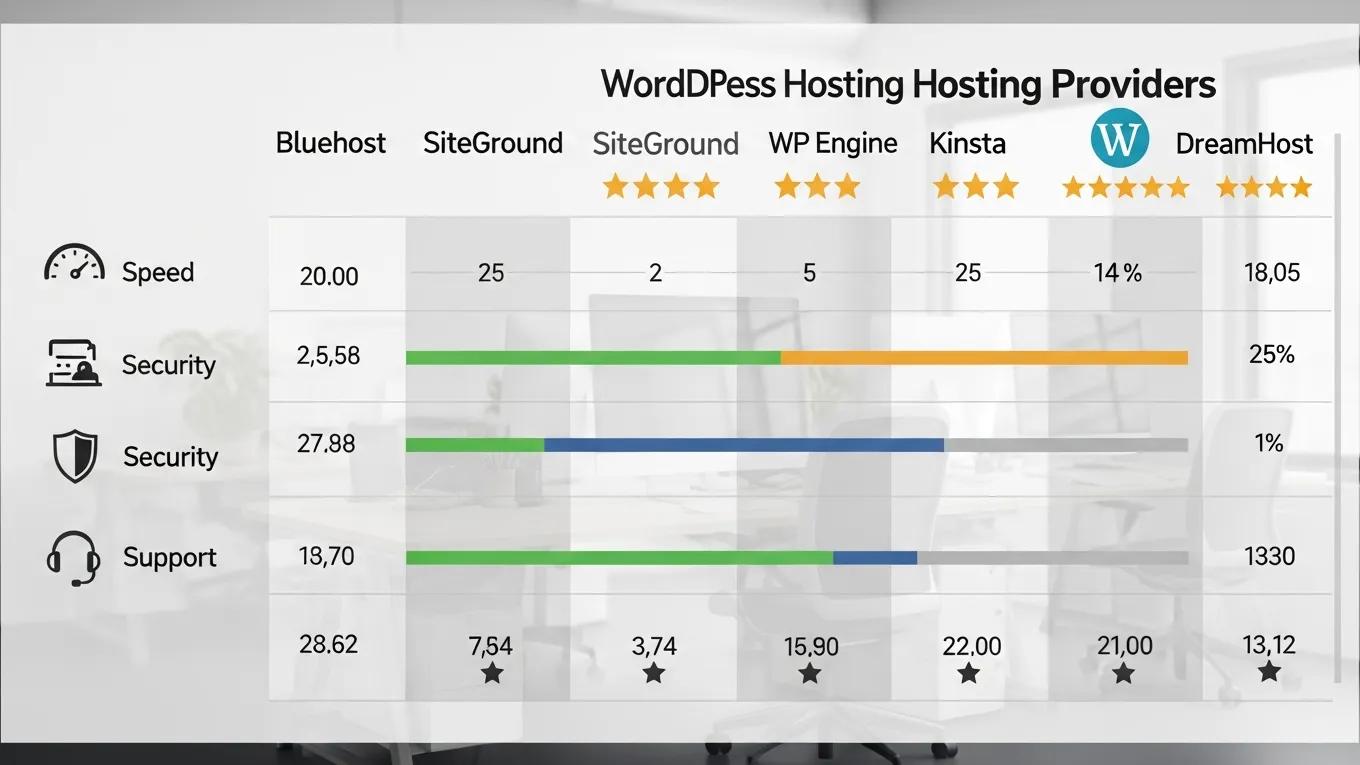
In 2024, several WordPress hosting providers stand out for their reliability, performance, and customer support. These providers cater specifically to the needs of small businesses, offering tailored solutions that enhance site performance and user experience.
How Do WP Engine, Bluehost, SiteGround, Kinsta, and DreamHost Compare?
When comparing top WordPress hosting providers, it is essential to consider factors such as performance, pricing, and customer support. Here is a detailed comparison of five leading providers:
This table highlights the strengths and pricing of each provider, helping small businesses make informed decisions based on their specific needs.
What Features Differentiate These Leading Hosting Providers?
The leading WordPress hosting providers offer unique features that set them apart. Here are some key differentiators:
- Managed WordPress Hosting: Providers like WP Engine and Kinsta offer fully managed hosting, which includes automatic updates, backups, and security monitoring.
- Performance Optimization: SiteGround and Kinsta focus on speed optimization, ensuring fast loading times through advanced caching and content delivery networks (CDNs).
- Customer Support: All five providers offer 24/7 customer support, but WP Engine and SiteGround are particularly noted for their responsive and knowledgeable support teams.
- Security Features: Enhanced security measures, such as daily backups and malware scanning, are standard with most providers, but WP Engine excels in this area.
These features are crucial for small businesses looking to maintain a reliable and secure online presence.
Why Managed WordPress Hosting Is Essential for Small Business Website Success
What Advantages Does Managed WordPress Hosting Provide?
Managed WordPress hosting is essential for small business websites due to its numerous benefits. This type of hosting provides a hassle-free experience, allowing small businesses to focus on core operations rather than technical issues. Managed hosting services typically include automatic updates, enhanced security, and expert support, which are vital for maintaining a professional online presence. For more information, WP Support Lab recommends exploring managed WordPress hosting for small businesses.
How Managed Hosting Improves Site Performance, Security, and Uptime Guarantees
What Technical Enhancements Are Included in Managed Hosting?
Managed hosting significantly enhances site performance, security, and uptime. Providers optimize server configurations specifically for WordPress, resulting in faster loading times. Additionally, managed hosting includes robust security measures, such as firewalls and malware scanning, which protect websites from potential threats. Uptime guarantees ensure that websites remain accessible, which is critical for maintaining customer trust and engagement.
How Expert WordPress Support Services Enhance Hosting and Site Performance
What Are the Key Benefits of Integrating Expert Support?

Integrating expert WordPress support services with hosting can lead to improved site performance and user experience. These services provide specialized knowledge that helps small businesses navigate technical challenges effectively. Benefits include:
- Proactive Maintenance: Regular updates and monitoring prevent issues before they arise.
- Performance Optimization: Experts can identify and resolve performance bottlenecks, ensuring a smooth user experience.
- Security Management: Ongoing security assessments and updates protect against vulnerabilities.
By leveraging expert support, small businesses can enhance their website‘s reliability and site performance.
Key Hosting Options Features Every Small Business Should Prioritize
What Are the Most Important Features for WordPress Hosting?
When selecting a WordPress hosting provider, small businesses should prioritize the following features:
- Performance: Fast loading times are essential for user satisfaction and SEO.
- Security: Robust security measures protect sensitive data and maintain website integrity.
- Customer Support: Reliable support ensures that any issues can be resolved quickly.
These features are critical for ensuring a successful online presence.
How Speed Optimization and Uptime Guarantees Drive Business Growth
Why Are Speed and Availability Critical for Small Business Websites?
Speed optimization and uptime guarantees play a significant role in business success. Fast-loading websites improve user experience, leading to higher conversion rates and customer satisfaction. Uptime guarantees ensure that websites are accessible at all times, which is crucial for maintaining customer trust. Research shows that even a one-second delay in page load time can result in a significant drop in conversions.
Essential Security Measures Small Businesses Should Expect from Hosting Providers
What Security Features Are Standard in Quality WordPress Hosting?
Small businesses should expect comprehensive security measures from their hosting providers, including:
- Malware Scanning: Regular scans to detect and remove malicious software.
- Firewalls: Protection against unauthorized access and attacks.
- SSL Certificates: Encryption of data transmitted between the website and users.
These measures are essential for safeguarding sensitive information and maintaining customer trust.
Comparing Hosting Plans: Pricing and Value for Small Businesses
How Do Pricing Structures Align with Features and Support?
When comparing hosting plans, small businesses should consider both pricing and value. Here is a breakdown of typical pricing structures:
This table illustrates the pricing and key features of various hosting plans, helping small businesses assess their options.
How WordPress Support and Development Services Boost Hosting Efficiency
What Services Enhance Hosting and Site Performance?
WordPress support and development services can significantly enhance hosting performance by providing tailored solutions that address specific needs. These services include:
- Custom Development: Tailored solutions that improve functionality and user experience.
- Performance Monitoring: Regular assessments to identify and resolve performance issues.
- Security Audits: Comprehensive evaluations to ensure robust security measures are in place.
By integrating these services, small businesses can optimize their hosting performance and enhance their online presence.
The Critical Role of WordPress Support in Hosting Optimization
How Does Expert Support Maintain High Site Performance?
WordPress support plays a crucial role in hosting optimization by ensuring that websites are running smoothly and efficiently. Support teams can provide:
- Technical Assistance: Help with troubleshooting and resolving issues.
- Best Practices: Guidance on optimizing website performance and security.
- Regular Updates: Ensuring that WordPress and plugins are up to date to prevent vulnerabilities.
This support is vital for maintaining a high-performing website.
How AI Website Builder Tools Integrate Seamlessly with Hosting Options for Small Businesses
What Advantages Do AI Tools Offer in Website Creation?
AI website builder tools can seamlessly integrate with hosting services to enhance the website creation process for small businesses. These tools offer:
- Speed and Efficiency: Rapid website development through intuitive interfaces.
- Customization Options: Flexibility to create unique designs tailored to business needs.
- SEO Optimization: Built-in features that enhance search engine visibility.
By leveraging AI tools, small businesses can create professional websites quickly and effectively.
Common Questions About Choosing the Best WordPress Hosting for Small Businesses
What Is the Best WordPress Hosting for Small Business?
The best WordPress hosting for small businesses typically includes providers like WP Engine, Bluehost, and SiteGround, which offer a balance of performance, support, and pricing tailored to small business needs.
How Much Does WordPress Hosting Cost?
WordPress hosting costs can vary significantly based on the provider and plan type. Shared hosting plans can start as low as $2.59 per month, while managed WordPress hosting options may begin at $20 per month.
What Features Should Be Prioritized in WordPress Hosting?
When selecting WordPress hosting, look for features such as performance optimization, robust security measures, and reliable customer support to ensure a successful online presence.
How Do Customer Reviews and Case Studies Inform Hosting Choices?
Customer reviews and case studies provide valuable insights into the performance and reliability of hosting providers. They can help small businesses make informed decisions based on real user experiences.
What Do Small Business Owners Say About Their Hosting Experiences?
Many small business owners emphasize the importance of reliable support and performance in their hosting experiences. Positive reviews often highlight quick response times and effective problem resolution.
Which Hosting Providers Have Proven Success Stories?
Hosting providers like WP Engine and SiteGround have numerous success stories, showcasing their ability to support small businesses in achieving their online goals through reliable hosting solutions.
How to Monitor and Update Your WordPress Hosting Strategy for Ongoing Success
What Tools Help Track Hosting Performance and SEO Impact?
Several tools can help track hosting performance and SEO impact, including:
- Google Analytics: Provides insights into website traffic and user behavior.
- GTmetrix: Analyzes website speed and performance metrics.
- SEMrush: Offers SEO tracking and optimization suggestions.
These tools are invaluable for maintaining a high-performing website.
How Often Should Hosting Plans and Content Be Reviewed and Updated?
Hosting plans and content should be reviewed at least every six months to ensure they remain effective and aligned with business goals. Regular updates can help address any emerging issues and optimize performance.
[BOTTOM IMAGE: Flat illustration — a decision flowchart for small business hosting: starting from “What does your business need?” branching into speed, security, and support paths, all converging at a WP Support Lab managed hosting recommendation card glowing in electric blue. Navy and white palette, clean SaaS aesthetic.]