
SEO Optimization for WordPress: 10 Expert Techniques
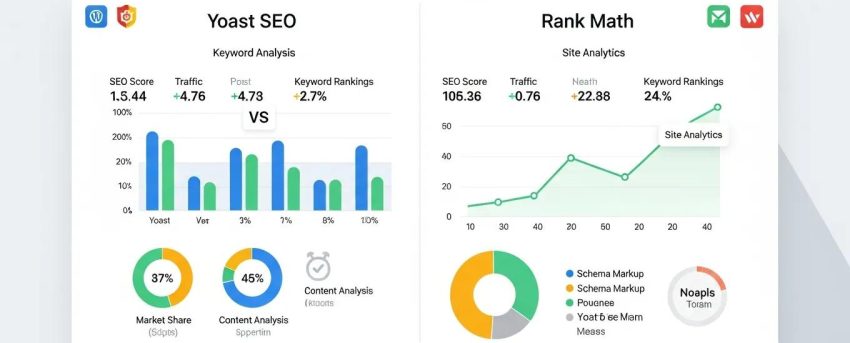
[Image: WordPress SEO plugin comparison dashboard Yoast vs Rank Math]
By David G., WP Support Lab
In the digital landscape, optimizing a WordPress site for search engines is crucial for visibility and traffic. This article delves into ten expert techniques that can significantly enhance a site’s SEO performance. By implementing these strategies, site owners can improve their site’s ranking on search engine results pages (SERPs), attract more visitors, and ultimately drive conversions. The techniques discussed cover essential aspects of SEO, including plugin selection, on-page best practices, comprehensive audits, and site speed optimization. Whether the user is a beginner or an experienced professional, these insights help navigate the complexities of SEO optimization for WordPress effectively.
Which WordPress SEO Plugins Deliver the Best Results?
Choosing the right SEO plugin is vital for optimizing a WordPress site effectively. Various plugins offer unique features that cater to different SEO needs, making it essential to select one that aligns with specific goals. Popular options include Yoast SEO, Rank Math, and SEOPress, each providing tools for keyword optimization, readability analysis, and more. These plugins streamline SEO efforts, ensuring that content is optimized for search engines.
How to Choose the Right SEO Plugin for Your WordPress Site
When selecting an SEO plugin for a WordPress site, consider the following criteria:
- Ease of Use: Look for a plugin with an intuitive interface that simplifies the optimization process.
- Features to Look For: Ensure the plugin offers essential features like XML sitemaps, meta tag management, and social media integration.
- User Reviews: Check user feedback and ratings to gauge the effectiveness and reliability of the plugin.
By evaluating these factors, SEO professionals can choose a plugin that best suits the site’s needs and enhances the SEO strategy.
What Are Essential On-Page SEO Best Practices for WordPress?
On-page SEO is critical for improving a site’s visibility and relevance in search results. It involves optimizing individual pages to rank higher and earn more relevant traffic. Key practices include optimizing title tags, meta descriptions, and header tags, as well as ensuring that content is keyword-rich and valuable to readers.
How to Use an On-Page SEO Checklist for WordPress Effectively
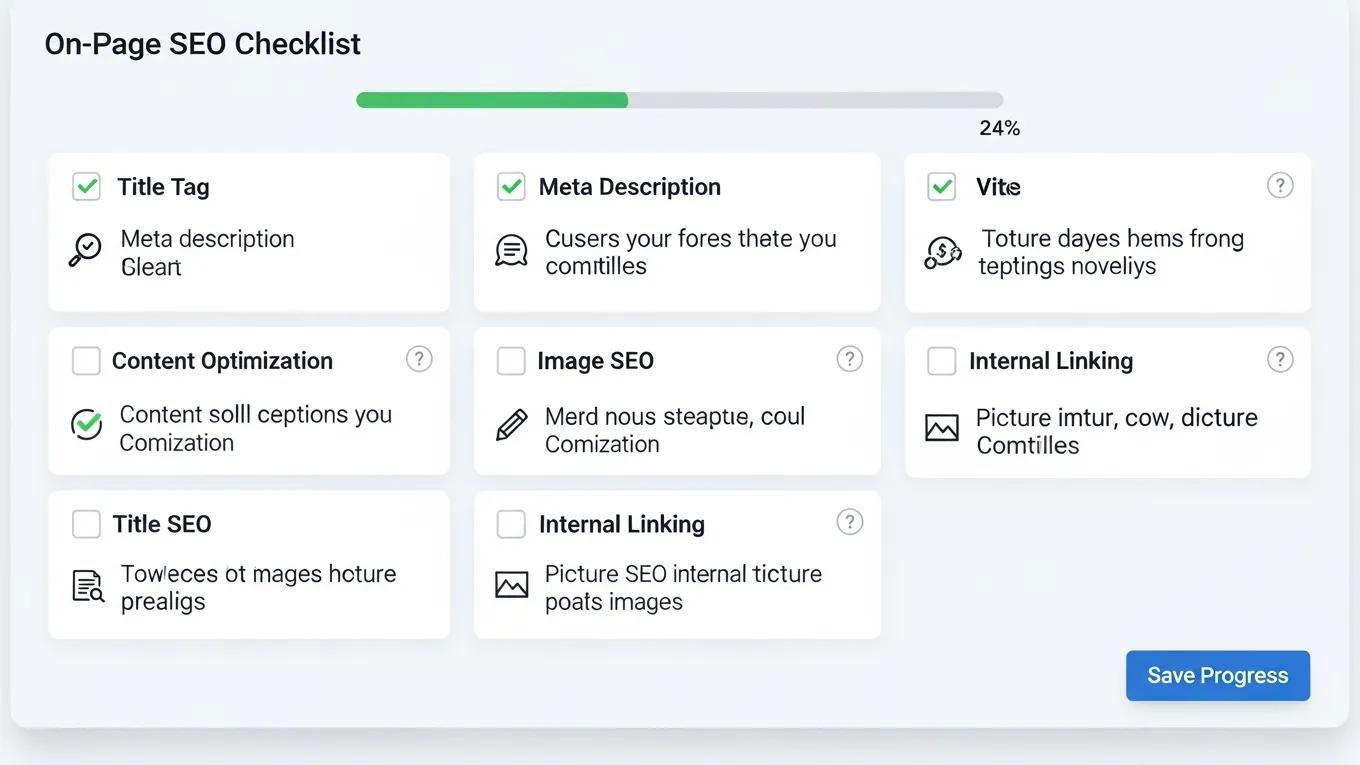
[Image: WordPress on-page SEO checklist interface]
To implement an effective on-page SEO strategy, the following checklist is recommended:
- Keyword Research: Identify relevant keywords that the target audience is searching for.
- Content Optimization: Ensure content is informative, engaging, and incorporates target keywords naturally.
- Image Optimization: Use descriptive file names and alt tags for images to improve search engine indexing.
Adhering to this checklist enhances a site’s on-page SEO and improves its chances of ranking higher in search results.
Optimizing Meta Tags, Headings, and Content for WordPress SEO
Optimizing meta tags and headings is essential for effective on-page SEO. Best practices include:
- Meta Tags Best Practices: Write compelling meta titles and descriptions that include target keywords and encourage clicks.
- Header Tags Structure: Use header tags (H1, H2, H3) to organize content and make it easier for search engines to understand the structure.
- Content Quality: Focus on creating high-quality, original content that provides value to readers.
Implementing these strategies helps improve a site’s SEO performance and user experience.
How Can You Perform a Comprehensive SEO Audit on Your WordPress Site?
Conducting a comprehensive SEO audit is crucial for identifying areas of improvement on a WordPress site. This process involves analyzing various aspects of the site, including technical performance, content quality, and overall SEO optimization.
Step-by-Step Guide to Conducting a WordPress SEO Audit
Follow these steps to perform an effective SEO audit:
- Tools to Use: Utilize tools like Google Analytics, Google Search Console, and SEO audit software to gather data on the site’s performance.
- Key Metrics to Analyze: Focus on metrics such as organic traffic, bounce rate, and keyword rankings to assess the site’s SEO health.
- Reporting Findings: Document findings and create an action plan to address any identified issues.
By conducting regular SEO audits, site owners can ensure that their WordPress site remains optimized and competitive in search results.
What Techniques Improve WordPress Site Speed for Better SEO?
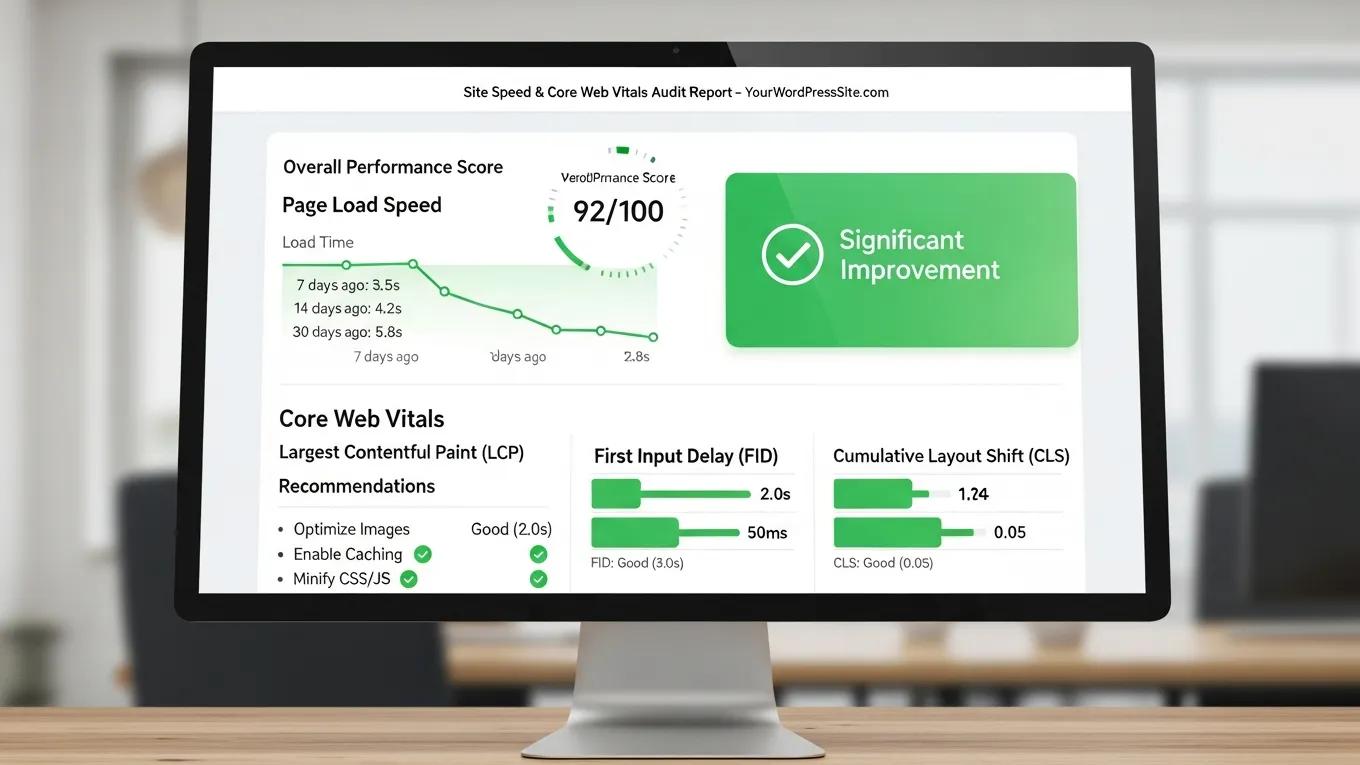
[Image: WordPress site speed and Core Web Vitals audit results]
Site speed is a critical factor in SEO, as faster-loading sites provide a better user experience and are favored by search engines. Implementing effective strategies to enhance site speed can lead to improved rankings and user satisfaction.
Effective Strategies to Optimize WordPress Site Performance
To improve WordPress site speed, consider the following strategies:
- Minifying CSS and JavaScript: Reduce the size of CSS and JavaScript files to decrease load times.
- Using a CDN: Implement a Content Delivery Network (CDN) to distribute site content across multiple servers, improving load times for users worldwide.
- Regular Performance Testing: Conduct regular speed tests to identify bottlenecks and areas for improvement.
These strategies help optimize site performance and enhance SEO potential.
Specifically, leveraging a Content Delivery Network (CDN) like Cloudflare can dramatically enhance both the speed and security of a WordPress site.
Enhancing WordPress Site Speed with Cloudflare CDN
One of the vital components of an organization’s prosperity is data. Through true sites that are explicitly designed for showcasing, data might be spread. The created site should satisfy speed and security measures. Cloudflare is a company that offers content delivery network services, cloud online protection, DDoS relief, and ICANN-licensed domain registration services. Cloudflare typically facilitates the transport of data from website pages so it ends up being faster with brilliant execution. Cloudflare confines bots and blocks threats. Cloudflare fundamentally diminishes spam and threats while additionally improving quality paces by up to 95%. Cloudflare’s savvy framework reserving saves transmission bandwidth, and that means less work for the server and less money. Cloudflare cuts down bandwidth by a typical 60%. Cloudflare decreases open time by half on each site page, bringing about speeding up.
Enhancing Website Speed and Security with Cloudflare CDN: A Case Study on WordPress Websites, E Bajrami, 2024
Using AI Tools to Automate WordPress SEO and Speed Enhancements
AI tools can significantly streamline SEO efforts by automating various tasks. These tools assist with keyword research, content optimization, and site speed enhancements. By leveraging AI technology, SEO professionals can save time and improve the effectiveness of their SEO strategies.
For instance, AI-driven tools analyze content for SEO best practices and suggest improvements, ensuring that sites remain competitive in search rankings. Embracing these technologies leads to more efficient and effective SEO management.
Further research highlights how AI platforms can revolutionize content creation by automating the generation of SEO-optimized material.
AI-Powered Content Automation for WordPress SEO
The thesis explores the development of an AI-powered web application that automates content creation using OpenAI’s ChatGPT. This platform addresses the rising demand for high-quality, SEO-optimized content by significantly reducing the time and costs of traditional content creation. It provides features like topic categorization, customizable prompts, and support for various output formats, including Word, PDF, and Markdown, with seamless WordPress integration for direct publishing.
Optimizing Content Production Cycles with AI Technology
For those looking to build a website quickly, using an AI website builder is recommended. These tools help create professional-looking sites in minutes, without any coding experience.
Furthermore, if assistance is needed with WordPress development, WordPress development services are available to help customize and optimize sites to meet specific needs.
Technical SEO Foundations for WordPress
Technical SEO forms the backbone of any successful WordPress SEO strategy. Proper configuration ensures that search engines can efficiently crawl, index, and understand a website’s content. WP Support Lab emphasizes the importance of establishing robust technical SEO foundations during every new client onboarding process.
XML Sitemap Configuration
XML sitemaps provide search engines with a roadmap of a website’s structure and content. Popular SEO plugins like Yoast SEO and Rank Math offer automated sitemap generation and management. Proper configuration includes submitting the sitemap to Google Search Console and Bing Webmaster Tools, ensuring all important pages are indexed promptly.
Robots.txt Optimization
The file controls which parts of a WordPress site search engines can crawl. Optimizing this file prevents indexing of duplicate or sensitive content, such as admin pages or staging environments, while allowing access to valuable pages. WP Support Lab audits and customizes files to balance crawl efficiency and site security.
Canonical URL Management
Canonical URLs prevent duplicate content issues by specifying the preferred version of a page. WordPress SEO plugins typically handle canonical tags automatically, but manual review is essential for complex sites with similar or syndicated content. WP Support Lab ensures canonical tags are correctly implemented to consolidate ranking signals.
Hreflang for Multilingual Sites
For WordPress sites targeting multiple languages or regions, tags signal to search engines the language and geographic targeting of each page. Proper implementation avoids duplicate content penalties and improves user experience by serving the correct language version. WP Support Lab configures hreflang tags accurately for multilingual WordPress installations.
Structured Data and Schema Markup
Structured data enhances search listings with rich snippets, improving click-through rates and visibility. WP Support Lab implements schema markup tailored to site content, including:
- Article Schema for blog posts and news articles
- LocalBusiness Schema for local service providers
- FAQ Schema to highlight frequently asked questions
- HowTo Schema for instructional content
These implementations follow Google’s guidelines and are tested using tools like the Rich Results Test to ensure accuracy and effectiveness.
By auditing and optimizing these technical SEO elements, WP Support Lab ensures WordPress sites have a solid foundation for search engine success.
Core Web Vitals as an SEO Ranking Factor
Core Web Vitals are a set of user-centric metrics introduced by Google to measure real-world web performance. These metrics directly influence SEO rankings by assessing page loading speed, interactivity, and visual stability.
The Three Core Web Vitals Metrics
- Largest Contentful Paint (LCP): Measures loading performance by tracking the time it takes for the largest visible content element to render. Ideal LCP is under 2.5 seconds.
- Cumulative Layout Shift (CLS): Quantifies visual stability by measuring unexpected layout shifts during page load. A CLS score below 0.1 is considered good.
- Interaction to Next Paint (INP): Evaluates responsiveness by measuring the latency of user interactions. Lower INP values indicate faster interactivity.
Diagnosing Core Web Vitals
Tools such as Google PageSpeed Insights and Chrome DevTools provide detailed diagnostics of Core Web Vitals. These tools identify specific elements causing performance issues, enabling targeted optimizations.
WordPress Optimizations to Improve Core Web Vitals
- Image Lazy Loading for LCP: Deferring offscreen images reduces initial load time, improving LCP. WordPress 5.5+ includes native lazy loading, which WP Support Lab configures and enhances as needed.
- CSS Containment for CLS: Properly defining CSS containment and reserving space for dynamic content prevents layout shifts. WP Support Lab audits theme and plugin CSS to minimize CLS.
- Reducing JavaScript Execution Time for INP: Minimizing and deferring JavaScript reduces input delay. WP Support Lab employs code splitting, asynchronous loading, and script optimization to enhance interactivity.
By focusing on these Core Web Vitals optimizations, WP Support Lab helps WordPress sites meet Google’s performance standards, improving both user experience and search rankings.
Link Building and Internal Linking Strategy for WordPress
Effective link building and internal linking are critical components of a comprehensive WordPress SEO strategy. They enhance site authority, distribute ranking signals, and improve user navigation.
Pillar-Cluster Content Architecture
This model organizes content around central “pillar” pages supported by related “cluster” articles. Pillar pages target broad keywords, while clusters address specific subtopics, all interlinked to signal topical authority to search engines.
Internal Link Equity Distribution
Strategic internal linking ensures that link equity flows efficiently throughout the site, boosting the SEO value of important pages. WP Support Lab analyzes site architecture to optimize link distribution and prevent orphaned pages.
Anchor Text Optimization
Using descriptive, relevant anchor text improves keyword relevance and user understanding. WP Support Lab advises on anchor text best practices to avoid over-optimization and maintain natural linking patterns.
Identifying Orphaned Pages Using Screaming Frog
Orphaned pages lack internal links and are difficult for search engines to discover. Tools like Screaming Frog enable comprehensive site crawls to identify and rectify orphaned content. WP Support Lab incorporates this analysis into its internal linking audits.
Through meticulous internal linking audits and link building strategies, WP Support Lab maximizes topical authority signals and enhances WordPress site SEO performance.
WP Support Lab SEO Optimization Services
WP Support Lab delivers comprehensive WordPress SEO optimization services designed to elevate site performance and search engine rankings. From in-depth technical audits and precise schema markup implementation to Core Web Vitals remediation and strategic content planning, WP Support Lab applies data-driven SEO practices tailored to each client’s unique needs.
Clients benefit from expert guidance on plugin selection, on-page optimization, site speed enhancements, and internal linking strategies, all executed with technical precision and industry best practices. WP Support Lab’s commitment to measurable ranking improvements ensures that WordPress sites not only attract more traffic but also convert visitors effectively.
Partnering with WP Support Lab empowers businesses to navigate the complexities of WordPress SEO confidently and achieve sustainable online growth.







